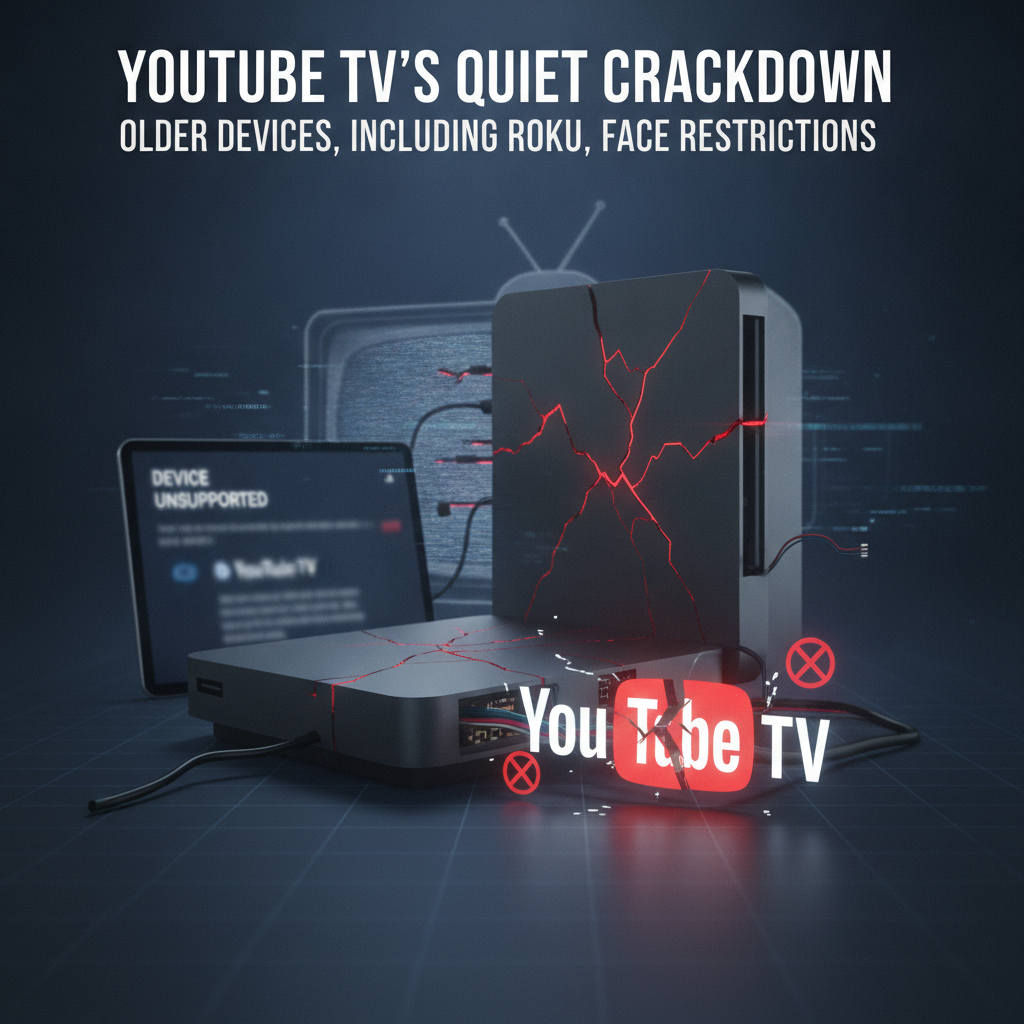
A recent, subtle shift by YouTube TV is sending ripples through the streaming community. Users with ‘less powerful devices,’ particularly older Roku models, are discovering that their beloved live TV service might soon become a frustrating memory. This quiet update, while not heavily publicized, signals a significant change in how YouTube TV aims to deliver its service, leaving many to wonder: Is it time to upgrade, or find a new streaming home?
The “Quiet Update” Explained: What’s Happening?
Unlike a bold press release, YouTube TV appears to be rolling out restrictions on older hardware with minimal fanfare. This ‘quiet update’ means that instead of an official announcement, users might simply find their app slowing down, experiencing buffering, or eventually ceasing to function optimally on older streaming sticks and boxes. The move suggests a strategic decision by Google to streamline the YouTube TV experience, prioritizing performance and the integration of newer features that older processors and limited RAM simply cannot support.
Who Is Affected by YouTube TV’s Device Restrictions?
While the spotlight is firmly on older Roku devices – a popular and long-standing choice for many streamers – the restrictions are likely to extend to a broader category of ‘less powerful devices.’ This could include older generations of Amazon Fire TV Sticks, some entry-level smart TVs, and other streaming hardware that hasn’t received significant updates in recent years. The common thread is the hardware’s inability to keep pace with the evolving demands of modern streaming applications, particularly one as feature-rich and dynamic as YouTube TV.
Why Is YouTube TV Restricting Older Devices? Potential Reasons
Why would YouTube TV make such a move, potentially alienating a segment of its user base? Several factors likely play a role in Google’s decision:
- Enhanced Features & Performance: YouTube TV continues to add features like 4K streaming, advanced DVR capabilities, and a more dynamic user interface. These modern functionalities demand more processing power and memory than older hardware can reliably provide.
- Security & Stability: Maintaining compatibility with antiquated operating systems and hardware can introduce security vulnerabilities and stability issues, potentially impacting the overall user experience for all subscribers.
- Optimization for Newer Technology: By focusing on current-generation hardware, Google can optimize the YouTube TV app for better performance, faster loading times, and a smoother viewing experience, aligning with industry trends and user expectations.
- Hardware Lifecycle: Like all technology, streaming devices have a finite lifecycle. Google, like other content providers, may be nudging users towards hardware that can fully support their current and future service offerings.
What Can YouTube TV Users Do? Solutions & Alternatives
If you’re a YouTube TV subscriber currently using an older Roku or another less powerful device, don’t panic. Here are your options to continue enjoying your favorite live TV:
1. Check Your Device Compatibility
Identify your specific Roku model or other streaming device. While Google may eventually provide an official list of supported devices, generally, devices more than 3-5 years old are most at risk of experiencing performance degradation or losing full functionality.
2. Upgrade Your Streaming Device
This is often the most straightforward solution to ensure a seamless YouTube TV experience. Consider investing in a newer streaming player:
- Newer Roku Devices: Roku Ultra, Roku Streaming Stick 4K, or Roku Express 4K+ offer significant performance upgrades and better future-proofing.
- Chromecast with Google TV: A natural and deeply integrated choice for YouTube TV, especially given Google’s ecosystem.
- Amazon Fire TV Stick 4K Max: A powerful and popular choice known for its speed and Alexa integration.
- Apple TV 4K: Offers premium performance and a user-friendly interface for those within the Apple ecosystem.
3. Explore Alternative Live TV Streaming Services
If upgrading your hardware isn’t an option or you prefer not to, consider other live TV streaming services that might still support your existing hardware, or simply offer a different value proposition:
- Sling TV: Often a more budget-friendly option with customizable channel packages.
- Hulu + Live TV: Combines live television with a vast on-demand library and original content.
- FuboTV: Strong for sports enthusiasts with a wide array of sports channels.
- DirecTV Stream: Another comprehensive option with various channel lineups, often catering to those seeking traditional cable-like packages.
4. Contact YouTube TV Support
For specific questions about your device’s compatibility or to troubleshoot ongoing issues, reaching out to YouTube TV’s official support channels can provide tailored assistance.
Future Implications for the Streaming Landscape
This move by YouTube TV is part of a larger trend in the streaming world. As services evolve and demand more from underlying hardware, older devices will inevitably be left behind. This underscores the importance for consumers to consider the longevity and update cycles of their streaming devices, and to factor in potential upgrade costs when planning their home entertainment setup. It also highlights the ongoing tension between device affordability and sustained performance.
Conclusion: Adapting to YouTube TV’s Evolving Requirements
YouTube TV’s quiet update, restricting access for ‘less powerful devices’ like older Roku models, marks a pivotal moment for many streamers. While potentially frustrating, it’s a strategic step for Google to maintain a high-quality, feature-rich experience on its platform. For users, the path forward involves either upgrading their hardware to meet the new demands or exploring alternative live TV streaming services. The key is to stay informed and choose the solution that best fits your needs and budget in this ever-evolving digital landscape.
Have you been affected by YouTube TV’s quiet update? Share your experiences and solutions in the comments below!
Leave a Reply