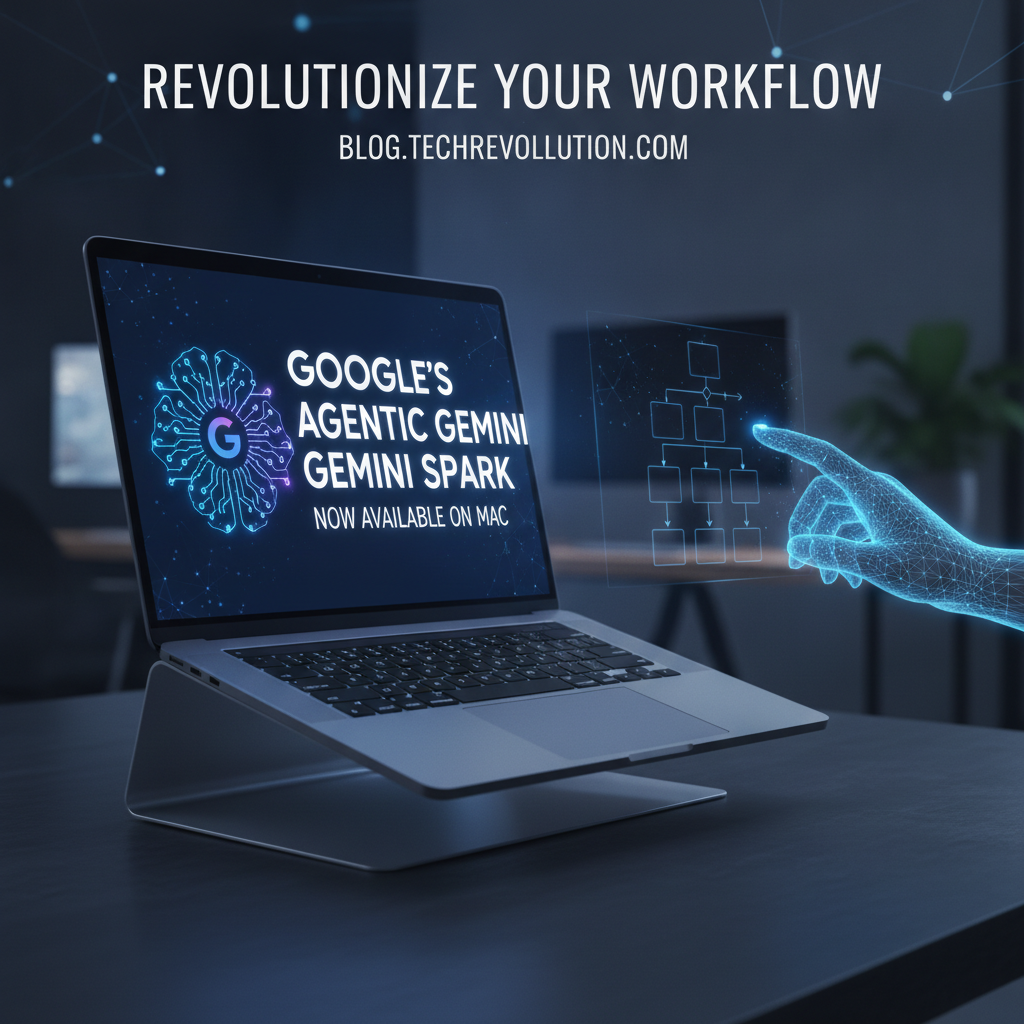
In a groundbreaking move set to redefine personal and professional productivity for Apple enthusiasts, Google today announced the official launch of Gemini Spark, its highly anticipated agentic assistant, for macOS. Mac users can now tap into the power of intelligent automation and proactive assistance directly from their desktops, promising an unprecedented level of efficiency and a truly personalized digital experience.
What is Gemini Spark? Beyond the Chatbot
Forget everything you thought you knew about AI assistants. Gemini Spark isn’t just another conversational interface; it’s Google’s most advanced iteration of an agentic assistant. This means it doesn’t merely respond to commands; it understands context, anticipates needs, plans multi-step actions, and executes tasks autonomously to help you achieve complex goals. Powered by the latest advancements in Google’s Gemini large language models, Spark is designed to:
- Learn and Adapt: Continuously improves its understanding of your preferences, habits, and workflows.
- Plan and Execute: Breaks down complex requests into actionable steps and performs them across various applications and services.
- Proactive Assistance: Offers timely suggestions and takes initiative without explicit prompts, based on your ongoing activities and schedule.
- Seamless Integration: Works across your digital ecosystem, from Google Workspace to third-party applications.
Essentially, Gemini Spark is your digital counterpart, working tirelessly in the background to streamline your day, freeing you to focus on high-value tasks and creative pursuits.
The Mac Advantage: Why This Matters for macOS Users
The arrival of Gemini Spark on macOS is a game-changer. Apple’s robust and intuitive ecosystem provides a perfect canvas for Spark’s capabilities, allowing for deep integration and a fluid user experience. Mac users can expect:
- Native Performance: Optimized to leverage the power of Apple Silicon, ensuring swift and efficient operation.
- Deep OS Integration: Spark can interact directly with macOS features like Calendar, Mail, Finder, Safari, and even third-party creative suites, providing contextual assistance across all your applications.
- Enhanced Security and Privacy: Built with Mac’s security protocols in mind, ensuring your data remains protected while enjoying advanced AI assistance.
- Streamlined Workflow: Imagine Spark automatically organizing your project files, summarizing unread emails, scheduling follow-up meetings, or even drafting initial responses – all within your familiar Mac environment.
Key Features That Will Transform Your Day
Gemini Spark comes packed with features designed to elevate your productivity and decision-making:
Intelligent Task Automation
- Meeting Management: Schedule complex meetings, send invitations, draft agendas, and even generate concise summaries post-meeting.
- Email & Communication: Prioritize inboxes, draft context-aware replies, extract key information from threads, and manage follow-ups.
- Project Orchestration: Help manage deadlines, assign tasks, track progress across collaborative platforms, and generate status reports.
Proactive & Contextual Assistance
- Smart Scheduling: Suggests optimal times for tasks and meetings based on your calendar, current workload, and even real-time traffic data.
- Information Synthesis: Acts as a personal researcher, gathering and summarizing information from the web and your local files for presentations or reports.
- Reminders & Nudges: Proactively reminds you of upcoming deadlines, important contacts to follow up with, or even suggests taking a break when your focus wanes.
Personalized Learning & Adaptation
- Over time, Spark learns your preferences for communication style, meeting formats, preferred tools, and even your creative processes, making its assistance increasingly intuitive and effective.
Getting Started with Gemini Spark on Your Mac
Excited to experience the future of digital assistance? Getting Gemini Spark up and running on your Mac is straightforward:
- Download: Visit the official Google Gemini Spark website or find it on the Mac App Store.
- Install: Follow the on-screen instructions to install the application.
- Personalize: During initial setup, you’ll be guided to grant necessary permissions and customize your Spark experience, linking it to your Google account and other essential apps.
- Engage: Start interacting with Spark through its intuitive interface, voice commands, or even simple prompts within your daily applications.
The Future is Agentic: Google’s Vision Unfolds
The launch of Gemini Spark on Mac signifies a major step in Google’s vision for an ambient, intelligent future. It’s not just about making tasks easier; it’s about fundamentally changing how we interact with technology, moving from reactive commands to proactive partnership. As agentic AI continues to evolve, we can expect Gemini Spark to become an indispensable component of both our professional and personal lives, unlocking new levels of creativity, strategic thinking, and overall well-being.
Ready to Spark Your Productivity?
The wait is over. Google’s agentic assistant, Gemini Spark, is here to transform your Mac experience. Embrace the future of intelligent assistance and discover how much more you can achieve. Download Gemini Spark today and take the first step towards a more productive, streamlined, and brilliantly assisted digital life.
Leave a Reply