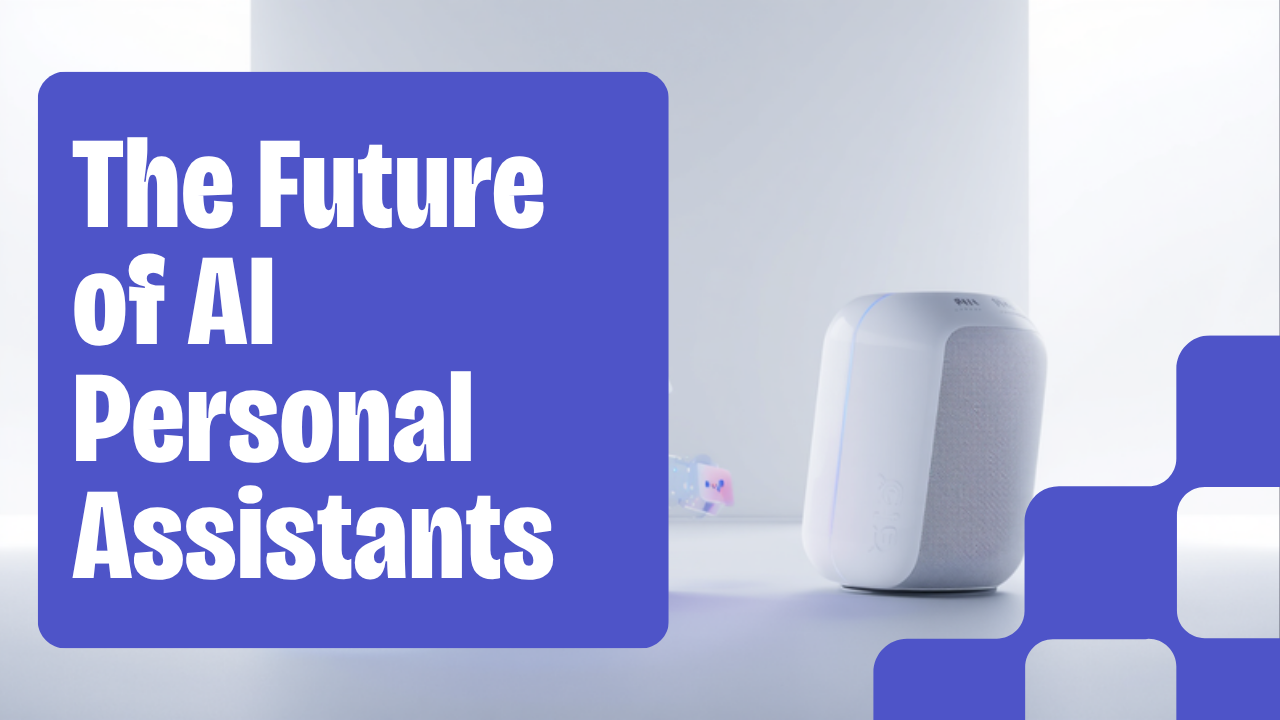
“AI assistant” used to mean setting a kitchen timer by voice. In 2026 it means something closer to a coworker: Apple’s rebuilt Siri now reads what’s on your screen and can take actions across apps, Google’s Gemini drafts emails inside Gmail and pulls in your Photos and Search history for context, and Microsoft Copilot has passed 15 million paid seats inside Word, Excel, and Outlook. The personal AI assistant market is now estimated at roughly $4.84 billion and growing more than 40% a year. But “AI assistant” still covers a wide range of ability, from a chatbot that answers questions to a tool that quietly triages your inbox overnight. Here’s what these tools can genuinely do today, and where the gap between marketing and reality still shows up.
Chatbot, Assistant, or Agent? The Terms Are Blurring
Industry analysts now split AI helpers into four rough categories: reactive chat tools like ChatGPT, Claude, and Gemini that respond when prompted and go idle between sessions; voice-first consumer devices like Siri and Alexa+; enterprise-embedded tools like Copilot and Gemini for Workspace, built into the software you already use; and a newer, still-early category of agentic assistants that work continuously in the background without being re-prompted for every step. The direction of travel across all four is the same: from answering questions toward actually completing multi-step tasks — booking something, rebuilding a calendar around a new priority, or drafting and sending a follow-up without you asking twice.
What AI Assistants Can Actually Do in 2026
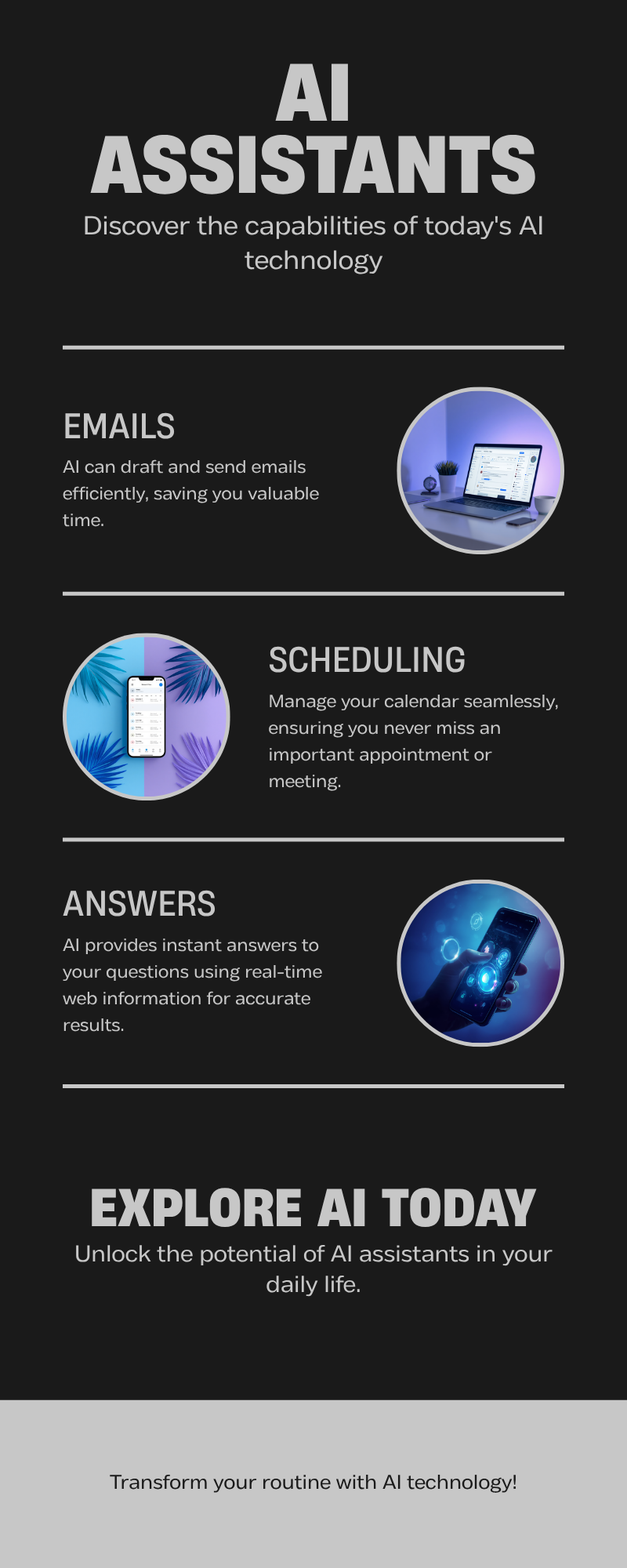
- Answer questions with live information — most major assistants now search the web in real time rather than relying only on older training data, and tools like Perplexity focus specifically on citation-backed research.
- Draft and manage email — Gemini and Copilot can write and summarize messages when invoked inside Gmail or Outlook; a smaller set of specialized tools go further and triage a full inbox continuously, producing a daily summary with drafts ready to send.
- Handle calendar and scheduling — booking meetings, finding open time, and sending reminders, either through a general assistant or a dedicated scheduling tool.
- Summarize documents and meetings — Gemini’s very large context window can process roughly 1,500 pages or more than 30,000 lines of code in a single pass, useful for long reports or codebases; dedicated tools like Otter.ai focus specifically on meeting transcription and notes.
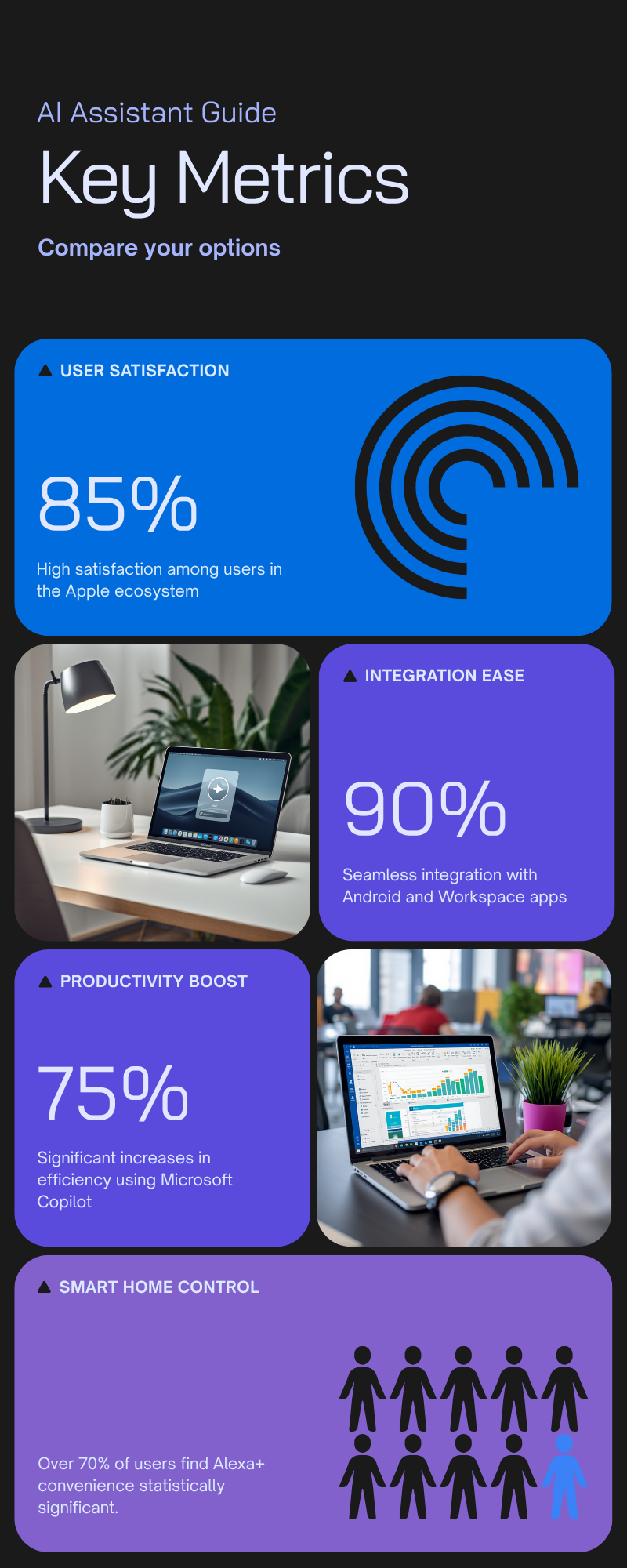
- Control smart home devices — Alexa+ remains the strongest here, with the largest device ecosystem and very high voice-command accuracy, though its general reasoning still lags behind ChatGPT or Gemini for complex questions.
- Take limited actions across apps — the rebuilt Siri can read on-screen context and act across apps on Apple devices; Copilot works natively across Word, Excel, and Teams; this cross-app action-taking is the newest and least mature capability across the board.
Where They Still Fall Short
Voice-first consumer assistants remain noticeably weaker at nuanced reasoning than general-purpose chat tools — ask Alexa a real business strategy question and you’ll typically get a shallow summary rather than genuine analysis. Most mainstream assistants also don’t have persistent access to your inbox by default; Siri, Alexa, and standard ChatGPT have no continuous email access, and Copilot or Gemini generally only help when you invoke them inside the app. True hands-off autonomy — an assistant that works overnight without being asked — is still handled mainly by a smaller set of specialized tools rather than the household names, and pricing and integration depth vary widely across the market.
Choosing the Right One for You
The practical pattern most people land on is a “stack of two”: one general-purpose assistant for thinking, writing, and research, paired with one or two specialized tools for a specific job. Which general assistant makes sense usually comes down to your ecosystem: Gemini fits naturally if you already live in Gmail, Docs, and Android; Copilot is the stronger choice inside Microsoft 365; Siri now integrates deeply across iPhone, Mac, and Apple Watch with an emphasis on on-device privacy; and Alexa+ is best treated as a smart-home and voice-control layer rather than a professional productivity tool.
The Bottom Line
AI personal assistants in 2026 can genuinely save time on real work — drafting, summarizing, scheduling, and answering questions with current information — but “personal assistant” is still a spectrum rather than a single standard. The mainstream, ecosystem-tied tools are strong at what they’re built into and noticeably weaker outside it, while true set-it-and-forget-it autonomy is still the exception rather than the rule. The most useful approach right now isn’t picking one all-powerful assistant; it’s matching the right tool to the specific task and letting the ecosystem you’re already in do most of the deciding for you.
Leave a Reply