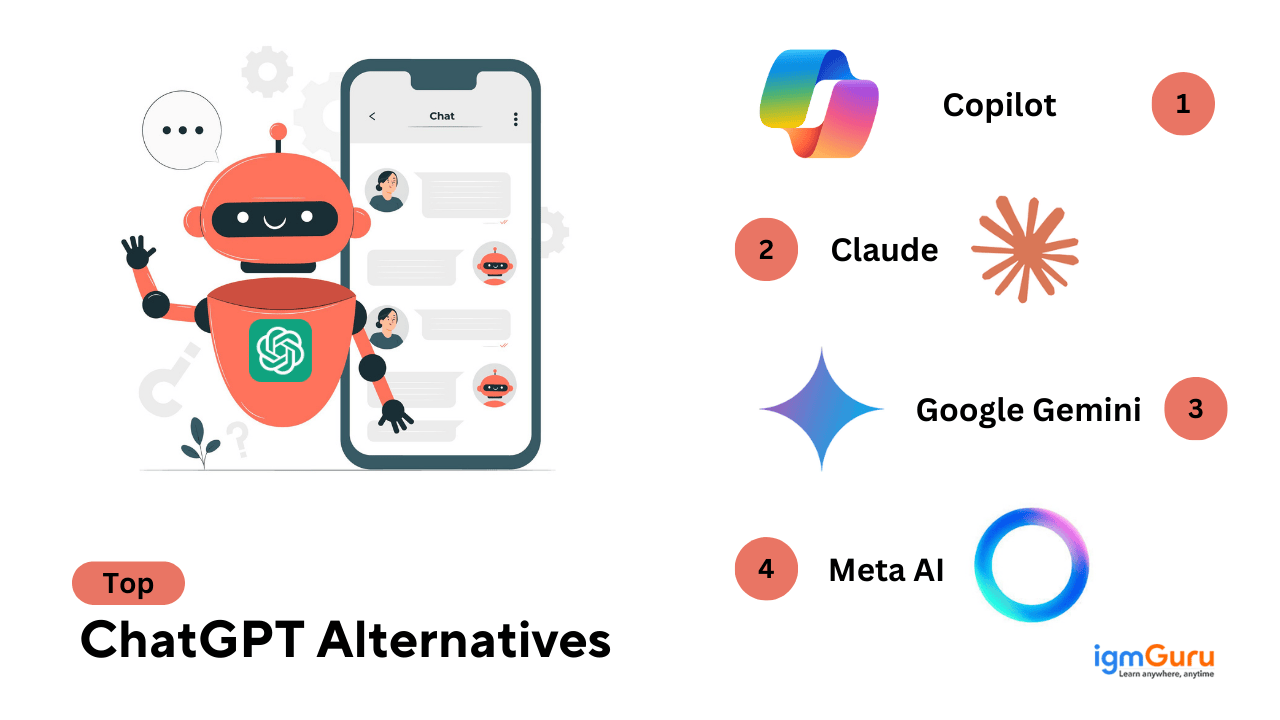
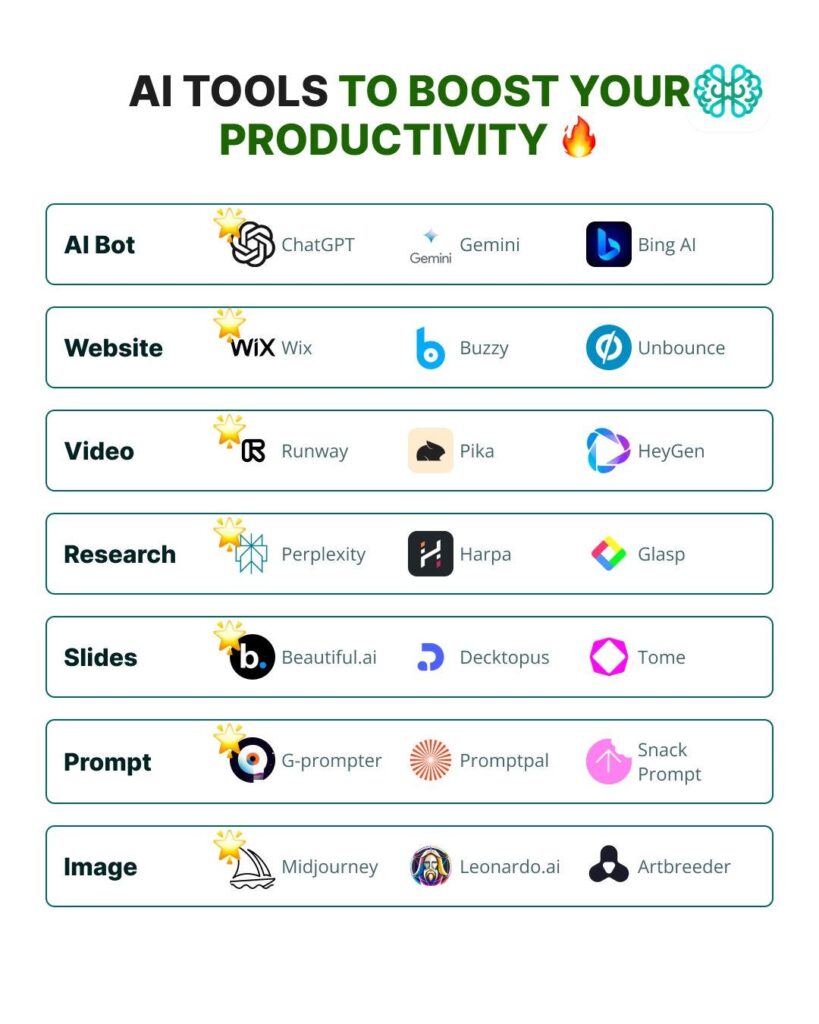
ChatGPT alternatives for professionals are no longer optional tools. In 2026, they have become everyday work partners for developers, marketers, researchers, HR teams, founders, and enterprise leaders. While ChatGPT remains powerful, professionals now demand specialization, privacy, deeper integrations, and predictable outputs—and that is exactly where strong alternatives shine.
This guide explores the best ChatGPT alternatives for professionals in 2026, explains where each tool fits best, and helps you choose the right AI without hype, fake claims, or guesswork. We focus on real capabilities, trusted vendors, and practical use cases, written clearly for humans and search engines alike.
What Professionals Actually Need From AI in 2026
Before switching tools, let’s get logical.
Professionals don’t want “magic AI.”
They want results, control, and reliability.
Modern professionals expect:
- Data privacy and enterprise-grade security
- Domain-specific intelligence
- Workflow integrations (docs, code, CRM, HR tools)
- Predictable output quality
- Transparent pricing
That is why ChatGPT alternatives for professionals are growing fast across industries like IT, law, finance, content, and research.
Claude (Anthropic) – Best for Reasoning, Research & Policy-Safe Content
Anthropic created Claude, an AI designed around safety, clarity, and deep reasoning.
Claude performs exceptionally well in:
- Long-form writing
- Policy-heavy content
- Legal and compliance documents
- Research summaries
Claude handles long context windows smoothly, which makes it ideal for professionals dealing with large reports, contracts, or structured documentation.
Why professionals choose Claude
- Strong logical flow
- Lower hallucination rate
- Excellent tone consistency
Best for: Researchers, legal teams, policy writers, enterprise content teams
Microsoft Copilot – Best AI for Office & Enterprise Workflows
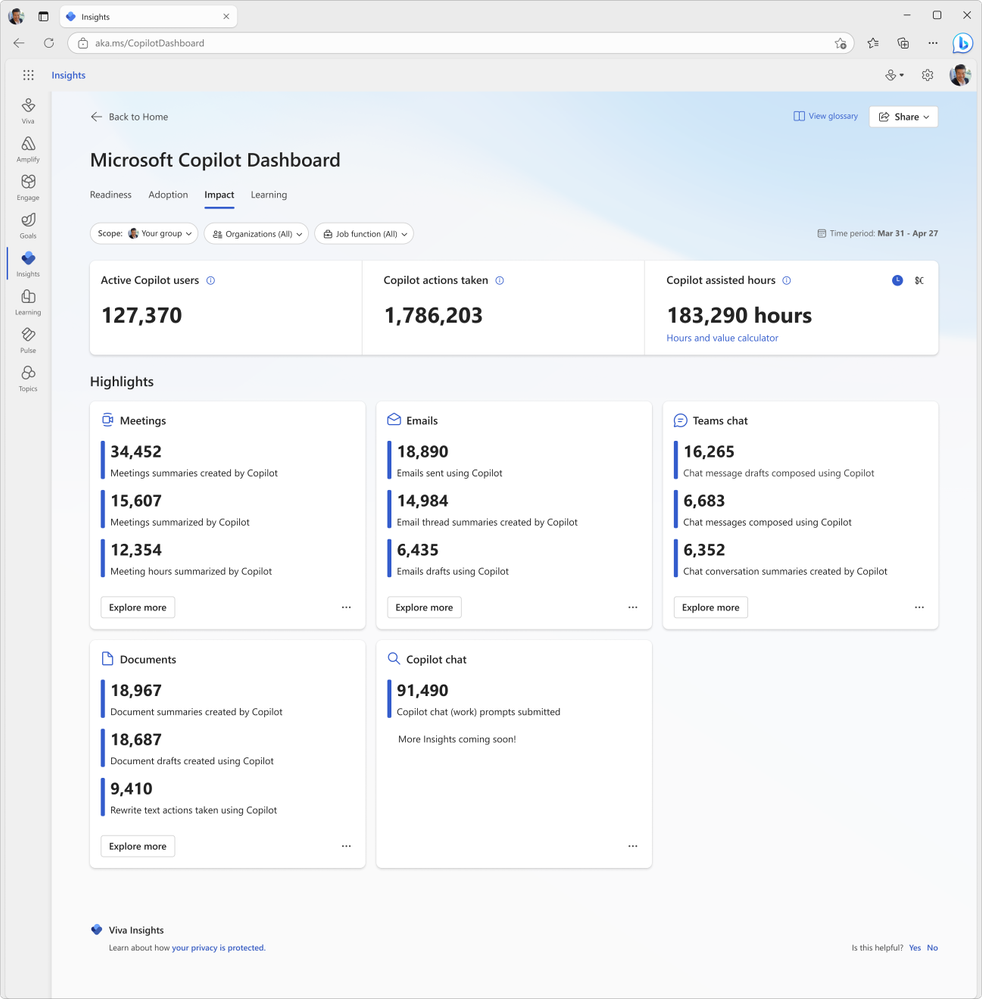
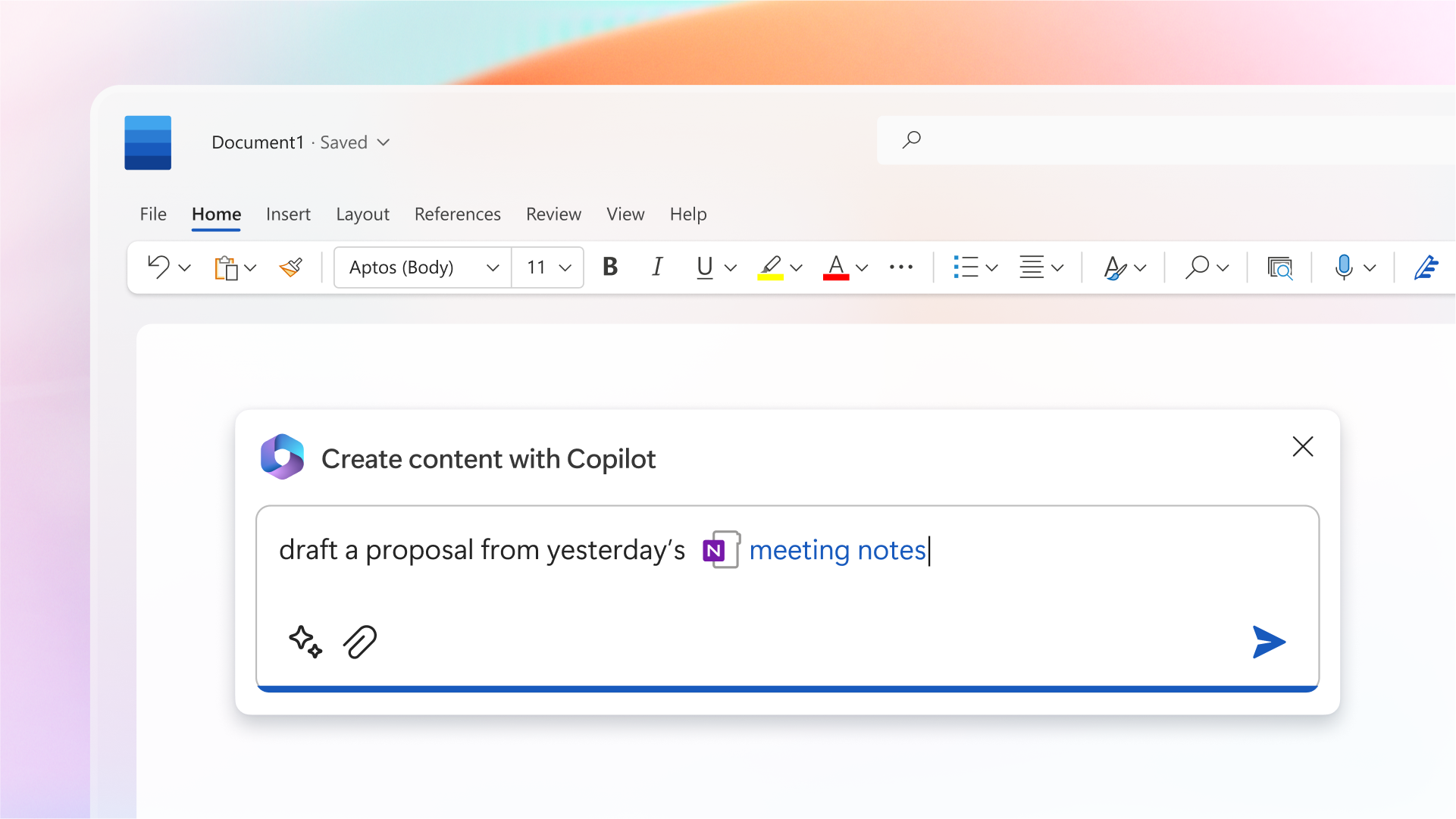
Powered by OpenAI but deeply integrated into Microsoft products, Microsoft Copilot feels less like a chatbot and more like a digital coworker.
Copilot works directly inside:
- Word
- Excel
- PowerPoint
- Outlook
- Teams
It helps professionals analyze data, write emails, summarize meetings, and build presentations without switching tools.
Why professionals trust Copilot
- Enterprise-grade compliance
- Seamless Office integration
- Familiar interface
Best for: Corporate professionals, finance teams, HR, operations, executives
Jasper AI – Best for Marketing & Brand-Controlled Content


Jasper focuses entirely on marketing performance, not general chat.
Jasper excels in:
- SEO content
- Ad copy
- Email campaigns
- Brand voice consistency
Unlike ChatGPT, Jasper allows teams to lock brand tone, terminology, and messaging, which reduces editing time.
Why marketers prefer Jasper
- Built for teams
- SEO-friendly workflows
- Brand memory features
Best for: Digital marketers, agencies, content teams, founders
GitHub Copilot – Best for Professional Developers
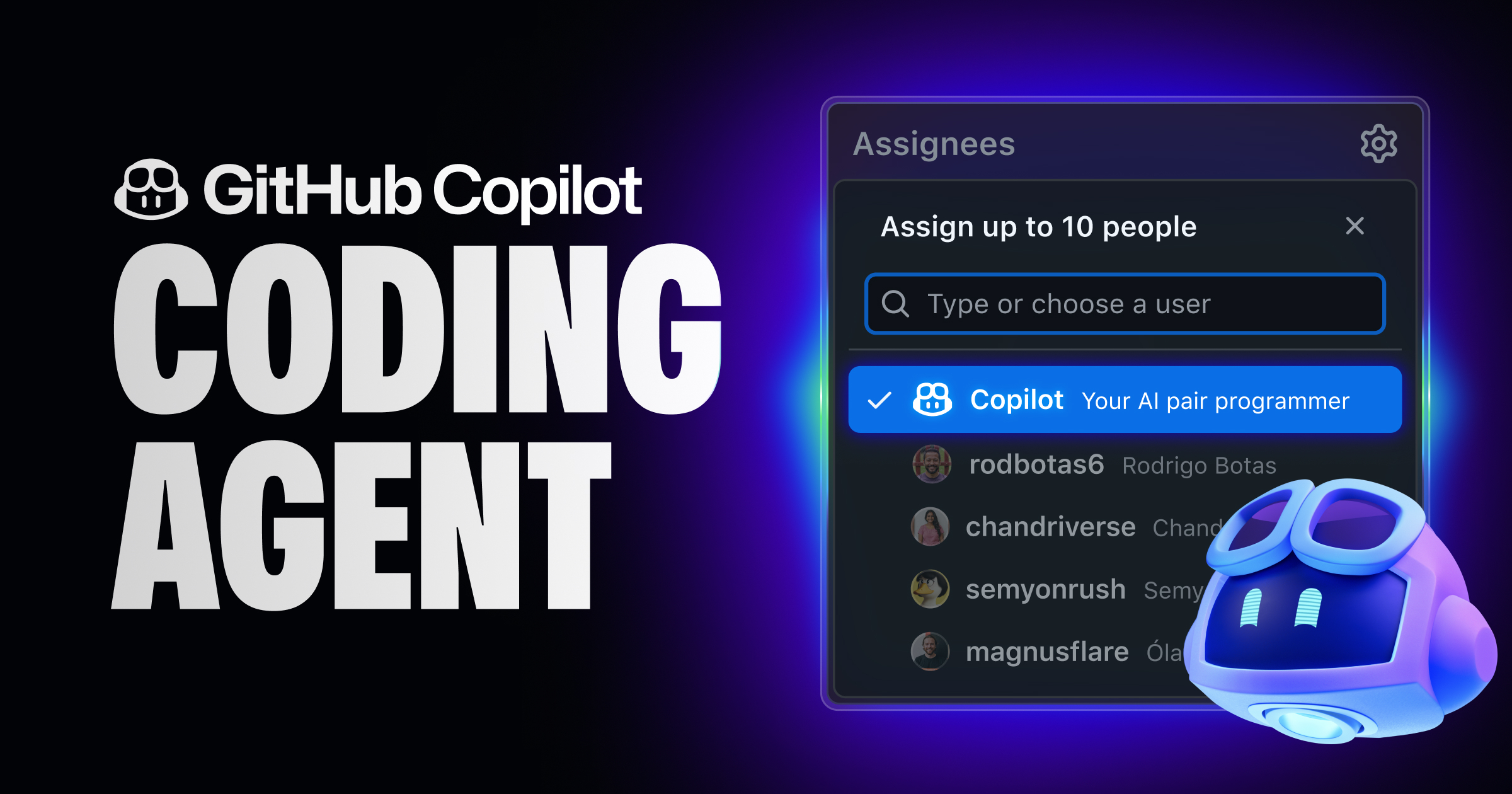
Developers don’t want conversations.
They want clean code, fast.
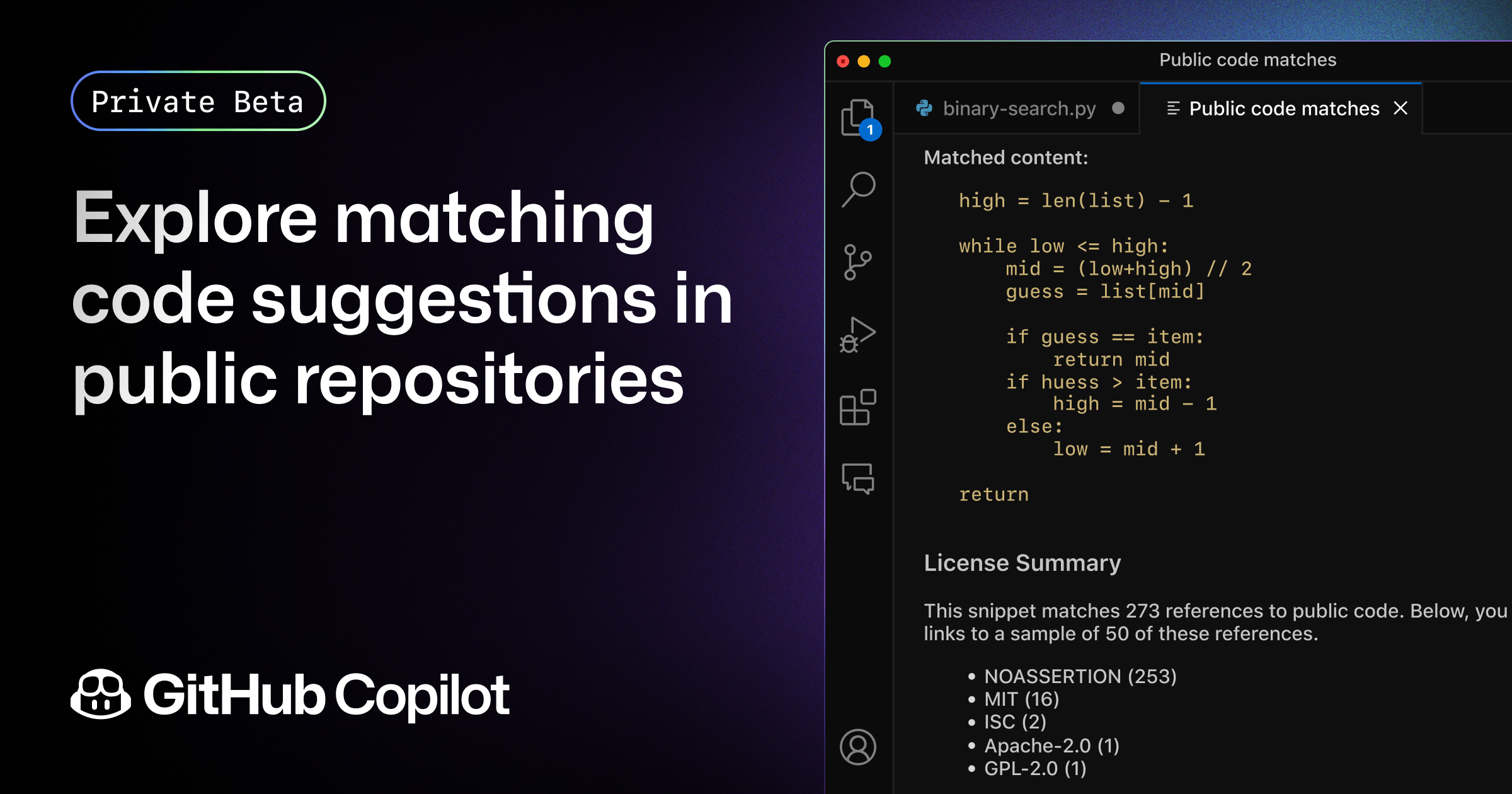
GitHub Copilot integrates directly into IDEs and assists with:
- Code generation
- Debugging
- Function completion
- Documentation
It understands project context better than chat-based tools.
Why developers rely on GitHub Copilot
- Works inside IDEs
- Supports multiple languages
- Saves real development time
Best for: Software engineers, backend developers, DevOps teams
Perplexity AI – Best for Real-Time Search & Research

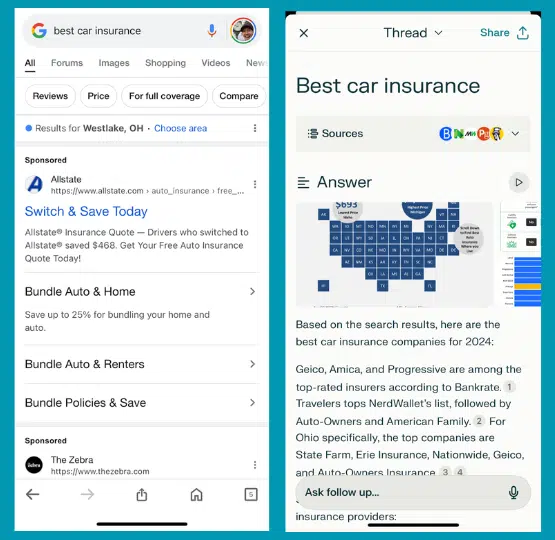
Perplexity AI changes how professionals search the web.
Unlike ChatGPT, Perplexity:
- Shows sources
- Pulls real-time data
- Reduces guesswork
It feels closer to Google + AI reasoning, which improves trust.
Why professionals use Perplexity
- Transparent citations
- Fast factual answers
- Excellent for verification
Best for: Analysts, journalists, researchers, students, consultants
Notion AI – Best for Knowledge & Project Management
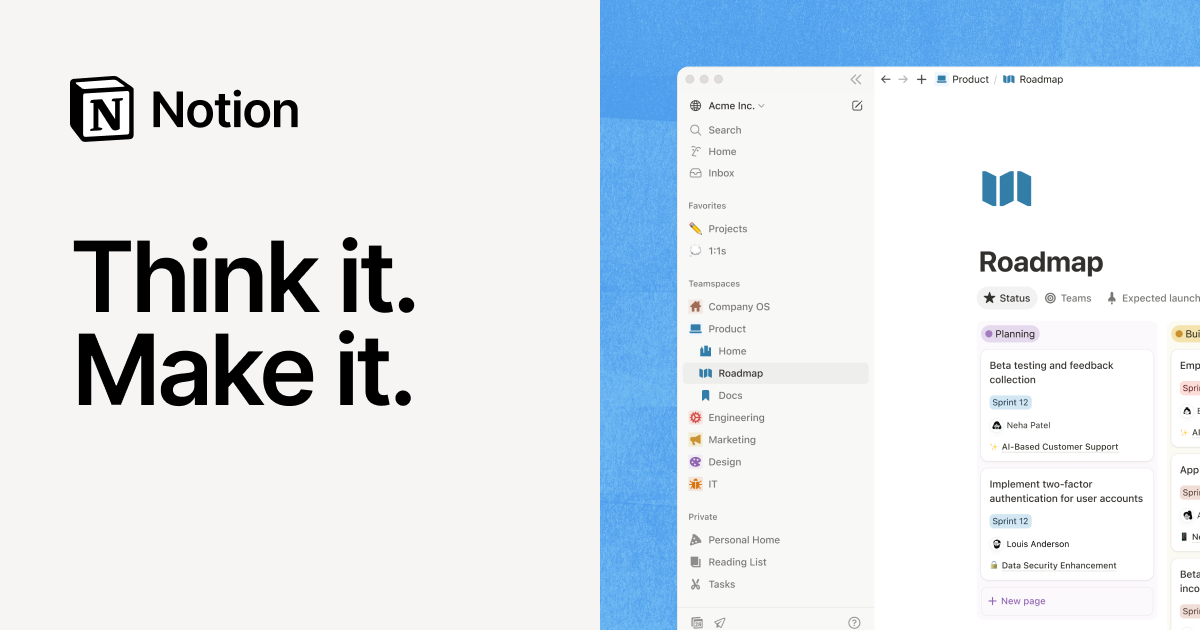

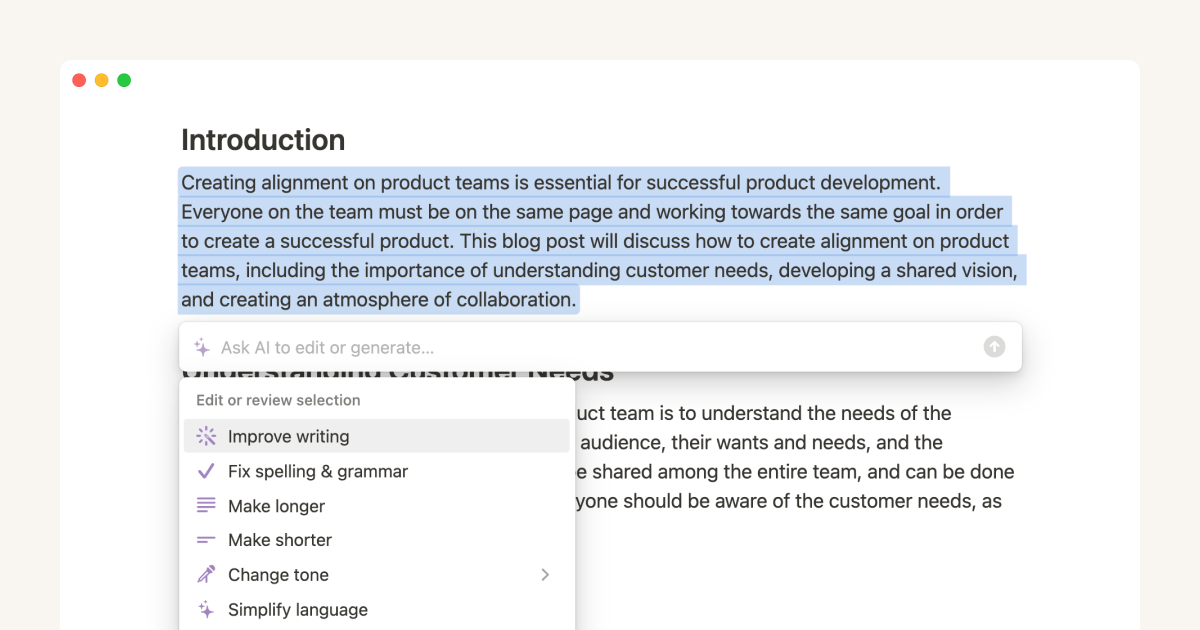
Notion AI helps teams organize, summarize, and plan.
Notion AI works best when:
- Managing internal knowledge
- Writing SOPs
- Planning projects
- Summarizing meetings
It shines inside structured workflows.
Why teams choose Notion AI
- Context-aware summaries
- Works inside existing docs
- Boosts productivity quietly
Best for: Product managers, startups, operations teams
Gemini (Google) – Best for Search, Data & Multimodal Tasks

Built by Google, Gemini connects tightly with Google’s ecosystem.
It handles:
- Text
- Images
- Search
- Data reasoning
Gemini works well for professionals already using Google Workspace.
Why professionals use Gemini
- Strong search integration
- Multimodal understanding
- Google-level infrastructure
Best for: Analysts, educators, Google Workspace users
Comparison Snapshot (Quick Decision Guide)
| Tool | Best For |
|---|---|
| Claude | Long-form reasoning & compliance |
| Microsoft Copilot | Enterprise & Office users |
| Jasper AI | Marketing & SEO |
| GitHub Copilot | Coding & development |
| Perplexity AI | Research with sources |
| Notion AI | Internal documentation |
| Gemini | Search-driven workflows |
Data Trust, Privacy & Professional Responsibility
Professionals must consider:
- Data retention policies
- Model training transparency
- Enterprise compliance
Most tools listed above publish clear AI safety and data usage documentation, which improves web trust and aligns with Google’s E-E-A-T guidelines.
Final Verdict: Which ChatGPT Alternative Should You Choose?
The truth is simple.
There is no single best AI—only the best AI for your job.
If you write code, choose GitHub Copilot.
If you manage teams, use Microsoft Copilot or Notion AI.
If you create content, Jasper or Claude will outperform generic chatbots.
If you research, Perplexity wins on trust.
ChatGPT alternatives for professionals exist because modern work demands precision, context, and accountability.
Choose tools that respect your time—and your data.