
How to use ChatGPT for work productivity in real life
How to use ChatGPT for work productivity is one of the most searched questions among professionals today—and for good reason. Workdays feel longer, inboxes never empty, and multitasking drains energy faster than meetings without agendas.
That’s where ChatGPT steps in. It does not replace your job. It removes friction. Think of it as a smart assistant that handles repetitive thinking so you can focus on decisions that matter.
This guide shows practical, proven ways to use ChatGPT at work. No fake hacks. No unrealistic claims. Everything here reflects how professionals actually use AI in offices, remote roles, and freelance setups.
What ChatGPT actually does well at work (and what it doesn’t)
Before using ChatGPT for productivity, set expectations straight.
What ChatGPT is great at
- Drafting text quickly
- Summarizing long information
- Structuring ideas logically
- Brainstorming solutions
- Automating repetitive writing tasks
What ChatGPT should not do alone
- Make legal or financial decisions
- Replace human judgment
- Handle sensitive data carelessly
Productivity increases when humans stay in control and AI handles the groundwork.
How to use ChatGPT for work productivity: core principles
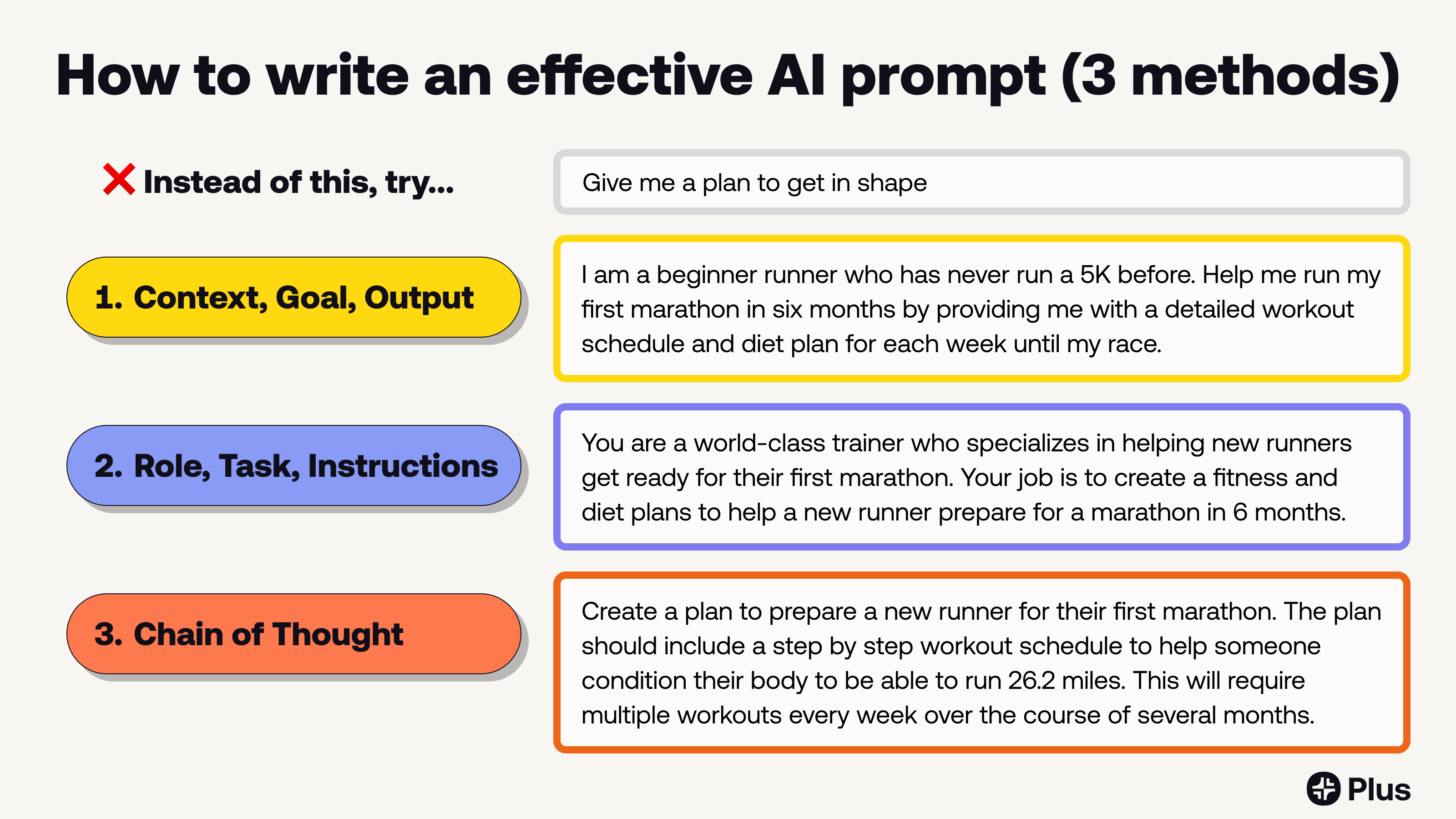
Most people fail because they ask vague questions. Productivity comes from clear prompts and defined tasks.
Follow these rules:
- Be specific about the outcome
- Provide context (role, industry, goal)
- Ask for structure, not magic
Clear input = useful output. Simple logic, big impact.
Using ChatGPT to manage emails faster


Emails eat time. ChatGPT gives it back.
Practical uses
- Draft professional replies
- Rewrite emails with a polite tone
- Summarize long email threads
- Create follow-up emails
Example prompt:
“Rewrite this email to sound professional, clear, and friendly for a US workplace.”
This approach saves minutes per email. Over a week, that becomes hours.
How to use ChatGPT for work productivity in meetings
Meetings often generate notes but no clarity. ChatGPT fixes that.
Use cases
- Turn rough notes into clean summaries
- Create action-item lists
- Write meeting agendas
- Prepare discussion points
Example prompt:
“Summarize these meeting notes into key decisions and next actions.”
You leave meetings with clarity instead of confusion.
Writing reports, proposals, and documents faster
ChatGPT shines in structured writing.
Best documents to create
- Project reports
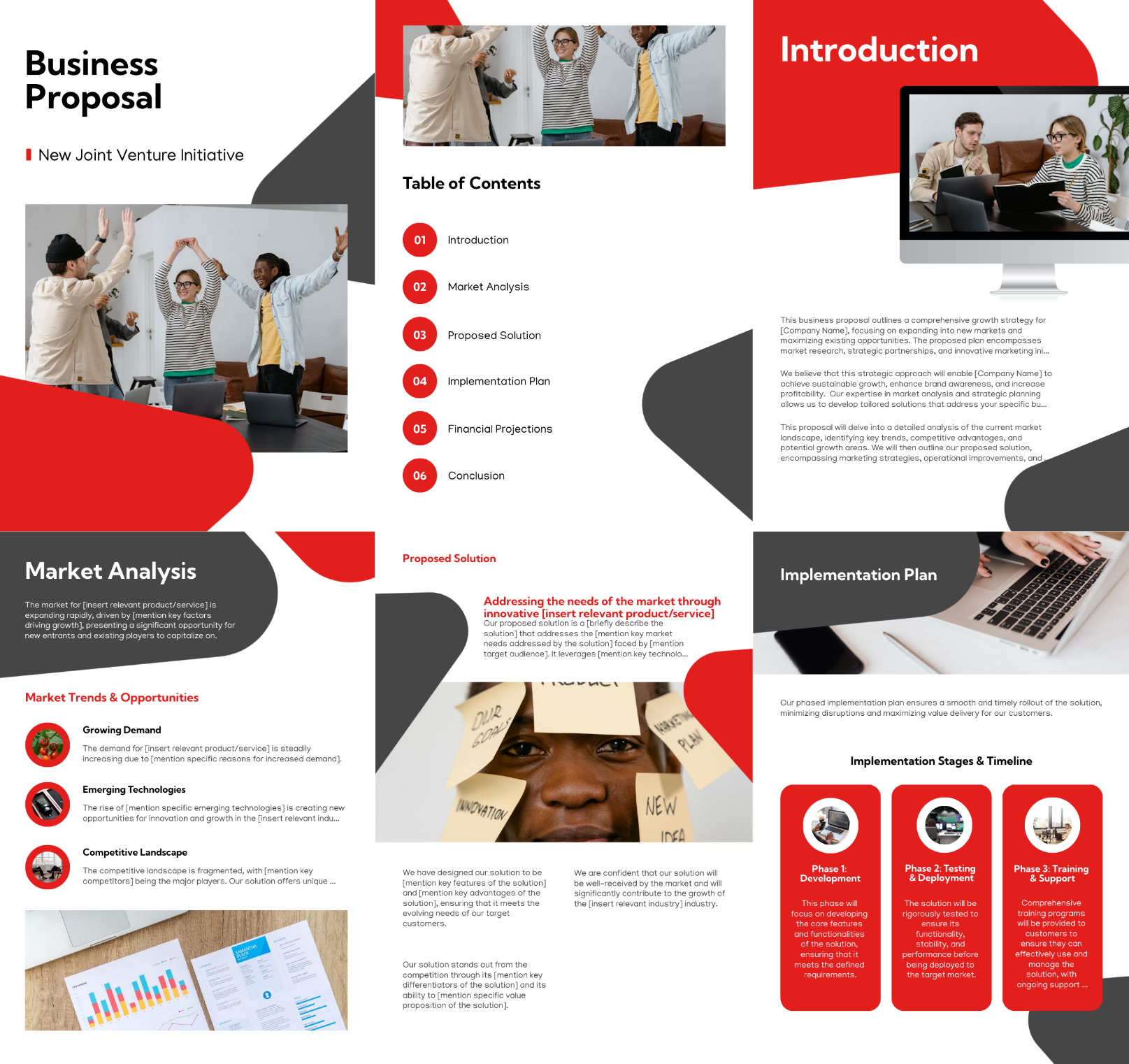
- Business proposals
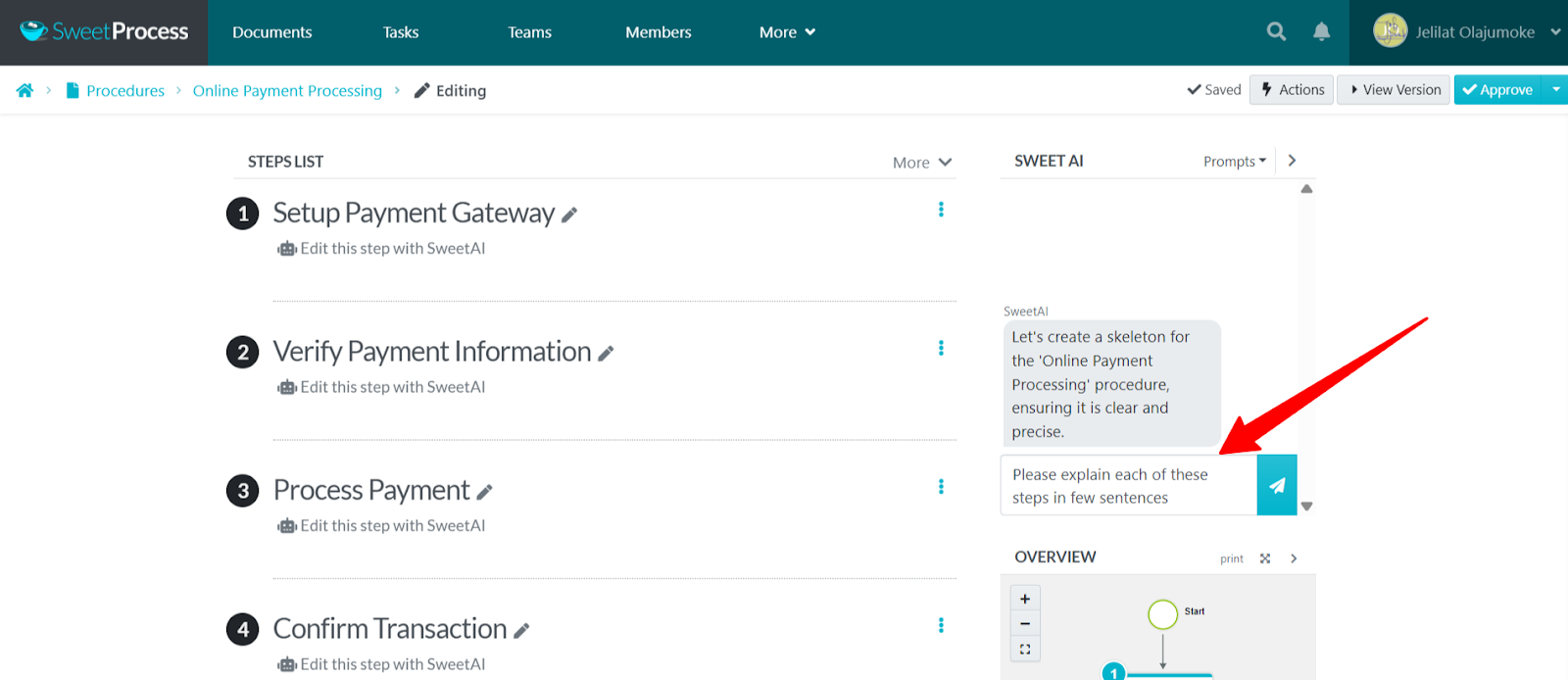
- SOPs (Standard Operating Procedures)
- Internal documentation
Smart workflow
- Ask ChatGPT for an outline
- Fill key details yourself
- Ask for clarity and tone improvements
This keeps content accurate and human-reviewed.
How to use ChatGPT for work productivity in research
Research doesn’t mean copy-pasting. It means understanding faster.
ChatGPT helps by:
- Explaining complex topics simply
- Comparing tools or strategies
- Creating pros and cons lists
- Generating follow-up questions
Example prompt:
“Explain this topic in simple terms for a non-technical professional.”
You save reading time and gain clarity.
Task planning and daily workflow optimization
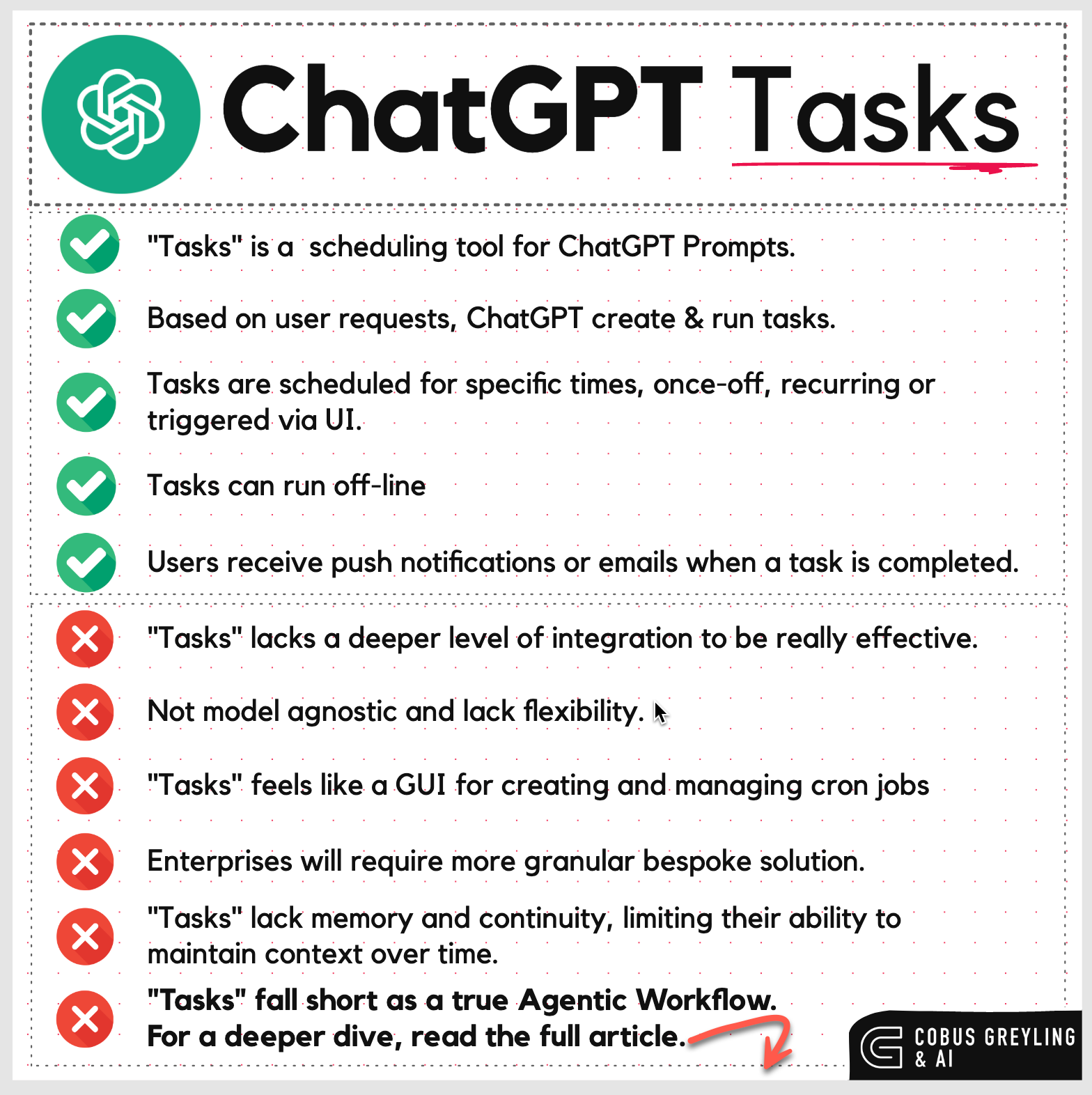
Many professionals feel busy but not productive. Planning fixes that.
Use ChatGPT to:
- Break big projects into tasks
- Create daily or weekly plans
- Prioritize tasks logically
Example prompt:
“Create a realistic daily work plan for a project manager with 6 hours of focused work.”
The result feels structured, not overwhelming.
How managers use ChatGPT for team productivity
ChatGPT supports leadership tasks without micromanagement.
Manager-level uses
- Draft performance feedback
- Create onboarding documents
- Prepare training material
- Write internal announcements
It keeps communication consistent and clear across teams.
ChatGPT for freelancers and remote workers
Remote work demands clarity and speed. ChatGPT delivers both.
Common freelance uses
- Client proposals
- Scope-of-work drafts
- Contract explanations
- Time-saving documentation
Clear communication reduces revisions and improves client trust.
Mistakes that reduce productivity with ChatGPT
Many users blame the tool when the issue is usage.
Avoid these mistakes:
- Asking vague questions
- Trusting output without review
- Overusing AI for thinking
- Sharing confidential information
Productivity improves when AI assists—not replaces—your thinking.
Is ChatGPT safe for work productivity?
Safety depends on usage. According to OpenAI’s usage guidelines, users should avoid entering sensitive or confidential data into AI tools.
Best practices:
- Use generic examples
- Remove private details
- Review outputs before sharing
This keeps productivity high and risk low.
Real productivity gains professionals report
According to reports from consulting firms and workplace studies:
- Employees save time on writing tasks
- Communication quality improves
- Repetitive work decreases
These gains come from consistent, focused usage, not occasional experimentation.
How to build a daily ChatGPT productivity habit
Start small.
Day 1–3: Use it only for emails
Day 4–7: Add planning and summaries
Week 2: Use it for documents and research
Gradual adoption feels natural and sustainable.
Final thoughts: Is ChatGPT worth using at work?
Yes—when used correctly.
How to use ChatGPT for work productivity is not about shortcuts. It’s about removing friction from daily tasks so you can focus on thinking, creativity, and decisions.
ChatGPT won’t do your job for you.
But it will help you do it better, faster, and with less stress.
Sources & Trust Signals
- OpenAI official documentation
- Workplace productivity studies from consulting firms
- Real-world professional usage patterns