
Introduction
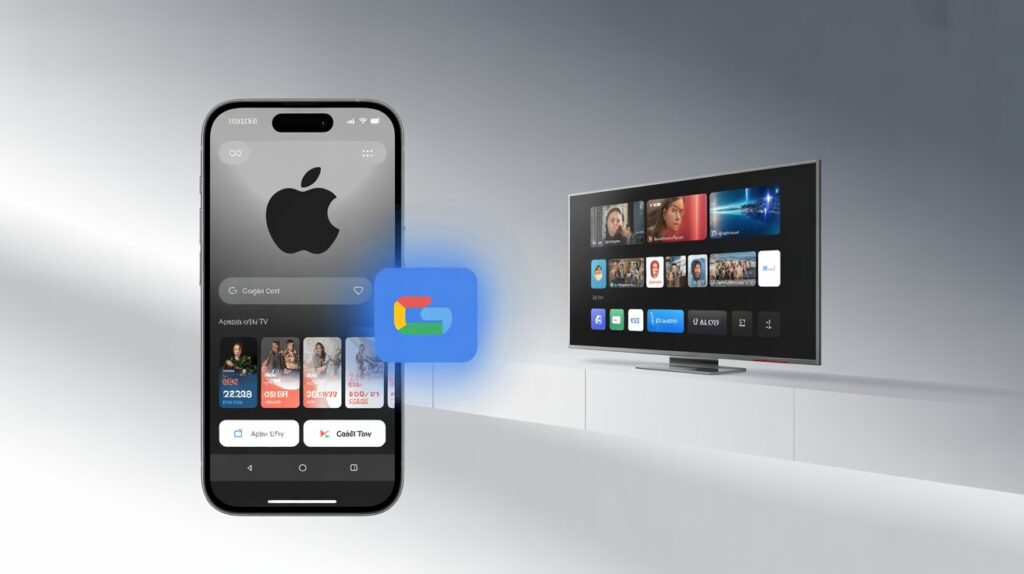
The update that many Android users have been waiting for is finally here. Apple TV app on Android gets Google Cast, making it much easier to stream movies and TV shows from your phone to a bigger screen.
Until now, Android users had limited options. You could watch content directly on your phone or rely on smart TVs that already had a native Apple TV app installed. Casting content using Google’s ecosystem simply wasn’t possible. That gap has now been closed.
With the latest update, Apple has added native Google Cast support to the Apple TV app on Android, bringing it closer to feature parity with other major streaming platforms.
What’s New in the Apple TV App for Android?
Apple has rolled out Apple TV app version 2.2 via the Google Play Store. The update introduces several user-facing improvements, with Google Cast support being the most important.
Key Highlights of the Update
- Native Google Cast support
- Redesigned mini player
- Fullscreen Cast controls
- Casting available from both:
- Home screen
- Video playback screen
- Gradual rollout via Google Play Store
This update significantly improves the overall usability of Apple TV on Android devices.
Why Google Cast Support Matters for Android Users
For Android users, Google Cast is not an optional feature—it’s a core part of the ecosystem. Most popular streaming apps already support casting, allowing users to send content to compatible TVs with just a tap.
Before this update, Apple TV stood out for the wrong reason. Despite offering premium content, it lacked a simple way to stream videos to Chromecast, Android TV, or Google TV devices.
With Cast support now available, Android users can finally enjoy a seamless big-screen experience without needing any Apple hardware.
Supported Devices for Casting
Once the update is installed, you can stream Apple TV content to:
- Chromecast devices
- Android TV-powered televisions
- Google TV devices
- Other Cast-enabled smart displays
As long as the device supports Google Cast and is connected to the same Wi-Fi network, casting should work smoothly.
How to Use Google Cast in the Apple TV App (Step-by-Step)
Apple has kept the casting process simple and familiar for Android users.
Step 1: Update the App
Open the Google Play Store and make sure you’re running Apple TV app version 2.2 or later.
Step 2: Open Apple TV
Launch the app and browse through available movies, TV shows, or Apple TV+ originals.
Step 3: Start Playback
Begin playing any video. A Google Cast icon should appear on the screen.
Step 4: Tap the Cast Icon
Select your Chromecast or Cast-enabled TV from the list.
Step 5: Watch on the Big Screen
The video will start playing on your TV, while your phone works as a remote control.
What Content Can Be Cast?
The new casting feature supports most content available within the app, including:
- Apple TV+ original series and films
- Purchased movies
- Purchased TV shows
- Rented content
If it plays on your phone, it should cast without restrictions.
Redesigned Mini Player and Fullscreen Controls
Alongside Google Cast support, Apple has also refreshed the playback interface.
What’s Improved?
- Cleaner mini player layout
- Clear casting status indicators
- Fullscreen playback controls
- Smoother pause, rewind, and seek actions
These changes may seem minor, but they make day-to-day use noticeably better.
Why Did This Feature Take So Long?
Apple has gradually expanded the availability of Apple TV across different platforms, including smart TVs, streaming boxes, and gaming consoles. However, Android users often received updates later than iOS users.
From an industry perspective, this delay likely came down to ecosystem priorities. Apple has historically focused on its own AirPlay technology. Supporting Google Cast meant fully embracing a competing platform.
With Apple TV+ now competing globally for subscribers, broader platform support has become essential. This update reflects that shift.
Apple TV on Android vs iOS: How Close Are They Now?
There are still differences between the Android and iOS versions of Apple TV, especially when it comes to system-level integration. However, for everyday streaming, the gap is much smaller than before.
Android users now enjoy:
- Casting to large screens
- Improved playback controls
- A smoother overall experience
While iOS retains exclusive features like deeper AirPlay integration, Android users no longer feel left behind.
How to Get the Update
The update is rolling out in stages, so availability may vary.
What You Should Do
- Open Google Play Store
- Search for Apple TV
- Install or update the app
- Restart the app if needed
If you don’t see Cast support immediately, check again later—staged rollouts are common.
What This Update Means for the Streaming Market
Streaming services compete on more than just content. Ease of use plays a major role in subscriber retention.
By adding Google Cast support, Apple removes friction for Android users and makes Apple TV more competitive with services like Netflix and Prime Video.
This move signals a more platform-neutral approach from Apple—one that prioritizes access over exclusivity.
Do You Still Need Casting If Your TV Has the App?
Yes, and for good reason.
Casting often offers:
- Faster startup times
- Easier browsing on a phone screen
- Fewer remote control issues
- Consistent performance across devices
For many users, casting remains the most convenient way to stream.
Common Issues and Troubleshooting
If casting doesn’t work right away, try the following:
- Ensure your phone and TV are on the same Wi-Fi network
- Restart the Apple TV app
- Restart your TV or Chromecast device
- Check for app updates
These steps resolve most early rollout issues.
Final Thoughts
The update that brings Google Cast support to the Apple TV app on Android may not be flashy, but it is extremely practical.
It removes a long-standing limitation, respects Android platform norms, and makes Apple TV far more usable for millions of users. Sometimes, the most important updates are the ones that simply make things work better.
Frequently Asked Questions (FAQ)
Does Apple TV on Android support Chromecast now?
Yes. The latest version of the app includes native Google Cast support.
Do I need an Apple device to cast content?
No. An Android phone and a Cast-enabled TV or device are enough.
Is this feature available worldwide?
The rollout is global, though availability may vary slightly by region.
Can I cast Apple TV+ originals?
Yes. All supported content can be cast.
Why didn’t Apple include this feature earlier?
Apple prioritized its own ecosystem, but growing competition has pushed broader support.
Sources
- Apple TV Android app release notes
- Google Play Store listings
- Industry streaming platform coverage
Read More : Elon Musk’s Grok Under Fire for Spreading False Claims About Bondi Beach Attack 2025