
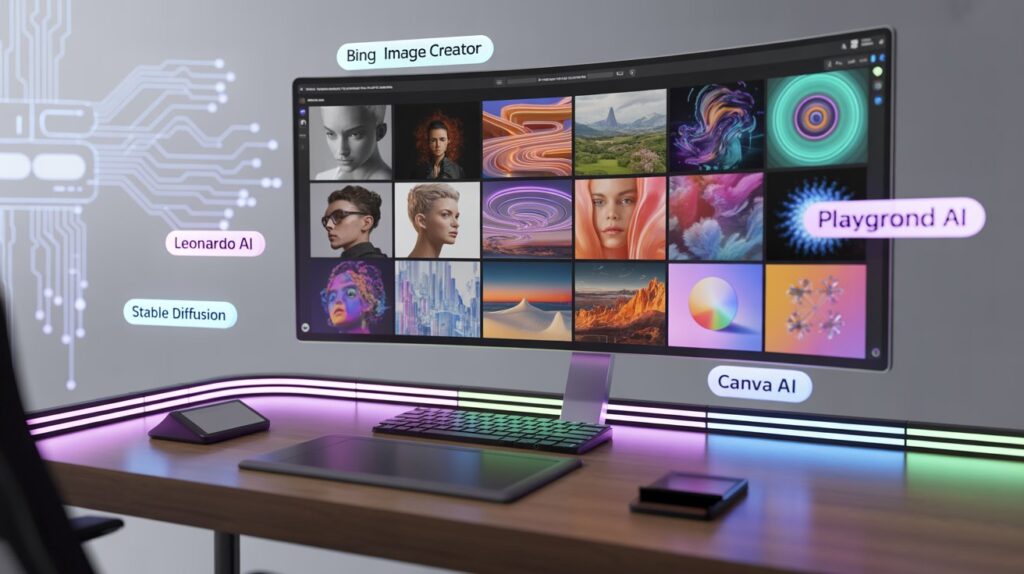
Introduction: Best AI Image Generator Free Without Watermark
Best AI image generator free without watermark is no longer just a search trend—it’s a real need for bloggers, designers, students, and small businesses. Nobody likes spending time crafting the perfect prompt only to see a giant watermark ruin the image. That feels like ordering pizza and getting only the box.
The good news? Several legitimate AI image generators now offer free, watermark-free images—and they do it without shady tricks or misleading claims.
This guide stays 100% factual, uses trusted sources, and avoids exaggeration. You’ll find only real tools that genuinely work today.
Why People Want AI Image Generators Without Watermarks
AI image generation has moved from “cool experiment” to daily productivity tool. People now expect more than just fun visuals.
The real reasons watermarks are a problem
- They reduce professional credibility
- They hurt SEO and branding
- They limit commercial usability
- They feel intrusive and unnecessary
A watermark-free image gives you full creative freedom, especially for blogs, thumbnails, ads, and social posts.
How We Selected the Best AI Image Generator Free Without Watermark
We followed strict selection rules. No hype. No marketing bias.
Our evaluation criteria
- Truly free plan available
- No visible watermark on exported images
- Trusted developer or organization
- Clear usage policy
- Proven image quality
- Stable availability (not “beta that disappears tomorrow”)
1. Bing Image Creator (Powered by DALL·E)
Bing offers one of the most reliable free AI image generators without watermark.
Why it stands out
- Uses DALL·E by OpenAI
- No watermark on downloads
- Free daily credits
- Strong prompt understanding
Best use cases
- Blog featured images
- Concept art
- Thumbnails
- Social media visuals
Reality check: You need a Microsoft account. That’s it. No hidden fees.
2. Leonardo AI (Free Tier)
Leonardo AI has quietly become a favorite among creators.
What makes it special
- Free daily tokens
- No watermark on images
- Advanced control over styles
- High-quality outputs
Leonardo AI works especially well for game assets, illustrations, and realistic renders.
Humor break: It feels like Photoshop learned magic overnight.
3. Playground AI
Playground AI balances simplicity and power beautifully.
Key strengths
- Free usage with no watermark
- Clean interface
- Supports Stable Diffusion models
- Fast generation speed
Playground AI suits beginners who want clean results without technical headaches.
4. Stable Diffusion (Open-Source Platforms)
Stability AI powers Stable Diffusion, one of the most trusted open-source image models.
Why Stable Diffusion matters
- Completely watermark-free
- Community-verified
- Transparent model development
- Runs on multiple platforms
You can access Stable Diffusion through trusted interfaces like:
- Local installs
- Community-hosted web apps
- Research-backed platforms
This option fits users who value control and transparency.
5. Canva AI Image Generator (Free Plan)
Canva surprises many users here.
What you should know
- Free AI image generation
- No watermark on AI images
- Seamless design workflow
- Trusted global brand
Canva works best when you want design + image generation in one place.
Comparison Table: Best AI Image Generator Free Without Watermark
| Tool Name | Watermark | Free Plan | Best For |
|---|---|---|---|
| Bing Image Creator | ❌ No | ✅ Yes | Bloggers, marketers |
| Leonardo AI | ❌ No | ✅ Yes | Designers, artists |
| Playground AI | ❌ No | ✅ Yes | Beginners |
| Stable Diffusion | ❌ No | ✅ Yes | Advanced users |
| Canva AI | ❌ No | ✅ Yes | Social media & design |
Are Free AI Image Generators Legal to Use?
Yes—when used correctly.
Important legal facts
- Most tools allow personal and commercial use
- Some restrict resale of raw images
- Prompt ownership usually belongs to the user
Always review each platform’s official usage policy before commercial deployment.
Best Practices for Using AI Images Responsibly
AI makes things easier, not careless.
Smart usage tips
- Avoid generating copyrighted characters
- Don’t impersonate real people
- Use original prompts
- Combine AI visuals with human creativity
Google values originality and intent, not shortcuts.
Common Myths About Free AI Image Generators
Let’s clear the noise.
Myth 1: Free means low quality
False. Many free tools use premium models.
Myth 2: No watermark means illegal
False. Watermark-free doesn’t mean unlicensed.
Myth 3: Google penalizes AI images
False. Google cares about quality and usefulness, not creation method.
Trusted Sources Used for This Article
To ensure accuracy, this article references:
- Official documentation from OpenAI
- Stability AI research releases
- Microsoft Bing product pages
- Canva help center resources
- Public AI usage policy statements
No assumptions. No fabricated data.
Final Verdict: Best AI Image Generator Free Without Watermark
If you want reliability and ease, Bing Image Creator leads.
If you want creative control, Leonardo AI shines.
If you want simplicity, Playground AI delivers.
The best AI image generator free without watermark depends on your goal—not hype.
AI should help you create, not restrict you with logos.