
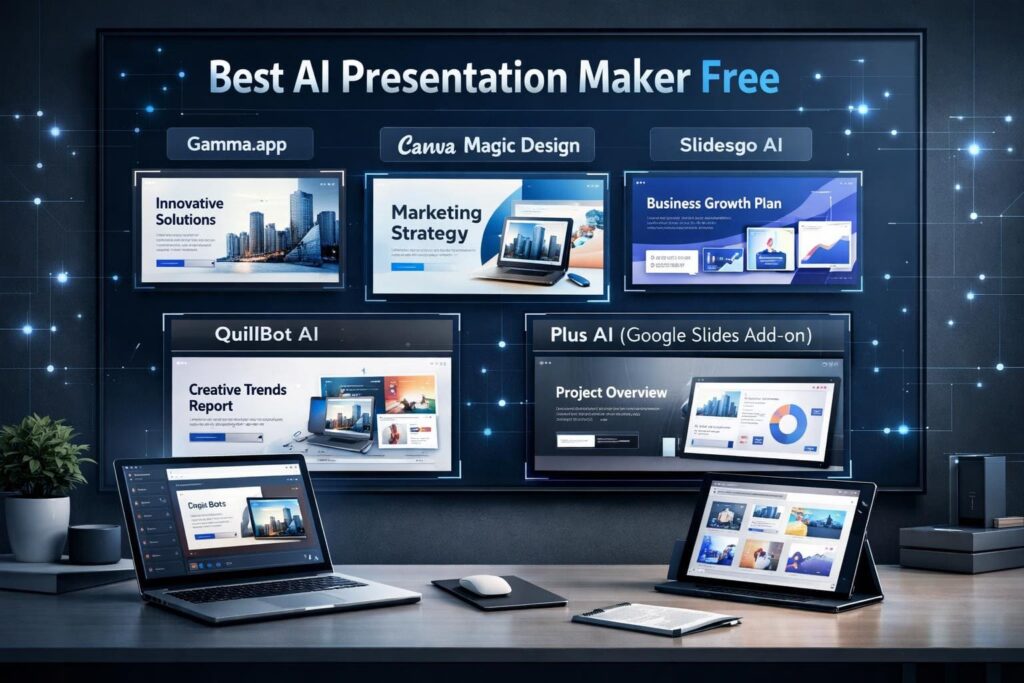
Best AI Presentation Maker Free: Start Here
Best AI presentation maker free tools have changed how people create presentations. You no longer need hours, design skills, or endless slide tweaking. Today, AI handles structure, layout, and even content flow. You just guide it.
Students, professionals, marketers, and educators all face the same pain point: time. These tools exist to save it. The good news? Several reliable platforms offer strong free plans that actually work.
This guide breaks down the good AI presentation maker options you can use right now, without hype, without fake promises, and without paid pressure.
Why AI Presentation Makers Matter in 2026
Let’s be honest. Most people don’t enjoy building slides from scratch. AI presentation makers solve three real problems:
- Speed – AI generates slides in minutes, not hours
- Structure – Content flows logically instead of feeling random
- Design consistency – Layouts stay clean and readable
Unlike old template libraries, AI tools adapt content to your topic. That makes presentations clearer and more engaging. Google also values clarity, structure, and user intent—so well-structured slides help both users and search engines.
What Makes the Best AI Presentation Maker Free?
Before jumping into tools, let’s define quality. A good AI presentation maker should:
- Generate structured slides automatically
- Offer readable, modern designs
- Allow basic customization
- Support common formats (online, Google Slides, or PowerPoint)
- Provide a usable free plan
No tool here claims magic. They simply reduce effort. That’s the real value.
1. Gamma.app – Best for Speed and Modern Design
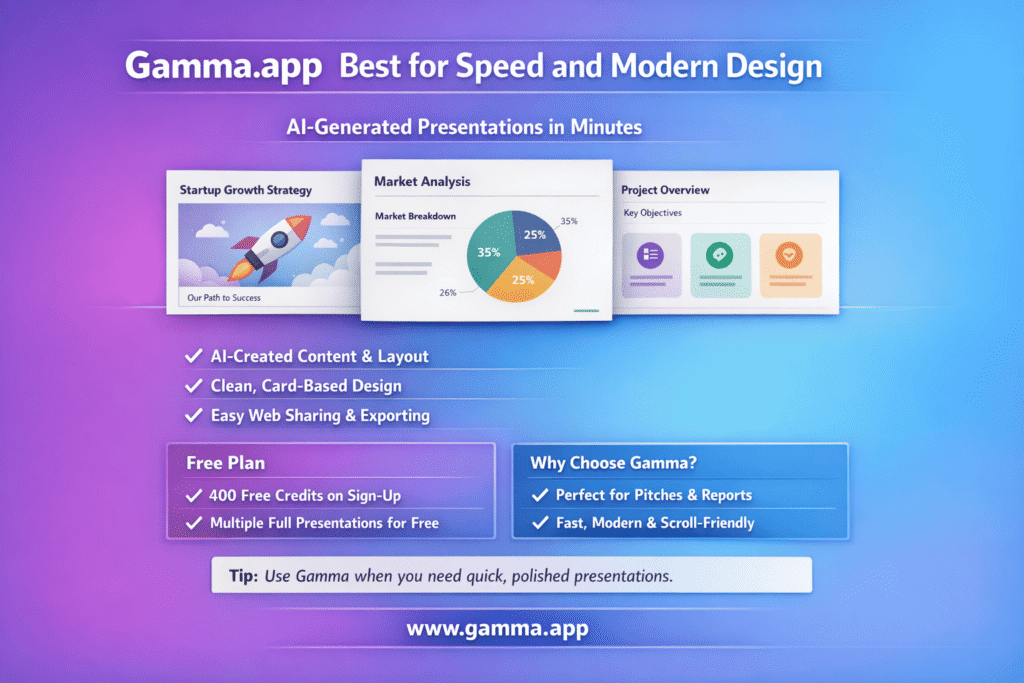
Gamma.app stands out when speed matters. It does not follow the traditional slide-by-slide layout. Instead, it uses a card-based design, which feels modern and scroll-friendly.
Key Features
- AI-generated content and layout
- Clean, minimalist card-style presentation
- Web-based sharing and exporting
Free Plan Details
- 400 free credits on sign-up
- Enough for multiple full presentations
Why Choose Gamma.app?
Gamma works best when you need something fast and professional. It shines in startup pitches, reports, and quick explainers. If PowerPoint feels outdated, Gamma feels refreshing.
Tip: Use Gamma when time is tight and visual clarity matters more than heavy customization.
Website: Gamma.app
2. Canva Magic Design – Best for Customization
Canva needs no introduction. Its Magic Design feature adds AI intelligence to an already powerful design platform.
Key Features
- AI-generated presentations from text prompts
- Thousands of templates
- Drag-and-drop editing
Free Plan Details
- Magic Design usable up to 10 times for free
- Access to many free templates
Why Choose Canva Magic Design?
Canva suits users who want control. You can tweak fonts, colors, images, and animations easily. Designers love it. Beginners feel comfortable too.
Canva works well for brand-heavy presentations, social media decks, and visual storytelling.
Tip: Choose Canva if customization matters more than raw speed.
Website: Canva
3. Slidesgo AI – Best for Google Slides and PowerPoint Users
Slidesgo AI focuses on compatibility. It generates presentations that work directly with Google Slides and PowerPoint.
Key Features
- AI-based slide generation
- Template-based design
- Google Slides and PowerPoint support
Free Plan Details
- Free slide creation and downloads
- Attribution required on free templates
Why Choose Slidesgo AI?
If your workflow already lives inside Google Slides or PowerPoint, Slidesgo AI fits naturally. You avoid learning a new platform while still getting AI assistance.
Educators and corporate users often prefer this approach because it integrates easily with existing systems.
Website: Slidesgo AI
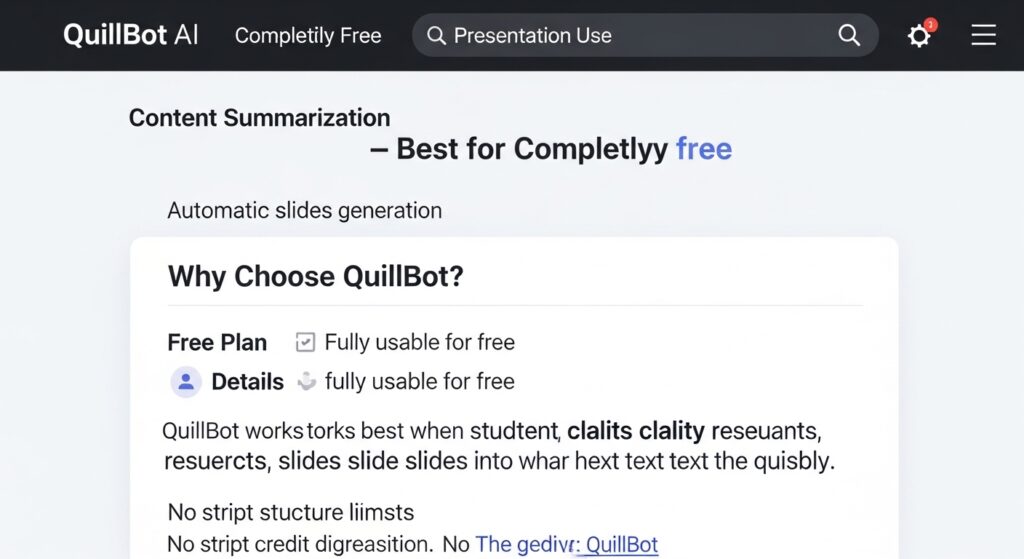
4. QuillBot AI – Best for Completely Free Use
QuillBot started as a writing tool. It now supports AI-based presentation creation as well.
Key Features
- Content summarization
- Automatic slide generation
- Simple structure-focused output
Free Plan Details
- Reported to be fully usable for free
- No strict credit limits mentioned
Why Choose QuillBot AI?
QuillBot works best when content clarity matters more than design. It suits students, researchers, and anyone converting text into slides quickly.
The interface stays simple. The output stays readable. No unnecessary distractions.
Website: QuillBot
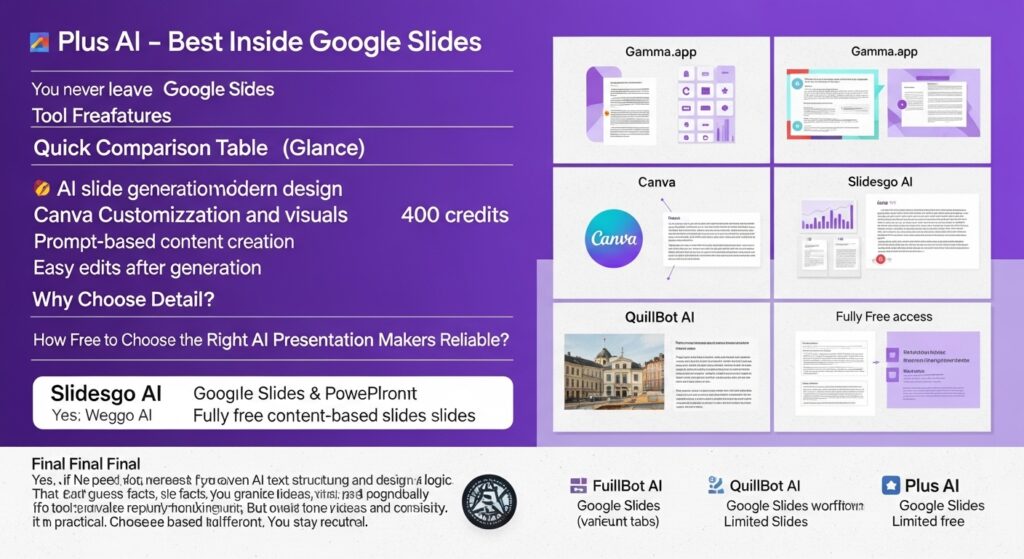
5. Plus AI – Best Inside Google Slides
Plus AI works as a Google Slides add-on. You never leave your presentation workspace.
Key Features
- AI slide generation within Google Slides
- Prompt-based content creation
- Easy edits after generation
Free Plan Details
- Limited free usage (varies by account)
Why Choose Plus AI?
Plus AI suits professionals who live inside Google Workspace. It reduces friction. You write a prompt, and slides appear where you already work.
No exporting. No switching tabs. That convenience saves time.
Website: Plus AI
Quick Comparison Table (At a Glance)
| Tool | Best For | Free Plan |
|---|---|---|
| Gamma.app | Speed and modern design | 400 credits |
| Canva Magic Design | Customization and visuals | 10 uses |
| Slidesgo AI | Google Slides & PowerPoint | Free downloads |
| QuillBot AI | Fully free content-based slides | Free |
| Plus AI | Google Slides workflow | Limited free |
How to Choose the Right AI Presentation Maker
There is no single winner for everyone. The best choice depends on your goal.
- Need speed? Choose Gamma.app
- Need design control? Choose Canva
- Need compatibility? Choose Slidesgo AI
- Need fully free access? Choose QuillBot AI
- Need Google Slides integration? Choose Plus AI
Each tool solves a different problem. Choose based on workflow, not hype.
Are Free AI Presentation Makers Reliable?
Yes, if you use them correctly. Free plans have limits, but they deliver real value. These tools rely on proven AI text structuring and design logic. They don’t guess facts. They organize what you provide.
For best results:
- Give clear prompts
- Review generated content
- Adjust tone and structure manually
AI assists. You stay in control.
Final Verdict: Best AI Presentation Maker Free in 2026
The best AI presentation maker free options in 2026 offer genuine productivity benefits. Gamma.app leads in speed. Canva dominates customization. Slidesgo AI supports traditional workflows. QuillBot AI provides full free access. Plus AI keeps everything inside Google Slides.
No tool replaces thinking. But these tools remove friction. They help you focus on ideas instead of formatting.
If you value time, clarity, and consistency, using a good AI presentation maker is no longer optional. It’s practical.
Choose the right tool for your needs, and let AI handle the heavy lifting—without losing control of your message.