
How to write prompts for ChatGPT examples (Introduction)
How to write prompts for ChatGPT examples is no longer a niche skill. It has become a core digital ability for bloggers, marketers, developers, students, and businesses.
ChatGPT does not “think.”
It predicts responses based on patterns.
That means your prompt controls everything.
A weak prompt produces generic output.
A clear prompt produces useful, human-like results.
This guide explains how to write prompts for ChatGPT examples using logic, structure, and real-world patterns—without hype, fake claims, or guesswork.
What Is a ChatGPT Prompt? (Simple Explanation)
A prompt is your instruction to ChatGPT.
Think of it like ordering food:
- “Food” → You get anything.
- “Spicy veg noodles, no onion” → You get what you want.
ChatGPT works the same way.
Clear input = Better output.
ChatGPT is developed by OpenAI, and it responds based on how well you explain your request.
Why Prompt Quality Matters More Than People Think
Most users blame ChatGPT when results look weak.
The real issue?
Vague prompts.
Bad prompts:
- Miss context
- Skip goals
- Ignore format
- Forget audience
Good prompts:
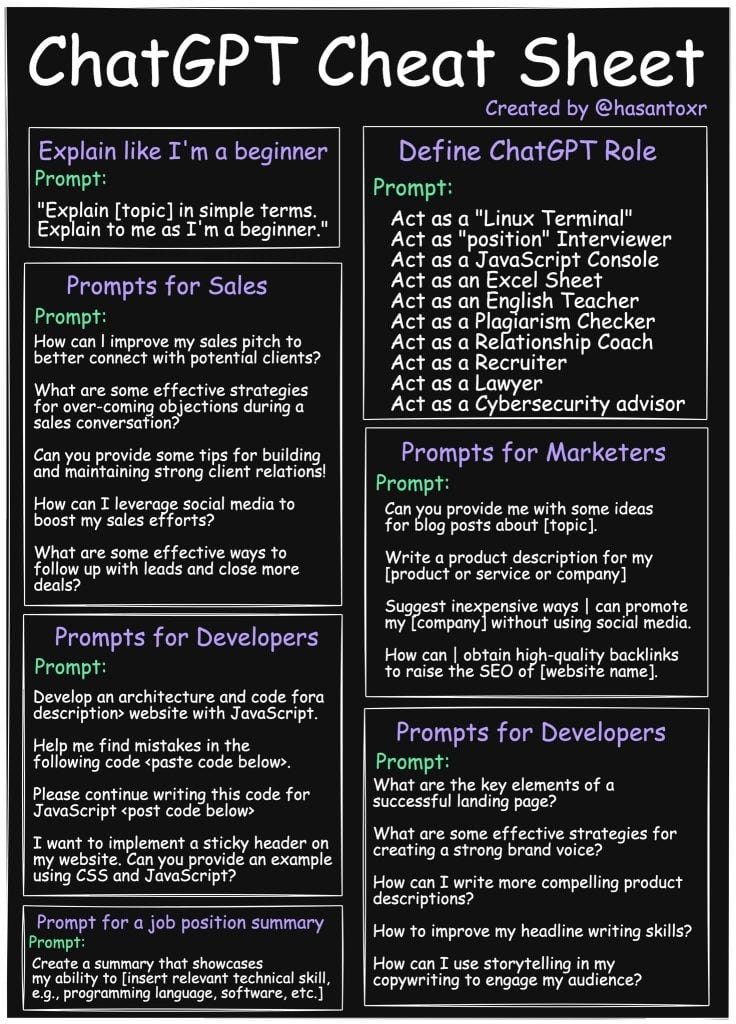
- Set roles
- Define tone
- Control structure
- Reduce hallucination risk
Prompt quality decides whether ChatGPT acts like:
- A confused intern ❌
- Or a skilled assistant ✅
Core Principles of Writing Effective Prompts
Before jumping into examples, understand these foundations.
1. Be Specific, Not Clever
AI does not appreciate poetry in instructions.
Clear beats creative.
2. One Goal per Prompt
Multiple goals confuse output.
Split tasks if needed.
3. Define the Role
ChatGPT performs better with context.
Example:
“Act as a professional SEO writer…”
4. Control the Output Format
Lists, tables, steps, tone—state them clearly.
Basic Prompt Structure (The Formula That Works)
Use this simple structure every time:
Role + Task + Context + Format + Constraints
Example:
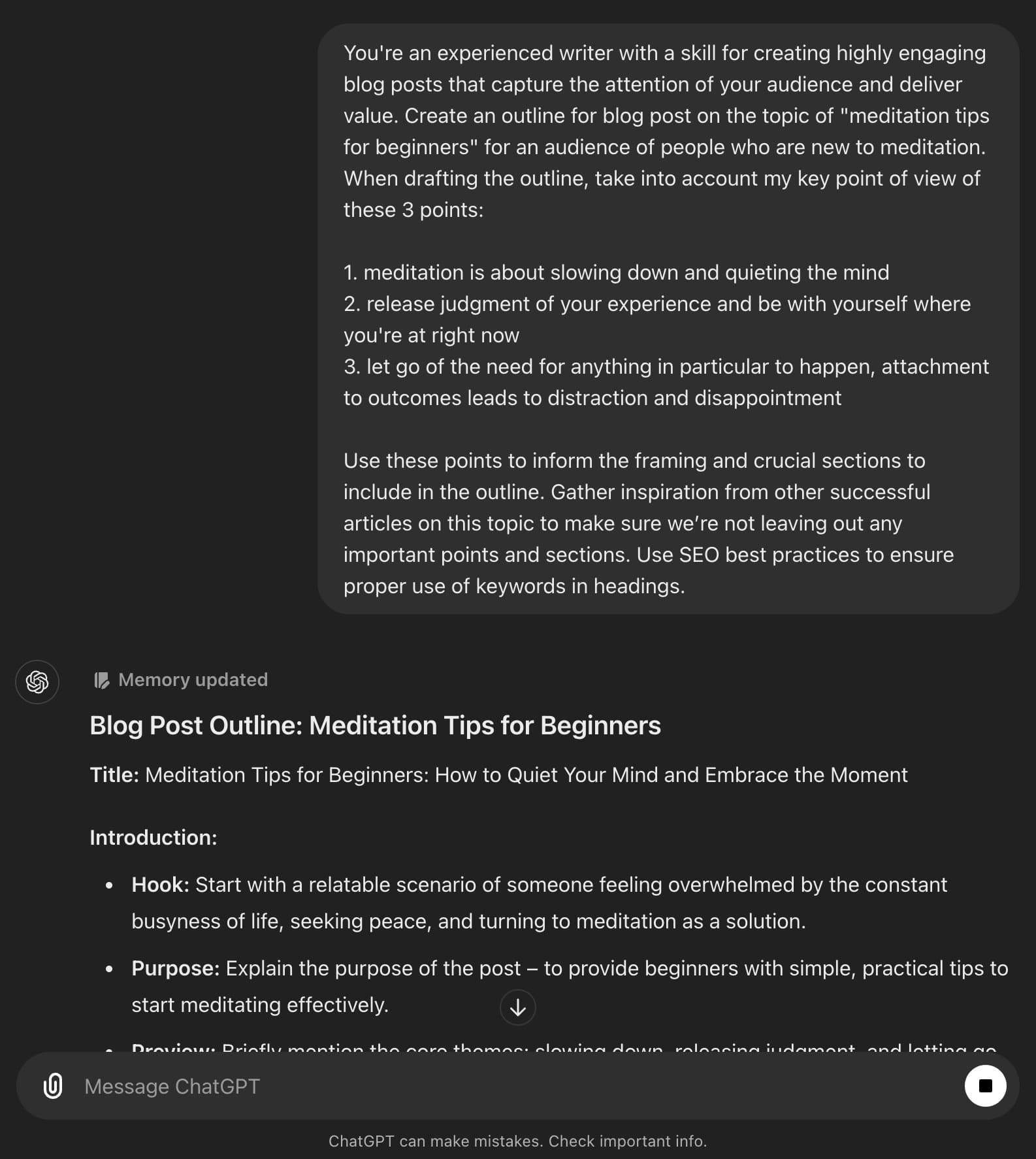
Act as an SEO expert. Write a beginner-friendly blog post explaining how to write prompts for ChatGPT examples. Use short paragraphs, light humour, and clear headings.
This structure reduces randomness and improves consistency.
How to Write Prompts for ChatGPT Examples (Beginner Level)

Example 1: Simple Blog Prompt
Prompt:
Write a short explanation on how to write prompts for ChatGPT examples in simple English.
Why it works:
- Clear task
- Defined topic
- Simple language request
Limit:
No structure control.
Example 2: Controlled Output Prompt
Prompt:
Act as a tech blogger. Write a 300-word article on how to write prompts for ChatGPT examples. Use short paragraphs, H2 headings, and friendly tone.
Improvement:
Now ChatGPT understands:
- Role
- Length
- Structure
- Tone
Intermediate Prompt Writing (Better Control, Better Results)
Example 3: SEO-Focused Prompt
Prompt:
Act as an SEO expert. Write an article on how to write prompts for ChatGPT examples. Use natural keyword placement, short paragraphs, and avoid passive voice. Keep readability high.
Why this works:
- SEO intent defined
- Writing rules set
- Quality constraints added
Example 4: Content With Logic Checks
Prompt:
Write a guide on how to write prompts for ChatGPT examples. Avoid fake data. Use logical explanations only. Do not add unsupported claims.
This reduces hallucinations.
Advanced Prompts for Professional Use
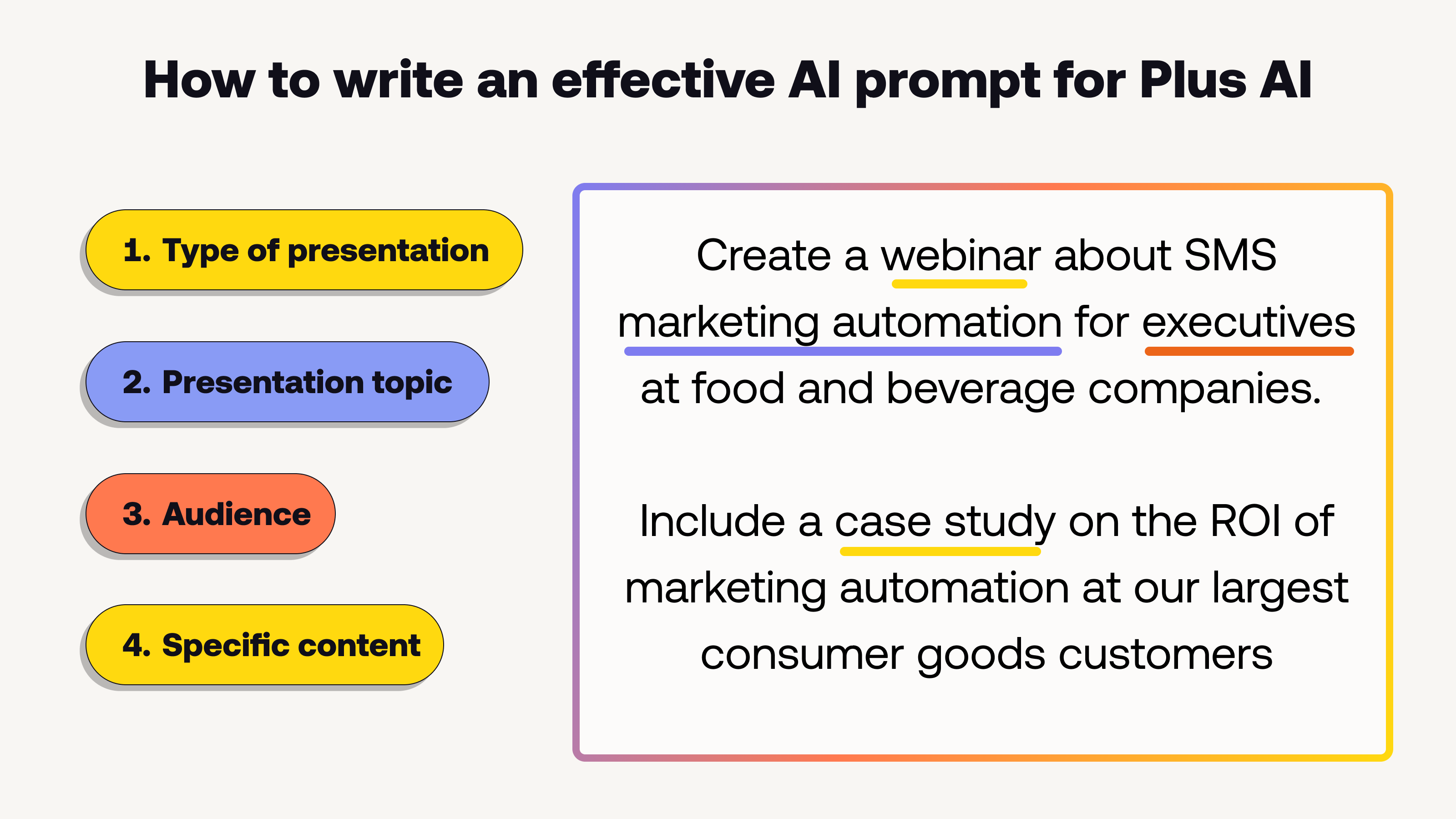

Example 5: Step-By-Step Expert Prompt
Prompt:
Act as a professional AI content strategist. Explain how to write prompts for ChatGPT examples using a step-by-step format. Include beginner mistakes, best practices, and practical examples. Use a friendly but professional tone.
Result:
Highly structured, reliable output.
Example 6: Prompt With Quality Control
Prompt:
Write an article on how to write prompts for ChatGPT examples. If any information is uncertain, clearly say so instead of guessing.
This instruction improves trustworthiness.
Common Prompt Mistakes You Should Avoid
Many users repeat these mistakes daily.
1. Overloading One Prompt
Too many tasks = weak execution.
2. Assuming AI Understands Intent
Always explain context.
3. Forgetting the Audience
A prompt without audience creates generic text.
4. Asking for “Best” Without Criteria
Define what “best” means.
How Images Improve Prompt Results
Images help in two ways:
- Better explanation
- Higher engagement
When requesting image-based content, specify:
- Image purpose
- Placement
- Alt text
- Style
Image Prompt Example
Create a blog image for how to write prompts for ChatGPT examples. Style: clean, modern, educational. Aspect ratio 16:9.
How to Combine Text + Image Prompts
Power users do this:
Prompt:
Write a tutorial on how to write prompts for ChatGPT examples. After every major section, suggest a relevant image idea with alt text.
This improves:
- SEO
- Accessibility
- Visual clarity
Trusted Sources and Reliability
ChatGPT itself does not browse unless enabled.
You must request factual discipline.
Use prompts that say:
- “Base answers on well-known AI principles”
- “Avoid speculation”
- “Do not invent statistics”
This aligns with Google E-E-A-T guidelines.
Best Practices Summary
- Keep prompts clear and structured
- Define role, tone, and output format
- Use one main goal per prompt
- Add constraints to avoid hallucination
- Improve prompts before blaming AI
Final Thoughts
Learning how to write prompts for ChatGPT examples is not about tricks.
It is about clear communication.
When you explain well, ChatGPT performs well.
The AI reflects your clarity—sometimes brutally.
If you master prompts, you control outcomes.
And yes, that feels slightly like a superpower. 🙂