


iOS 26.3 features are officially rolling out, and while this update doesn’t introduce dramatic visual changes, it delivers important upgrades focused on privacy, security, and everyday usability.
Released on February 11, 2026, by Apple, iOS 26.3 arrives alongside updates for iPad, Mac, Apple Watch, Apple TV, and Vision devices. The update is available now for iPhone 11 and newer models.
Below is a clean, news-style breakdown of everything new in iOS 26.3.
Apple Adds “Transfer to Android” in iOS 26.3

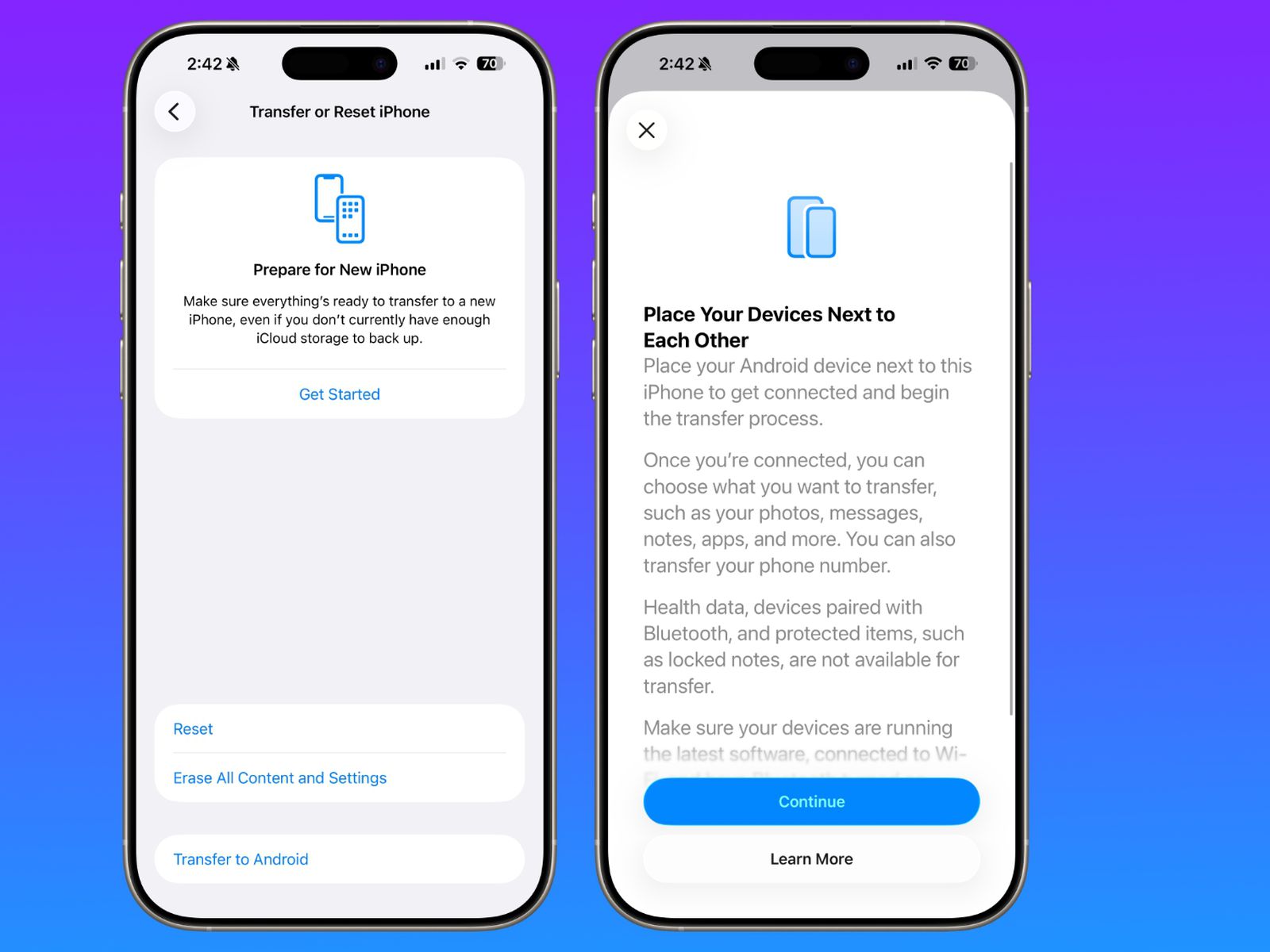

One of the most talked-about iOS 26.3 features is Transfer to Android—a built-in tool that makes switching platforms significantly easier.
Users can place their iPhone near an Android phone and wirelessly transfer data, without downloading third-party apps.
Data you can move
- Photos and videos
- Messages
- Contacts
- Notes
- Apps
- Passwords
- Phone number
Health data, Bluetooth accessories, and locked notes are excluded. Google already supports Android-to-iPhone transfers, making this a true two-way migration system.
Weather Wallpapers Get Their Own Category
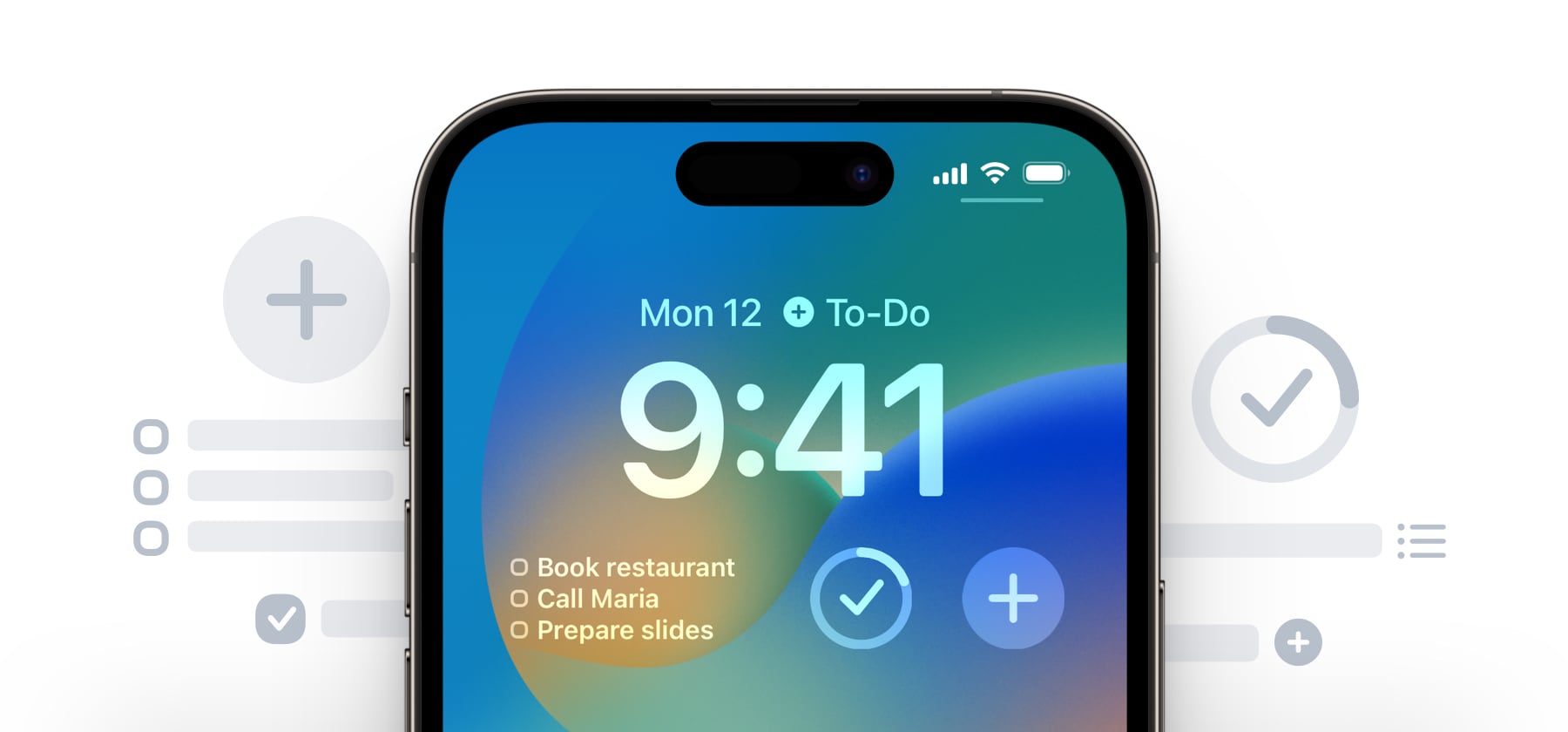
Apple continues refining Lock Screen customization in iOS 26.3 by separating Weather and Astronomy wallpapers into dedicated sections.
The new Weather category includes:
- Three redesigned weather wallpapers
- Additional clock font styles
- More flexible widget placement
This change makes weather-based lock screens faster to find and easier to customize.
Limit Precise Location Boosts Privacy


Privacy is a major theme in iOS 26.3 features.
The new Limit Precise Location option allows users to share an approximate location with cellular carriers—without affecting emergency services.
Important requirements
- Requires Apple’s C1 or C1X modem
- Available on:
- iPhone Air
- iPhone 16e
- Cellular iPad Pro (M5)
Supported carriers
- Boost Mobile (US)
- EE & BT (UK)
- Telekom (Germany)
- AIS & True (Thailand)
Carrier support varies, with more networks expected later.
Hidden Code Mentions Hint at M5 Macs
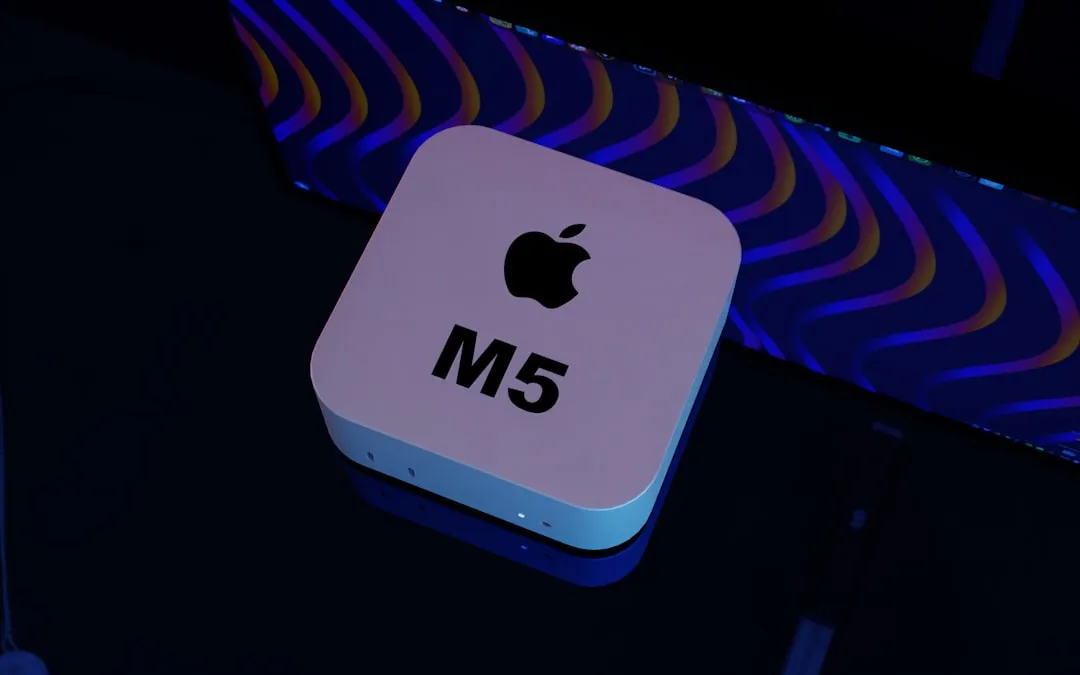
Developers digging into the iOS 26.3 release candidate discovered references to M5 Max and M5 Ultra chips.
Apple hasn’t announced them yet, but these mentions strongly point to upcoming Mac hardware, likely arriving in the near future.
EU-Only Features Pushed to iOS 26.4
Two features tested during the beta phase did not ship with the final release.
Notification Forwarding (EU only)
- Forward notifications to third-party wearables
- Limited to one device
- Disables Apple Watch notifications when active
Proximity Pairing (EU only)
- One-tap pairing for third-party headphones and smartwatches
- Similar to the AirPods setup experience
Apple is expected to enable both in iOS 26.4, driven by EU regulations. They’re unlikely to reach the US.
Critical Security Fixes Make This Update a Must

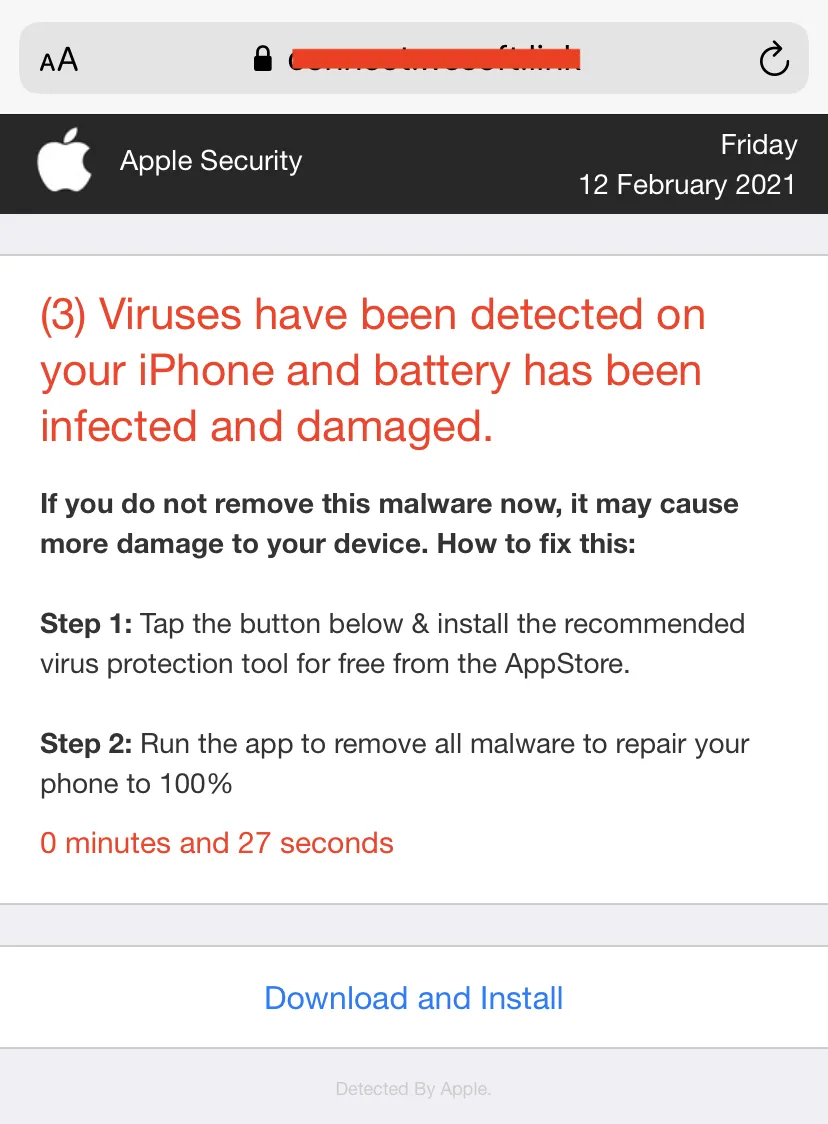
Security is the most important reason to update to iOS 26.3.
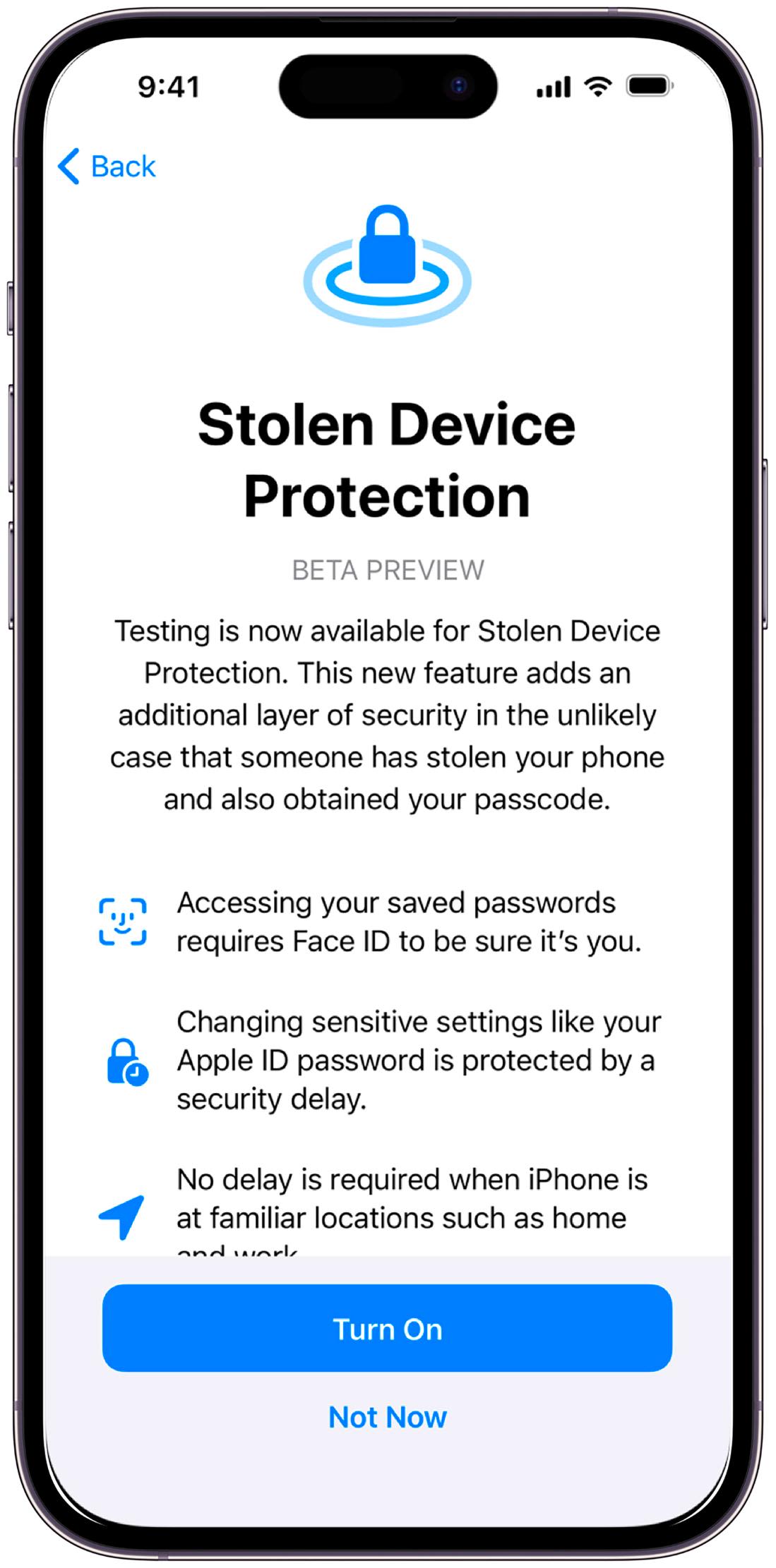
Apple confirmed that a vulnerability in the dyld dynamic link editor was actively exploited in advanced real-world attacks.
Additional fixes include:
- CoreAudio crash via malicious media files
- Messages sandbox bypass
- Lock Screen photo access issue
- Game Center data exposure bug
Apple strongly recommends updating immediately.
Compatibility and How to Update
- Supported on iPhone 11 and newer
- Available now for all iOS 26 users
How to update
Settings → General → Software Update → Download & Install
Other Apple Software Updates Released
Alongside iOS 26.3, Apple also rolled out:
- iPadOS 26.3
- macOS 26.3
- watchOS 26.3
- tvOS 26.3
- visionOS 26.3
These releases focus on stability, performance, and security.
What’s Next?
Apple is expected to release the iOS 26.4 beta within two weeks, potentially unlocking:
- Notification Forwarding
- Proximity Pairing
Bottom Line
While it’s not a flashy update, iOS 26.3 features deliver meaningful improvements where they matter most—privacy, security, and usability.
If you haven’t updated yet, this is one release you shouldn’t skip.