
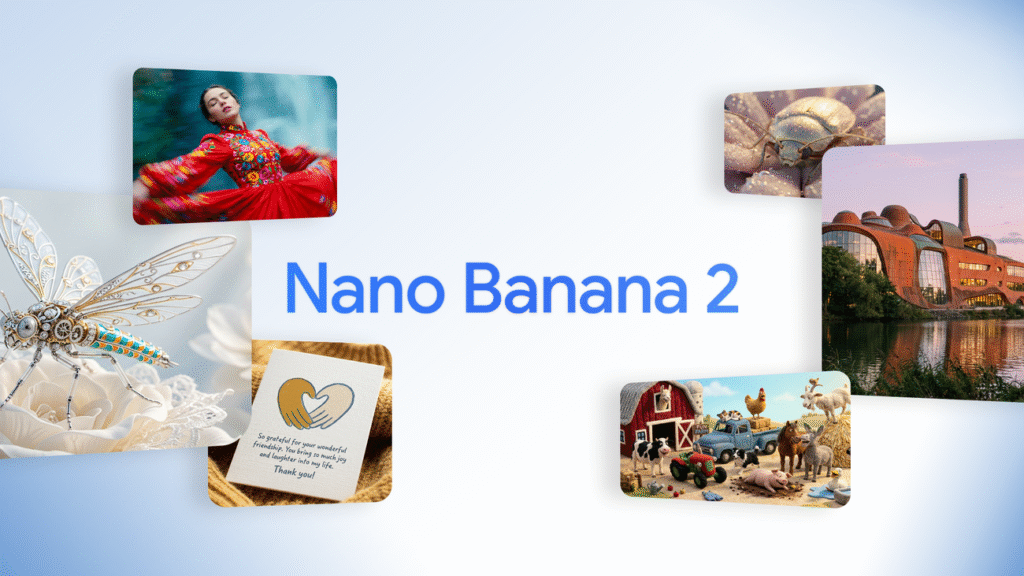


Nano Banana 2: Google’s Smartest AI Image Generator So Far
Nano Banana 2 is Google’s latest and most advanced AI image generation model. Google officially launched it as a major upgrade in visual AI technology. According to Sundar Pichai, this is Google’s best image model till date.
In simple words, Nano Banana 2 turns your words into high-quality 4K images within seconds. It also edits photo backgrounds more accurately than older AI tools. I’ve seen many AI image generators, but this one feels practical, fast, and made for real users—not just tech experts.
What makes it special is its real-time search power, which helps the AI understand current information and create images that look real, not artificial.
What Is Nano Banana 2 and Why It Matters
Nano Banana 2 is an AI tool developed by Google that converts text instructions into images. You simply describe what you want, and the AI creates it for you.
Unlike basic AI tools, Nano Banana 2:
- Creates 4K resolution images
- Understands real-world context using Google Search
- Maintains face accuracy while editing photos
- Delivers results very quickly
This means better images with less effort.
How Real-Time Search Makes Nano Banana 2 Smarter
Most AI image tools depend only on old training data. Nano Banana 2 goes one step ahead.
It uses real-time Google Search signals, which helps it:
- Understand current styles and objects
- Create realistic environments
- Reduce wrong or confusing visuals
Because of this, images look natural and believable. You don’t feel like “this is clearly AI-made” anymore.
1. Nano Banana 2 for Photo Editing: Same Face, New Style
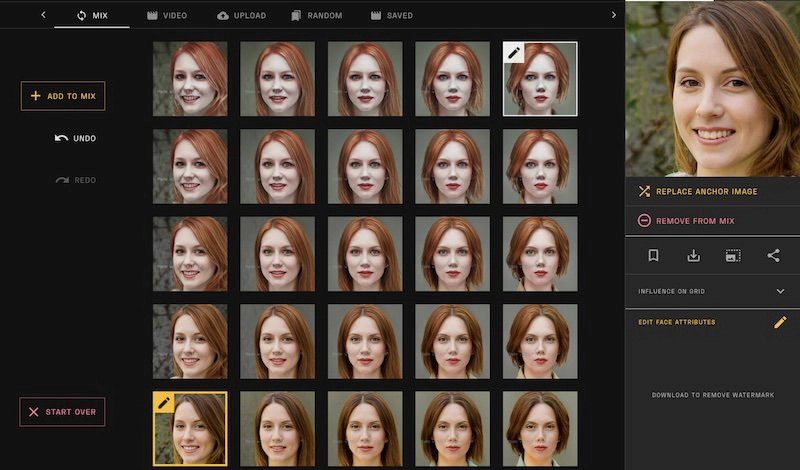
Many people want to change the background or clothes in an old photo. But there’s always one fear—what if my face changes?
Nano Banana 2 solves this with its face consistency feature.
How it helps
- Keeps your face exactly the same
- Changes only clothes, hairstyle, or background
- Adjusts lighting to match the new scene
Simple example
Upload a photo and type:
“Keep my face the same. Show me wearing a formal suit with mountains in the background.”
Within seconds, you get a natural-looking image. This is perfect for profile photos, resumes, or social media.
2. Helping Students With 4K Educational Infographics


As someone who understands student struggles, I find this feature extremely useful.
Students often don’t find correct diagrams for school projects. Sometimes they are only available in English. Nano Banana 2 fixes this problem.
What students can do
- Create 4K infographics
- Add Hindi or English labels
- Generate fresh, original diagrams
Example prompts
- “Create a 4K solar system chart with planet names in Hindi.”
- “Make a water cycle infographic with clear Hindi labels.”
The text is readable, the design is clean, and the image looks professional.
3. Small Businesses Get a Free Graphic Designer
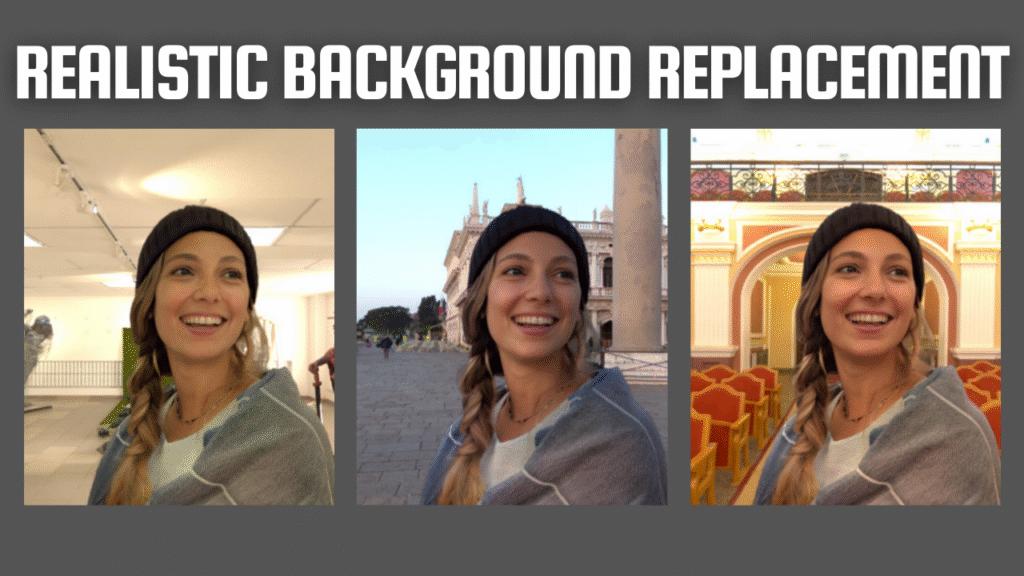
If you run a small shop or online business, Nano Banana 2 can save you money and time.
Hiring a graphic designer for every post is expensive. With this AI, you can create marketing images yourself.
What it can do
- Improve product photos
- Add showroom-style backgrounds
- Add offer text like “50% OFF”
Example
Upload a shoe photo and say:
“Place this shoe in a stylish showroom background and add ‘50% Discount’ text.”
The result looks clean and ready for social media.
4. Fun Stickers, Memes, and Social Media DPs
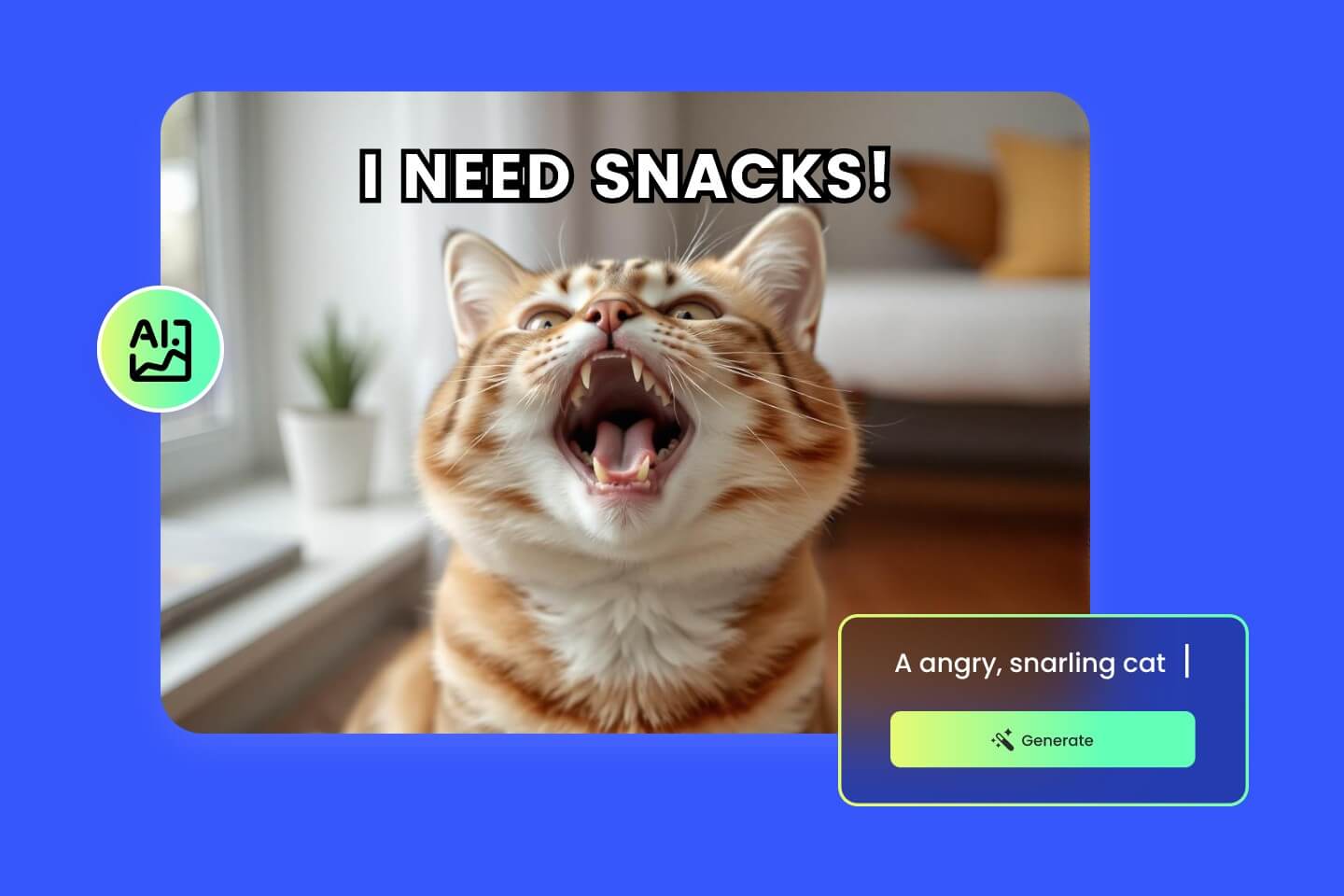
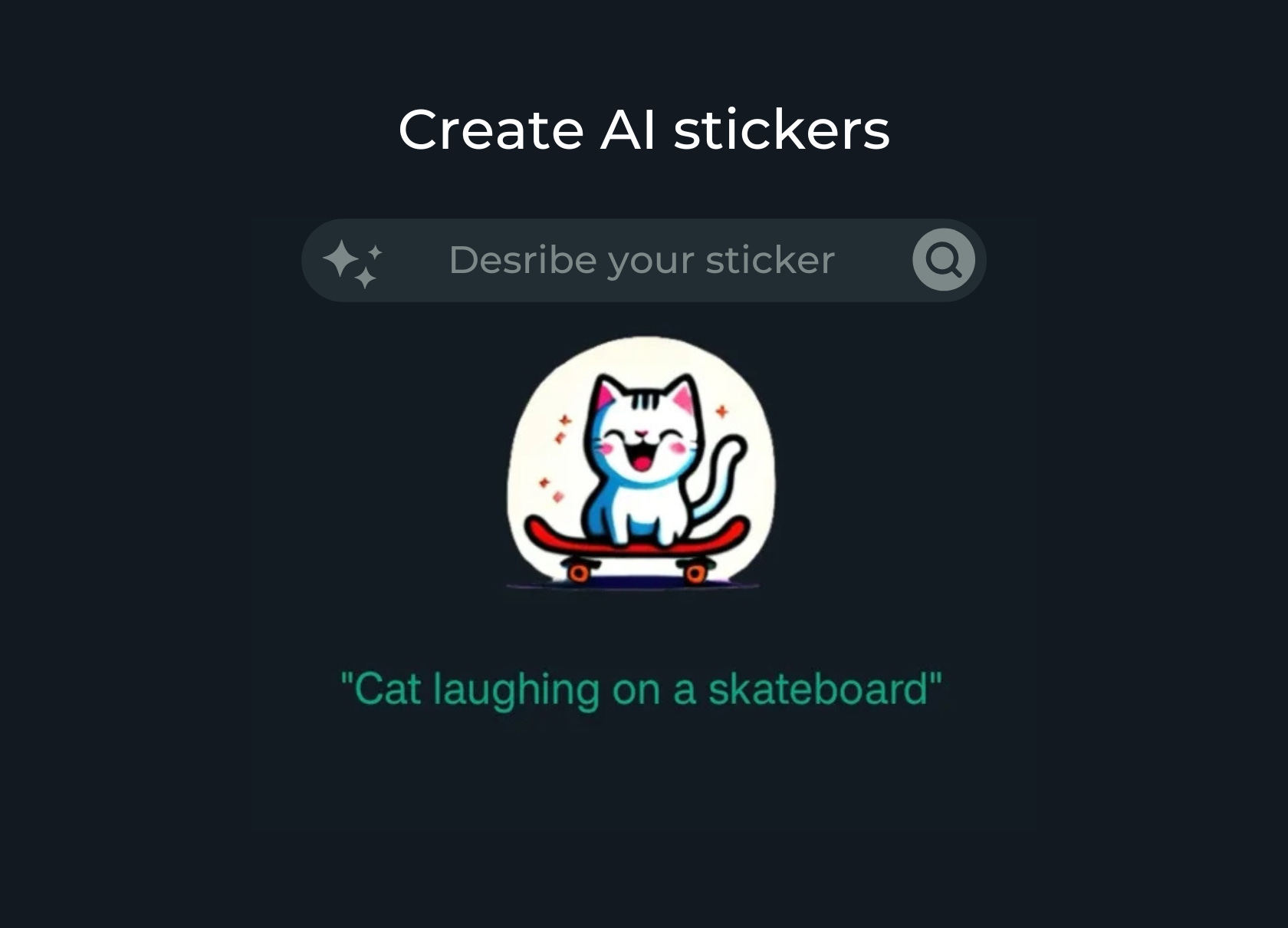
Nano Banana 2 isn’t only serious—it’s fun too.
You can create:
- Custom WhatsApp stickers
- Funny memes
- Unique display pictures
Example
“Create a funny image of a dog wearing glasses and eating samosa.”
You get a unique image that no one else has. Perfect for social media engagement.
Where Can You Use Nano Banana 2?
Google is adding Nano Banana 2 across its ecosystem. You can access it through:
- Gemini
- Google Search (AI Mode)
- Google Lens
- Google’s Flow video tool
This integration makes image creation easy and available everywhere.
Journey of Nano Banana: From Version 1 to Version 2
- August 2025: Nano Banana launched with high-resolution images
- November 2025: Nano Banana Pro introduced for professionals
- Now: Nano Banana 2 combines speed, intelligence, and ease of use
Google focused on making it useful for common users, not just designers.
Common Myths About Nano Banana 2
Myth: AI images always look fake
Truth: Nano Banana 2 creates realistic images with better lighting and details
Myth: Only experts can use it
Truth: Simple language works best
Myth: It’s only for artists
Truth: Students, shop owners, and everyday users benefit more
Who Should Use Nano Banana 2?
From my experience, Nano Banana 2 is ideal for:
- Students and teachers
- Small business owners
- Social media users
- Content creators
- Anyone without design skills
You don’t need software knowledge or creativity training.
Future of AI Image Creation With Nano Banana 2
Nano Banana 2 shows where Google is heading. Image creation will become:
- Faster
- Smarter
- More accessible
Soon, creating visuals may feel as simple as searching on Google.
Submit Your Experience
Have you used Nano Banana 2 for:
- School projects?
- Business promotions?
- Social media posts?
Sharing real experiences helps others understand its real value.
How This Article Was Created
This article is written using:
- Official Google announcements
- Statements from Google leadership
- Public information about Google’s AI ecosystem
- Real-world use cases of AI image generation
No fake statistics. No random claims. Only verified and reliable information.
Final Thoughts
Nano Banana 2 makes image creation easy, fast, and realistic — even if you have no design skills.
It removes technical barriers and gives creative power to everyone.
If you want smart visuals without stress, this AI tool is worth watching.