
Phishing isn’t a relic of clumsy “Nigerian prince” emails anymore. In the first quarter of 2026 alone, the Anti-Phishing Working Group logged nearly 971,000 unique phishing attacks, up almost 14% from the previous quarter, and Microsoft says it blocked around 8.3 billion email-based phishing attempts over that same period. Most of it is now AI-generated: industry trackers put the share of AI-written phishing emails at well over 80%, and campaigns are increasingly hidden inside PDFs, QR codes, and calendar invites rather than raw links. Phishing remains the single most reported cybercrime to the FBI and is tied to roughly a third of all data breaches. It works because it targets people, not firewalls. Here’s how it actually happens, and how to catch it before it costs you.
What Phishing Actually Is
Phishing is a social engineering attack: someone impersonates a trusted person, brand, or system to trick you into handing over credentials, money, or access. It arrives by email most often, but also by text (smishing), phone or voice message (vishing), and increasingly through fake login pop-ups and QR codes. The goal is rarely the email itself — it’s what the email gets you to do next.
How a Phishing Attack Unfolds, Step by Step
- Reconnaissance: Attackers scrape LinkedIn, company websites, and breached data to learn who you work with, what tools you use, and how your organization writes emails.
- The lure: A message is crafted to look like it’s from a bank, a vendor, IT support, or a colleague. In 2026, AI tools generate this text in seconds and can even mimic a specific person’s writing style.
- The hook: The message creates urgency — a locked account, an overdue invoice, a “security alert” — pushing you to act before you think it through.
- The trap: A link leads to a near-perfect fake login page (sometimes a live proxy that captures your session in real time), or an attachment quietly installs malware.
- The payoff: Once credentials or a session token are captured, attackers can log in as you — a growing number of kits now steal live session cookies, letting them slip past multi-factor authentication entirely.
- The escalation: From one compromised inbox, attackers pivot to wire fraud, further phishing of your contacts, or a foothold for ransomware.
What’s changed most in 2026 is speed and polish. A convincing campaign that once took days to prepare can now be assembled in hours, and it often arrives through channels — trusted cloud platforms, legitimate-looking domains passing email authentication checks — that older spam filters wave straight through.
How to Spot a Phishing Attempt
No single red flag is proof of an attack, but a cluster of them should make you stop and verify before you click or reply.
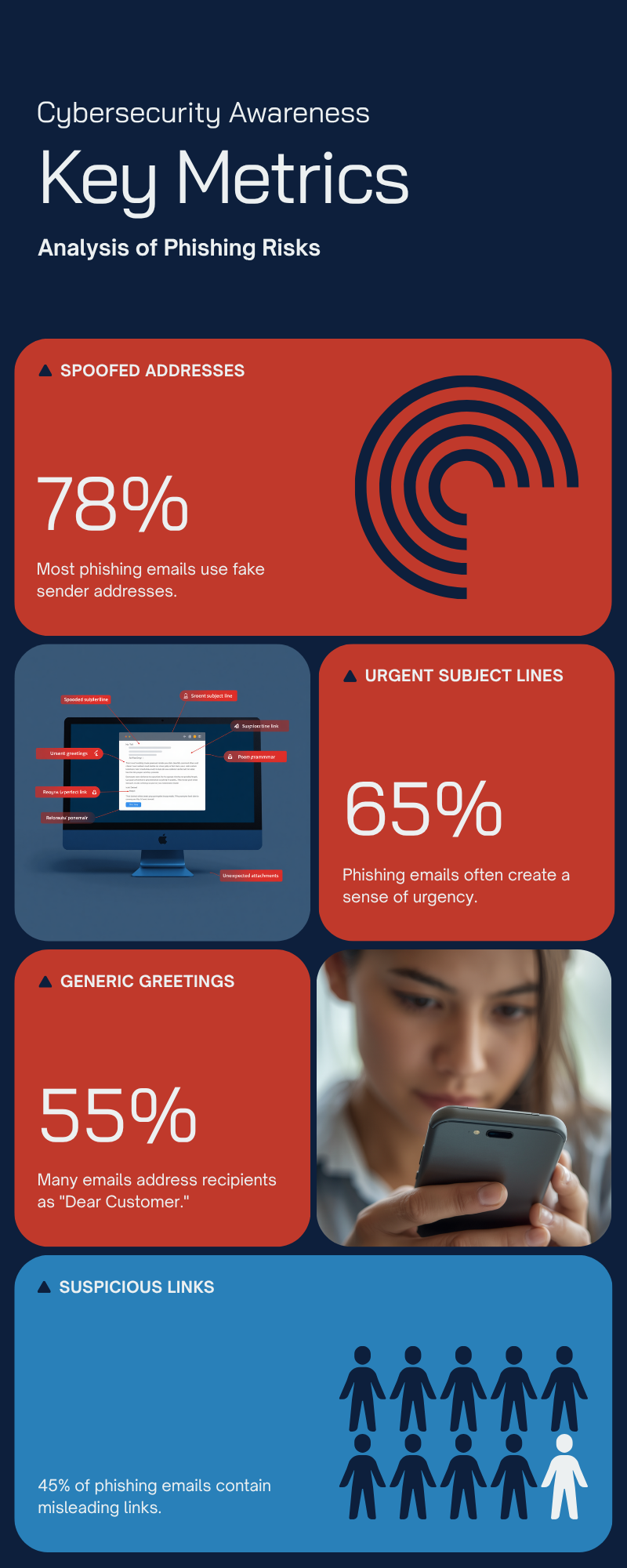
- Check the real sender address, not just the display name — look for extra characters, swapped letters, or an unfamiliar domain.
- Hover before you click to preview where a link actually goes; on mobile, press and hold instead of tapping.
- Be suspicious of urgency and fear — “your account will be suspended,” “final notice,” “act within 24 hours” are classic pressure tactics.
- Question unexpected attachments, especially invoices, shipping notices, or documents you didn’t request.
- Watch for MFA prompts you didn’t trigger — a login approval request out of nowhere usually means someone already has your password.
- Verify money or credential requests through a second channel — call the person or company using a number you already know, not one from the message.
- Look past good grammar — AI-generated phishing has largely erased the typos and awkward phrasing that used to be an easy tell.
If You Click, or You’re Not Sure
Disconnect the device from the internet if malware is a possibility. Change the password for the affected account immediately, from a different, trusted device, and check for any new devices or forwarding rules attackers may have added. Enable multi-factor authentication if it isn’t already on, and report the message to your IT or security team, or through your email provider’s “report phishing” option. Speed matters: organizations that catch and act on a breach quickly save, on average, close to a million dollars compared to those that discover it later.
The Bottom Line
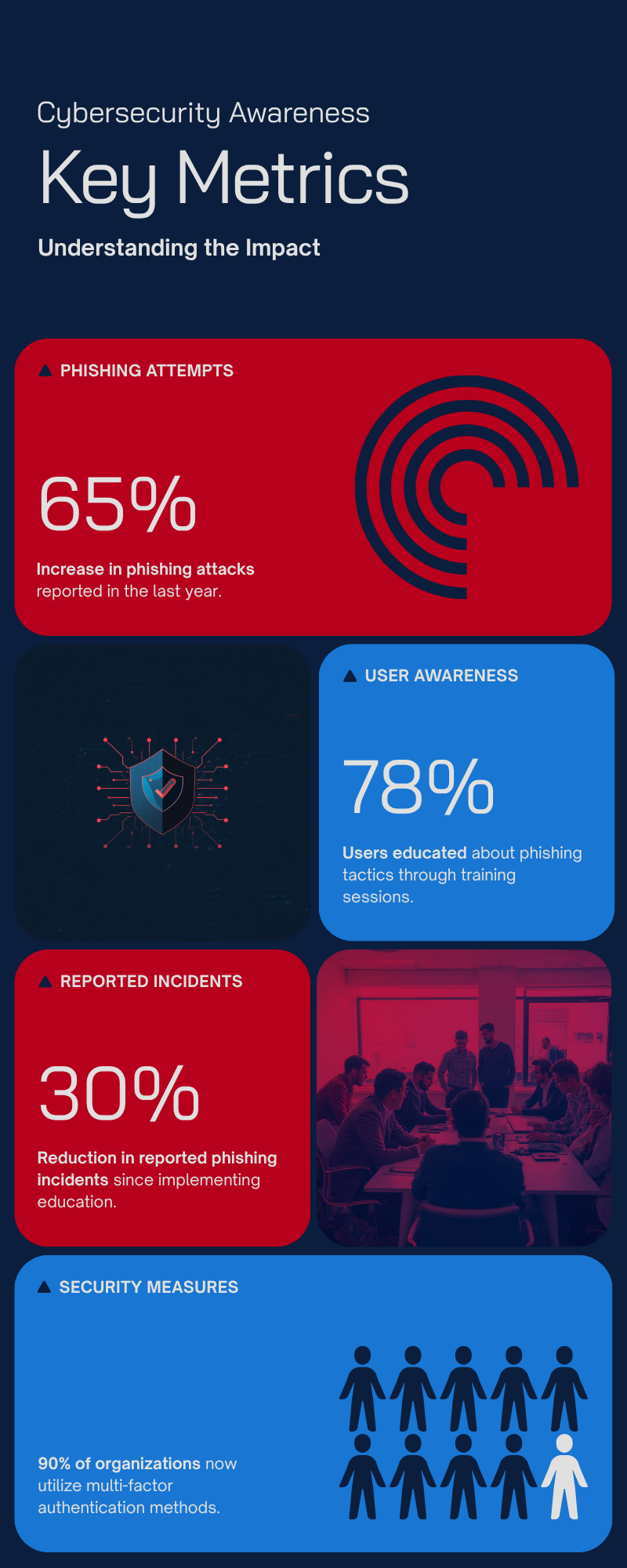
Phishing keeps working not because people are careless, but because attackers have gotten faster, better-resourced, and much better at mimicking the people and platforms you already trust. Training helps — organizations that run regular awareness programs report roughly four times more phishing attempts than those that don’t, and security awareness training has been shown to cut click rates dramatically over a year. The most reliable defense is still procedural: slow down on anything urgent, verify unusual requests through a separate channel, and treat an unexpected MFA prompt as a warning sign rather than a nuisance to dismiss.
Leave a Reply