
Most of the password advice you grew up with is now officially outdated. NIST, the U.S. agency whose guidelines shape password policy across the industry, finalized SP 800-63B Revision 4 in mid-2025, and it’s the governing standard through at least 2026. The headline change is simple: length matters far more than complexity. A long, plain passphrase is now considered stronger than a short password stuffed with symbols — and NIST has explicitly told verifiers to stop forcing composition rules like mandatory uppercase, numbers, and special characters, because those rules tend to produce predictable patterns like “Password1!” that are easier, not harder, to crack. Here’s what actually makes a password strong in 2026, and how to build one.
What Changed: Length Beats Complexity
Under the current NIST standard, the absolute floor for a password is 8 characters, but NIST’s own guidance recommends a 15-character minimum when a password is your only login method (no multi-factor authentication backing it up). Systems are also expected to accept passwords up to 64 characters and allow spaces and the full range of printable characters, which is exactly what makes passphrases practical. The logic is straightforward: an 8-character password with symbols and mixed case has a small number of possible combinations for an attacker to guess through, while a 20-character password made of ordinary lowercase words is exponentially harder to brute-force, even without a single special character. The other major shift is that NIST no longer recommends mandatory periodic password resets — you should only change a password when there’s actual evidence it’s been compromised, since forced regular resets tend to push people toward weaker, more predictable passwords.

How to Actually Build a Strong Password
- Go long before you go complex. Aim for at least 15 characters when a password stands alone; 12-16 characters is the range most security experts point to as the practical sweet spot between strength and something you can actually type and remember.
- Use a passphrase instead of a password. String together several unrelated words — something like a random combination of an object, a place, and a number — rather than trying to memorize a short jumble of symbols. Passphrases are both easier to recall and harder to guess or brute-force than short “complex” passwords.
- Make every password unique. Reusing a password across sites means one breach anywhere exposes every account that shares it — this is the single most common way accounts actually get compromised, not clever guessing.
- Check it against known breach lists. NIST’s current guidance calls for screening new passwords against databases of compromised credentials, such as the “Have I Been Pwned” Pwned Passwords set, which now covers more than 850 million known-exposed passwords. Many password managers do this automatically.
- Use a password manager. NIST strongly encourages password managers to generate and store unique, long passwords, since no one can reliably memorize a different 15+ character passphrase for every account they own.
- Turn on multi-factor authentication (MFA) everywhere it’s offered. A strong password paired with MFA is far harder to defeat than either on its own; NIST’s current guidance also shows a clear preference for phishing-resistant MFA methods like FIDO2/WebAuthn or passkeys over SMS codes, which are now considered a weaker, “restricted” option.
Beyond the Password: Passkeys Are Gaining Ground
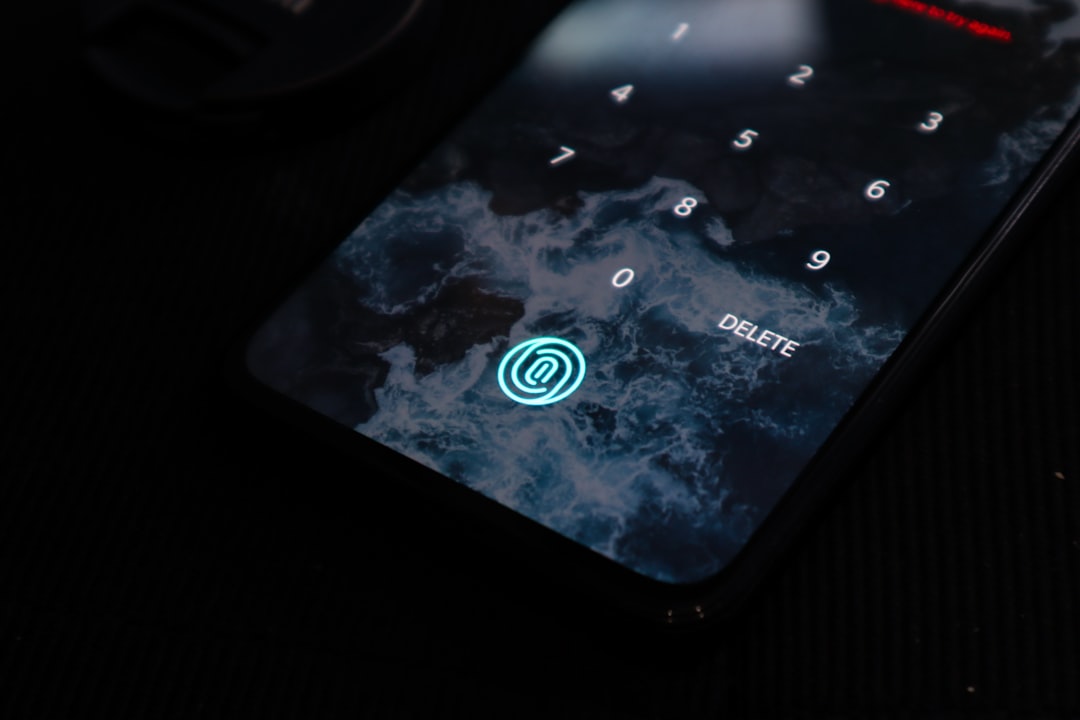
Revision 4 also formally recognizes passkeys — syncable authenticators tied to your device or biometrics rather than something you type and can forget or leak. Passkeys are increasingly treated as a stronger alternative to passwords altogether, not just a backup factor, and more major services are rolling out support each year. They aren’t yet universal, so for the accounts that still rely on a typed password, the length-and-uniqueness approach above remains the baseline everyone should be using.
The Bottom Line
The old rules — a short password, a mandatory symbol, a forced reset every 90 days — are exactly what current NIST guidance has moved away from, because they made passwords harder to remember without making them meaningfully harder to crack. The 2026 standard is simpler in practice: make it long, make it unique, don’t reuse it, and let a password manager carry the weight of remembering it. Pair that with MFA, and ideally a passkey wherever one’s offered, and you’ve covered the fundamentals that actually keep accounts safe.
Leave a Reply