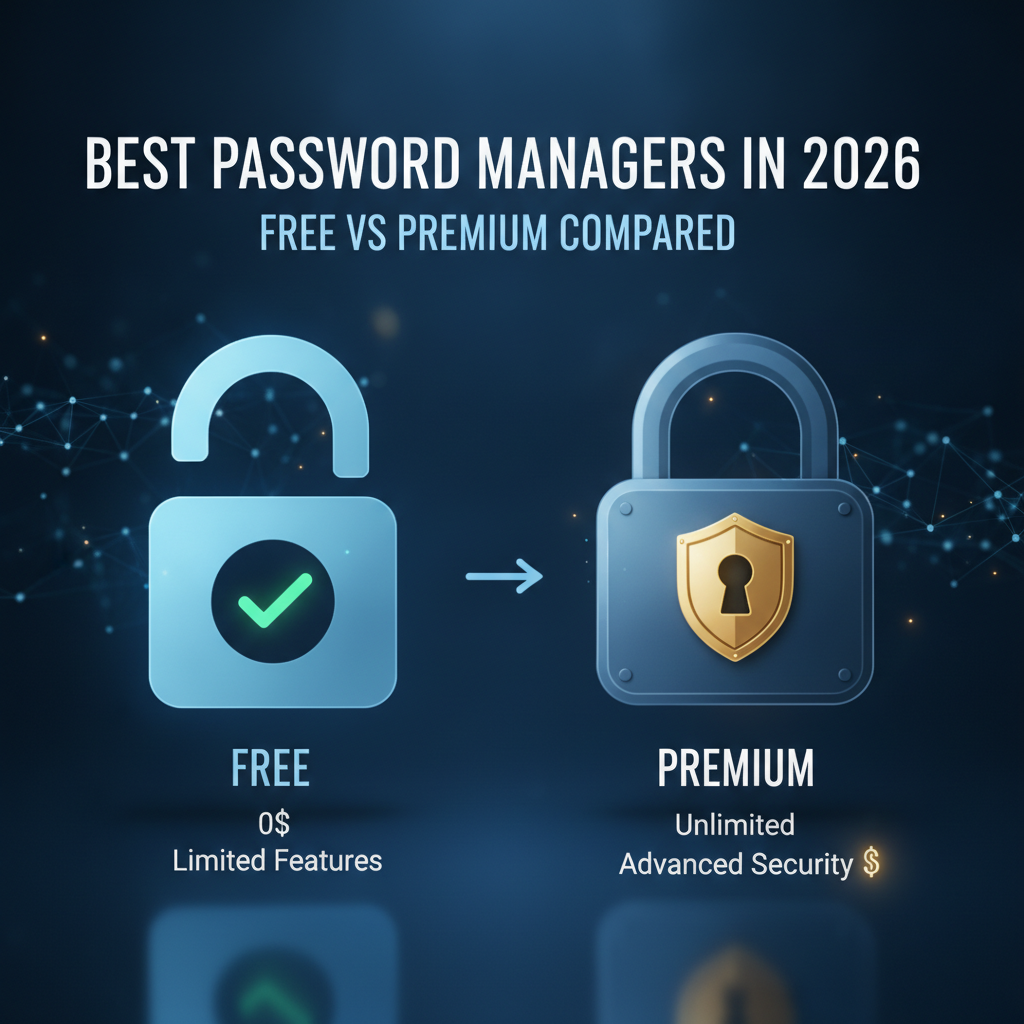
In an increasingly digital world, strong security is non-negotiable. As we look towards 2026, the landscape of cyber threats continues to evolve, making the need for robust password management more critical than ever. But with so many options available, how do you choose the best password manager? More importantly, should you opt for a free solution or invest in a premium subscription? This guide will break down the essential features, pros, and cons of both, helping you make an informed decision for a safer digital future.
Why Password Managers Are Non-Negotiable in 2026
The year 2026 will bring new challenges and advancements, but one constant remains: the vulnerability of human-generated passwords. Here’s why a dedicated password manager isn’t just a convenience, but a necessity:
- Escalating Cyber Threats: Phishing attacks are more sophisticated, AI-powered brute-force attacks are becoming a reality, and data breaches are a daily occurrence. Relying on simple, reused passwords is a recipe for disaster.
- The Rise of Passkeys and FIDO: While passkeys aim to reduce reliance on traditional passwords, their widespread adoption will take time. Password managers are already integrating passkey support, acting as a crucial bridge during this transition period.
- Seamless Cross-Device Access: Your digital life spans multiple devices. A good password manager ensures you have secure access to all your credentials, whether on your smartphone, tablet, or desktop, without sacrificing security.
- Enhanced Productivity: Say goodbye to forgotten passwords and time-consuming resets. Automatic login and form-filling save precious minutes every day.
- Generational & Family Security: As more devices and online accounts enter our homes, a reliable password manager helps secure not just individual users but entire families, often with features like secure sharing and emergency access.
Free Password Managers: Good Enough for 2026?
Many providers offer a free tier for their password manager services. These can be an excellent starting point, especially for individuals with basic needs. However, it’s crucial to understand their limitations.
Typical Features of Free Password Managers:
- Basic Password Storage: Securely stores a limited number of passwords.
- Password Generator: Creates strong, unique passwords.
- Auto-fill and Auto-login: Automatically fills login credentials and forms on websites and apps.
- Browser Extensions: Integration with popular web browsers.
- Basic Encryption: Standard AES-256 bit encryption for your vault.
Pros of Free Password Managers:
- Cost-Effective: Zero financial investment, making them accessible to everyone.
- Good Introduction: Allows users to experience the benefits of a password manager before committing to a paid plan.
- Improved Basic Security: Still significantly more secure than reusing weak passwords or writing them down.
Cons of Free Password Managers:
- Limited Features: Often lack advanced security and convenience features found in premium versions.
- Device Restrictions: May limit usage to a single device type (e.g., desktop only or mobile only).
- No Advanced Monitoring: Typically no dark web monitoring or breach alerts.
- Limited Secure Sharing: Seldom include secure sharing capabilities for families or teams.
- Customer Support: Often basic, community-based, or non-existent.
- Storage Limits: May have a cap on the number of passwords or secure notes you can store.
Who Should Consider a Free Password Manager?
If you’re an individual with a small number of online accounts, primarily use one device, and are just beginning your journey towards better password hygiene, a free password manager might suffice in 2026.
Premium Password Managers: The Gold Standard for 2026 Security
For individuals, families, and businesses serious about their digital security in the coming years, a premium password manager offers a comprehensive suite of features that justify the investment.
Advanced Features of Premium Password Managers:
- Unlimited Password Storage & Cross-Device Sync: Store as many credentials as you need, accessible across all your devices (smartphones, tablets, desktops).
- Secure File and Document Storage: Encrypted storage for sensitive files, PDFs, and images.
- Dark Web Monitoring: Scans the dark web for your compromised credentials and alerts you if your data is found in a breach.
- Security Audits & Health Checks: Analyzes your existing passwords for weaknesses (reused, weak, old) and prompts you to update them.
- Secure Sharing: Safely share passwords, credit card details, and secure notes with trusted individuals (family members, colleagues).
- Emergency Access: Grant a trusted contact access to your vault in case of an emergency.
- Advanced Two-Factor Authentication (2FA) Options: Support for hardware keys (YubiKey), biometric authentication, and built-in authenticator apps.
- Passkey Support & Management: Centralized management and synchronization for the growing number of passkeys.
- Family & Business Plans: Centralized management, shared vaults, and administrative controls for multiple users.
- Premium Customer Support: Priority access to knowledgeable support staff.
- VPN Integration (Optional): Some premium bundles include a VPN service for enhanced privacy.
Pros of Premium Password Managers:
- Comprehensive Security: Offers a full arsenal of tools to protect your digital identity against evolving threats in 2026.
- Ultimate Convenience: Seamless experience across all devices with advanced auto-fill and login capabilities.
- Peace of Mind: Features like dark web monitoring and security audits proactively protect you.
- Scalability: Ideal for families and small businesses with plans designed for multiple users.
- Dedicated Support: Access to expert assistance when you need it most.
Cons of Premium Password Managers:
- Cost: Requires a recurring subscription fee, which can add up over time.
- Learning Curve: The sheer number of features might be overwhelming for absolute beginners, though most are designed for ease of use.
Who Should Consider a Premium Password Manager?
Anyone who values robust security, uses multiple devices, manages numerous online accounts, or needs to share credentials securely (families, small teams) should opt for a premium password manager. It’s an investment in your digital future.
Key Features to Prioritize in a 2026 Password Manager
Regardless of whether you choose free or premium, ensure your chosen password manager has these fundamental capabilities:
- Strong Encryption: Look for AES-256 bit encryption, ideally with a zero-knowledge architecture (meaning even the provider cannot access your vault).
- Two-Factor Authentication (2FA) Support: Critical for adding an extra layer of security beyond just a password.
- Cross-Device Synchronization: Seamless access to your vault across all your operating systems and devices.
- Robust Password Generator: Capable of creating truly random, strong, and unique passwords.
- Reliable Auto-fill & Auto-login: Smooth integration with browsers and applications.
- Secure Architecture: A proven track record of security and transparency in its practices.
- Passkey Compatibility: As passkeys become more prevalent, your manager should be ready to store and manage them securely.
PCMag’s Methodology: How We Pick the Best Password Managers
At PCMag, our expert reviews and recommendations are based on rigorous testing and evaluation. When assessing password managers for 2026, we consider:
- Security Architecture: Examining encryption standards, zero-knowledge policies, and defense against common attack vectors.
- Feature Set: Comprehensive analysis of core password management features, advanced security tools, and unique offerings.
- Ease of Use: User interface intuitiveness, installation process, browser extension functionality, and mobile app experience.
- Privacy Policy: Transparency in data handling, logging practices, and adherence to privacy regulations.
- Value for Money: Comparing pricing tiers against the breadth and quality of features offered, particularly for premium options.
- Performance: Impact on system resources and speed of auto-fill and synchronization.
- Customer Support: Availability and quality of technical support resources.
Our Top Password Manager Picks for 2026 (Leading Solutions)
While specific features and pricing may evolve by 2026, the following password managers consistently lead the pack due to their commitment to security, innovation, and user experience. They are expected to continue evolving to meet future demands:
- Bitwarden: Known for its robust open-source security, excellent free tier, and comprehensive premium features for individuals and teams. A strong contender for those prioritizing transparency and powerful, affordable premium options.
- 1Password: A premium powerhouse offering an intuitive interface, advanced security audits, secure document storage, and family/business plans. Ideal for users seeking a highly polished experience with top-tier security.
- LastPass: A long-standing favorite with a feature-rich premium offering, strong cross-device sync, and excellent usability. Its free tier is more limited now, pushing users towards its capable premium plans.
- Dashlane: Combines a powerful password manager with additional security features like a VPN and dark web monitoring in its premium plans. Excellent for users looking for an all-in-one security solution.
- Keeper Security: Offers enterprise-grade security for individuals and businesses, with strong secure file storage, dark web monitoring, and robust administrative controls. A solid choice for maximum security.
(Note: For detailed, up-to-the-minute reviews of these and other top contenders, check out PCMag’s individual product reviews.)
FAQs: Your Password Manager Questions Answered
Q: Are password managers truly secure?
A: Yes, reputable password managers use strong encryption (AES-256) and a zero-knowledge architecture, meaning only you can access your encrypted vault with your master password. They are significantly more secure than managing passwords manually.
Q: What if I forget my master password?
A: Most password managers have strict zero-knowledge policies, meaning they cannot recover your master password. Some offer recovery options like a recovery key or emergency access setup, but typically, forgetting it means losing access to your vault. It’s crucial to choose a strong, unique master password and remember it.
Q: Can I use a password manager across multiple devices?
A: Yes, most premium password managers, and some free ones with limitations, offer seamless synchronization across all your devices (PC, Mac, iOS, Android, Linux) using secure cloud infrastructure.
Q: Should I worry about a password manager getting hacked?
A: While no system is 100% impervious, reputable password managers invest heavily in security. Even if a breach were to occur on their servers, your individual vault remains encrypted with your unique master password, making it extremely difficult for attackers to access your data.
Q: Are browser-built-in password managers good enough?
A: Browser-built-in password managers offer convenience but often lack advanced security features like dark web monitoring, secure sharing, comprehensive security audits, and cross-browser/app compatibility. They are a step up from no management, but dedicated password managers offer superior protection.
Conclusion: Invest in Your Digital Future
As we navigate the complexities of 2026 and beyond, a robust password manager is an indispensable tool for maintaining your digital security and peace of mind. While free password managers offer a valuable entry point, their limitations in features, device support, and advanced protection make them suitable mainly for very basic needs.
For most users, especially those with multiple devices, numerous accounts, or a need for family/business security, investing in a premium password manager is the clear choice. The comprehensive features—from dark web monitoring and secure sharing to advanced 2FA and future-ready passkey support—provide a level of protection and convenience that far outweighs the modest subscription cost.
Choose wisely, protect your digital identity, and step into 2026 with confidence.
Leave a Reply