
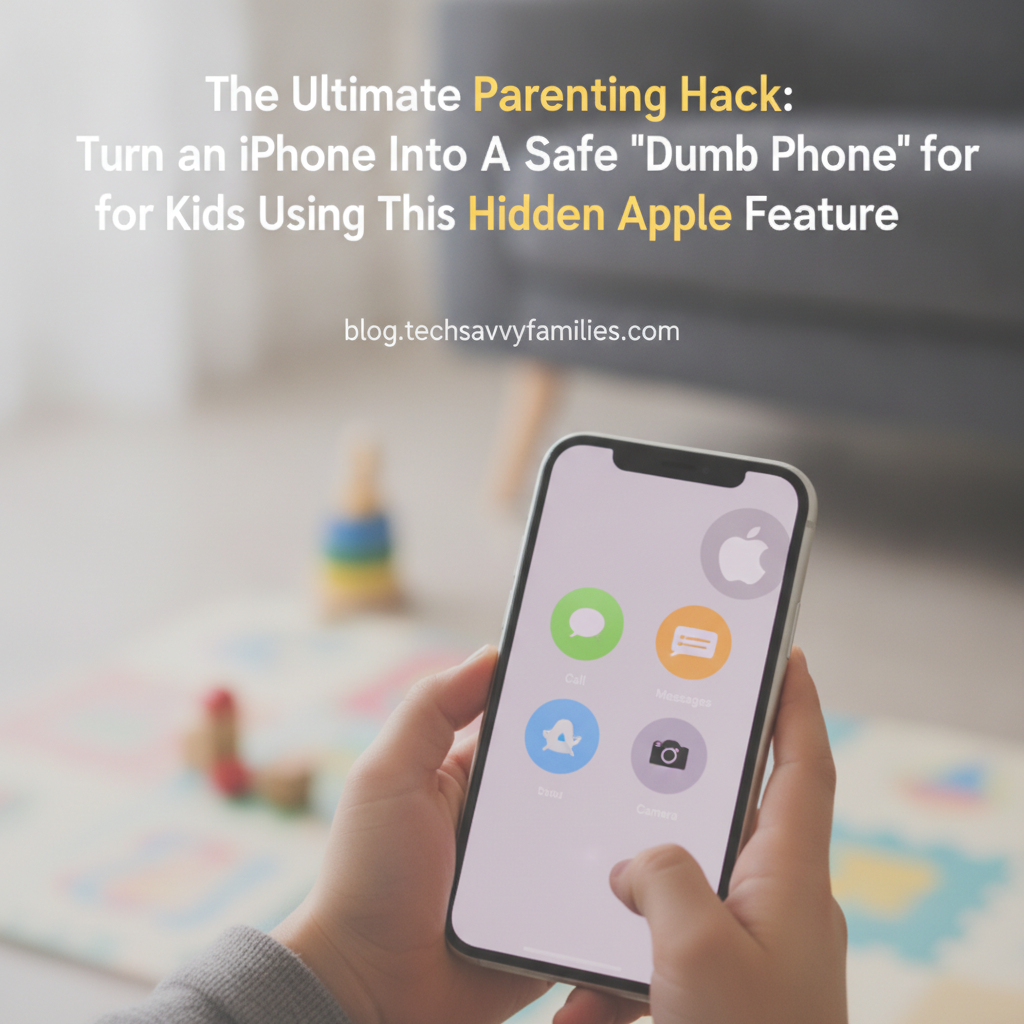
As parents in the digital age, we face a unique dilemma: when and how to introduce our children to the world of smartphones. While we want them to be connected for safety and convenience, the full power of an iPhone – with its endless apps, internet access, and social media pressures – can feel overwhelming, even dangerous, for young minds. Many consider a ‘dumb phone’ for kids, but what if you could achieve the best of both worlds using a device you already own or an older iPhone?
Good news! Apple has a powerful, yet often overlooked, feature that can transform an iPhone into the perfect ‘kids’ dumb phone’ – giving them essential communication tools without the distractions and risks of a full smartphone experience. Say hello to Guided Access, your secret weapon in responsible tech parenting.
The Smartphone Paradox: Why Full Access Isn’t Always Best for Kids
Before diving into the solution, let’s acknowledge the concerns that drive many parents to seek alternatives for their children’s first phone:
- Unlimited Internet Access: Exposure to inappropriate content and online dangers.
- Social Media Pressures: The anxieties and pitfalls of Instagram, TikTok, and other platforms.
- Excessive Screen Time: Impact on sleep, focus, and physical activity.
- Distraction from Learning: Constant notifications pulling attention away from schoolwork or real-world interactions.
- App Addiction: The endless cycle of gaming and entertainment.
These worries make the concept of a dedicated ‘dumb phone’ for kids incredibly appealing, but they often lack the GPS tracking, reliable messaging, or familiarity that an iPhone offers.
Unlock the Power of Guided Access: Your iPhone’s Built-in ‘Dumb Phone’ Mode
The core of this parenting hack lies in Guided Access, an accessibility feature designed to keep an iPhone or iPad locked to a single app and control which features are available. While it’s often used for educational settings or individuals with certain needs, it’s absolutely brilliant for creating a highly controlled, safe iPhone for children.
What is Guided Access?
Think of Guided Access as a digital straitjacket for your iPhone. Once activated, it restricts the device to a single application, preventing users from switching apps, accessing other phone features, or even using parts of the screen you designate. Combined with other iPhone parental controls, it’s incredibly effective.
Setting Up Your Kid’s Safe iPhone: A Step-by-Step Guide
Here’s how to turn an old (or new) iPhone into the perfect kids’ dumb phone:
1. Enable Guided Access
- Go to Settings > Accessibility.
- Scroll down and tap Guided Access.
- Toggle Guided Access ON.
- Tap Passcode Settings and set a Guided Access Passcode. This should be different from your child’s device passcode (if they have one) and known only to you. You can also set up Face ID/Touch ID.
2. Curate Essential Apps
Before activating Guided Access, prepare the phone:
- Remove Unnecessary Apps: Delete all social media, most games, and any other apps you don’t want your child to access.
- Focus on Core Communication: Keep only the Phone app, Messages, and perhaps Find My (for safety). You might allow one simple, offline game for emergencies or car rides, but keep it minimal.
- Disable Safari & App Store: Use Screen Time > Content & Privacy Restrictions > iTunes & App Store Purchases to disable installing apps and in-app purchases. You can also restrict web content here.
3. Activate Guided Access for Daily Use
Once your child is ready to use the phone:
- Open the desired app (e.g., the Phone app or Messages).
- Triple-click the Side button (or Home button on older models).
- The Guided Access menu will appear.
- Crucial Settings:
- Disable unwanted screen areas: You can draw circles around parts of the screen you want to disable (e.g., the contacts tab in the Phone app if you only want them to make calls from a pre-set list, though often leaving the whole app accessible is fine for phone/messages).
- Tap Options in the bottom left corner: Here you can disable the Side/Home button, Volume Buttons, Keyboards (if you want only certain text), and even set a Time Limit for the session. For a ‘dumb phone’ experience, keep the essential buttons enabled for navigation within the chosen app.
- Tap Start in the top right corner. The iPhone is now locked to that single app until you triple-click and enter your passcode again.
4. Combine with Screen Time for Comprehensive Control
While Guided Access handles the ‘locked-in-app’ aspect, Screen Time offers broader, persistent parental controls:
- App Limits: Set daily time limits for categories of apps (though with Guided Access, this is less critical if only one app is allowed).
- Downtime: Schedule times the phone can’t be used, except for approved communication apps.
- Content & Privacy Restrictions: Block inappropriate web content, prevent explicit language, restrict iTunes & App Store purchases, and prevent changes to account settings or cellular data usage.
- Communication Limits: Control who your child can communicate with, ensuring they only call or message approved contacts.
By using Guided Access with Screen Time, you build an incredibly robust, safe environment for your child’s first phone.
Why This Is the Perfect Solution for Parents
This approach offers numerous benefits that a dedicated ‘dumb phone’ or full smartphone cannot:
- Cost-Effective: Repurpose an old iPhone you already own, saving hundreds on a new device.
- Familiarity & Reliability: Your child gets a familiar Apple interface, and you get the robust performance and security of an iPhone.
- Essential Communication: Kids can make calls and send texts to approved contacts for emergencies or everyday check-ins.
- GPS Tracking: Use the Find My app for peace of mind, knowing where your child is.
- Zero Distractions: No endless scrolling, social media, or YouTube rabbit holes. Just the functionality you allow.
- Flexibility: As your child grows, you can gradually loosen restrictions and introduce more features, making it a scalable solution.
- Security: Benefit from Apple’s strong privacy and security features.
Beyond the ‘Dumb Phone’: Growing with Your Child
The beauty of this iPhone-as-dumb-phone strategy is its adaptability. As your child matures and earns more trust, you can slowly lift restrictions. You might allow access to a few educational apps, gradually increase screen time, or eventually teach them responsible internet use. It’s a flexible framework that evolves with your family’s needs.
Conclusion: Empowering Parents with Smart Tech Choices
Giving your child their first phone doesn’t have to be a leap of faith into the digital unknown. By harnessing the ‘buried’ power of Apple’s Guided Access and combining it with comprehensive Screen Time settings, you can confidently transform an iPhone into the ultimate kids’ dumb phone. Provide the safety, connection, and peace of mind you desire, without exposing them to the overwhelming aspects of modern smartphone use. It’s a smart, responsible, and incredibly effective parenting hack for the digital age.
Leave a Reply