
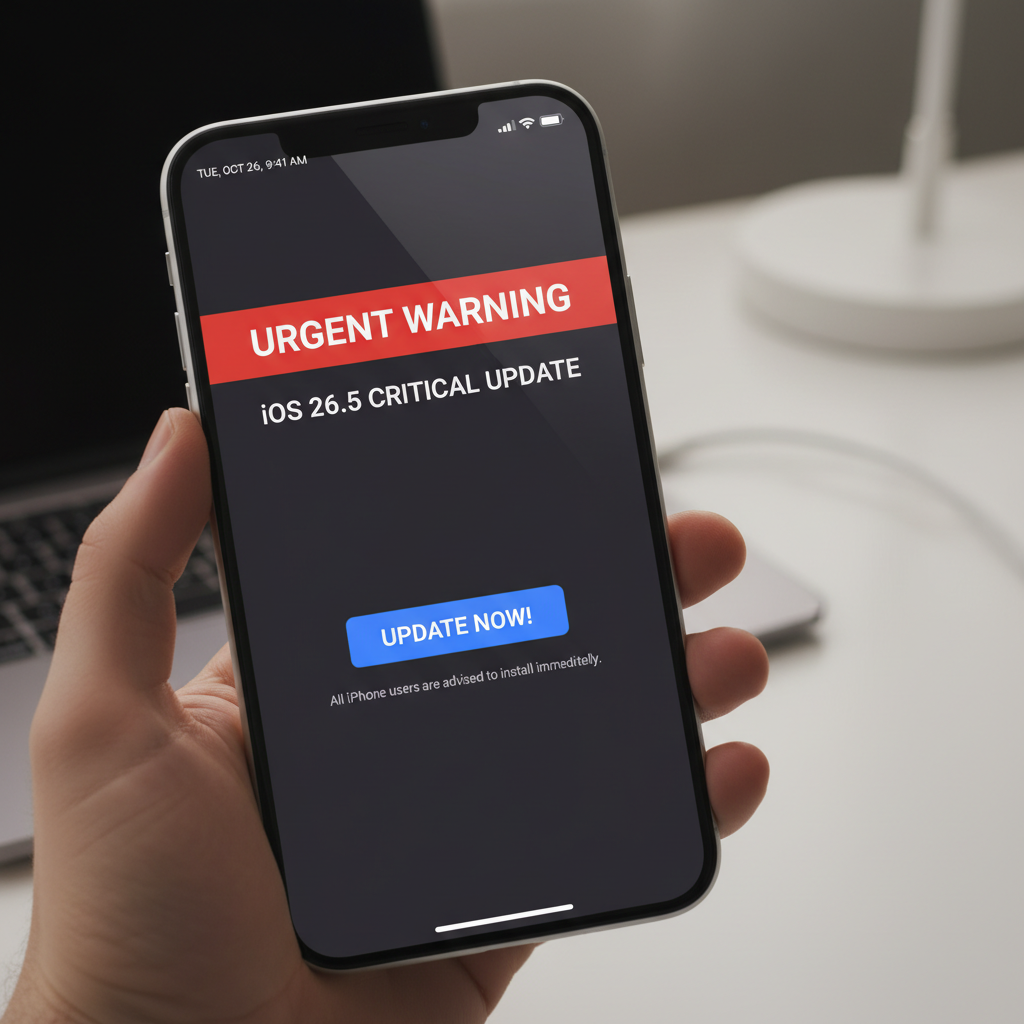
Attention, iPhone users! Apple has issued an immediate and urgent warning regarding the new iOS 26.5 update, urging all users to install it without delay. This isn’t just another routine update; it addresses critical vulnerabilities that could severely compromise your device’s security and your personal data. The message is clear: update your iPhone to iOS 26.5 now.
The tech giant rarely issues such an emphatic warning, signaling the severity of the issues resolved in this release. Ignoring this update could leave your iPhone, and by extension, your digital life, exposed to significant risks.
Why iOS 26.5 is a Must-Have Update for Every iPhone User
While specific details are often kept under wraps for security reasons, reports from experts, including those highlighted by Forbes, indicate that iOS 26.5 is paramount due to several key factors:
Critical Security Patches
The primary driver behind this urgent warning is the presence of critical security vulnerabilities that have been discovered and exploited in the wild. iOS 26.5 delivers essential patches to close these dangerous loopholes, preventing unauthorized access to your device and sensitive information. These vulnerabilities could range from zero-click exploits that don’t require any interaction from the user to sophisticated phishing attack vectors.
Safeguarding Your Personal Data
In an age where data privacy is paramount, an unpatched device is a liability. This update specifically targets exploits that could lead to the theft of personal photos, messages, banking details, and other confidential data. Updating to iOS 26.5 is your strongest defense against privacy breaches and identity theft.
Enhanced Device Integrity and Performance
Beyond security, iOS 26.5 also brings crucial bug fixes and performance enhancements. Users may notice improved stability, faster app loading times, and better battery optimization after updating. While these are welcome additions, the security aspect remains the most compelling reason to update immediately.
How to Update Your iPhone to iOS 26.5
Updating your iPhone is a straightforward process, but it’s crucial to follow these steps carefully to ensure a smooth installation:
- Backup Your iPhone: Before any major update, it’s always recommended to back up your device. You can do this via iCloud or by connecting your iPhone to your computer and using Finder (macOS Catalina or later) or iTunes (older macOS/Windows).
- Ensure Adequate Power: Make sure your iPhone is charged to at least 50% or, ideally, connected to a power source.
- Connect to Wi-Fi: A stable Wi-Fi connection is essential for downloading the update package, which can be large.
- Initiate the Update:
- Go to Settings.
- Tap on General.
- Tap on Software Update.
- You should see the iOS 26.5 update available. Tap Download and Install.
- Follow On-Screen Prompts: Your iPhone will verify the update, download it, and then prompt you to install. This process may involve restarting your device multiple times. Do not interrupt your iPhone during this phase.
The update process usually takes between 15-30 minutes, depending on your internet speed and iPhone model.
Don’t Delay: The Risks of Not Updating
Postponing this critical update exposes you to known vulnerabilities that malicious actors are actively trying to exploit. Every hour you delay could potentially be an hour your data is at risk. Apple issues these warnings to protect its user base, and acting on them promptly is the best way to safeguard your digital well-being.
Stay Safe, Stay Updated
Apple’s commitment to security is evident in its rapid response to emerging threats. By releasing iOS 26.5 with such an urgent advisory, they underscore the immediate danger these vulnerabilities pose. Make it a priority to update your iPhone today. It’s not just about getting new features; it’s about protecting yourself and your data in an increasingly complex digital landscape.
Stay vigilant, stay informed, and most importantly, stay updated!
Leave a Reply