
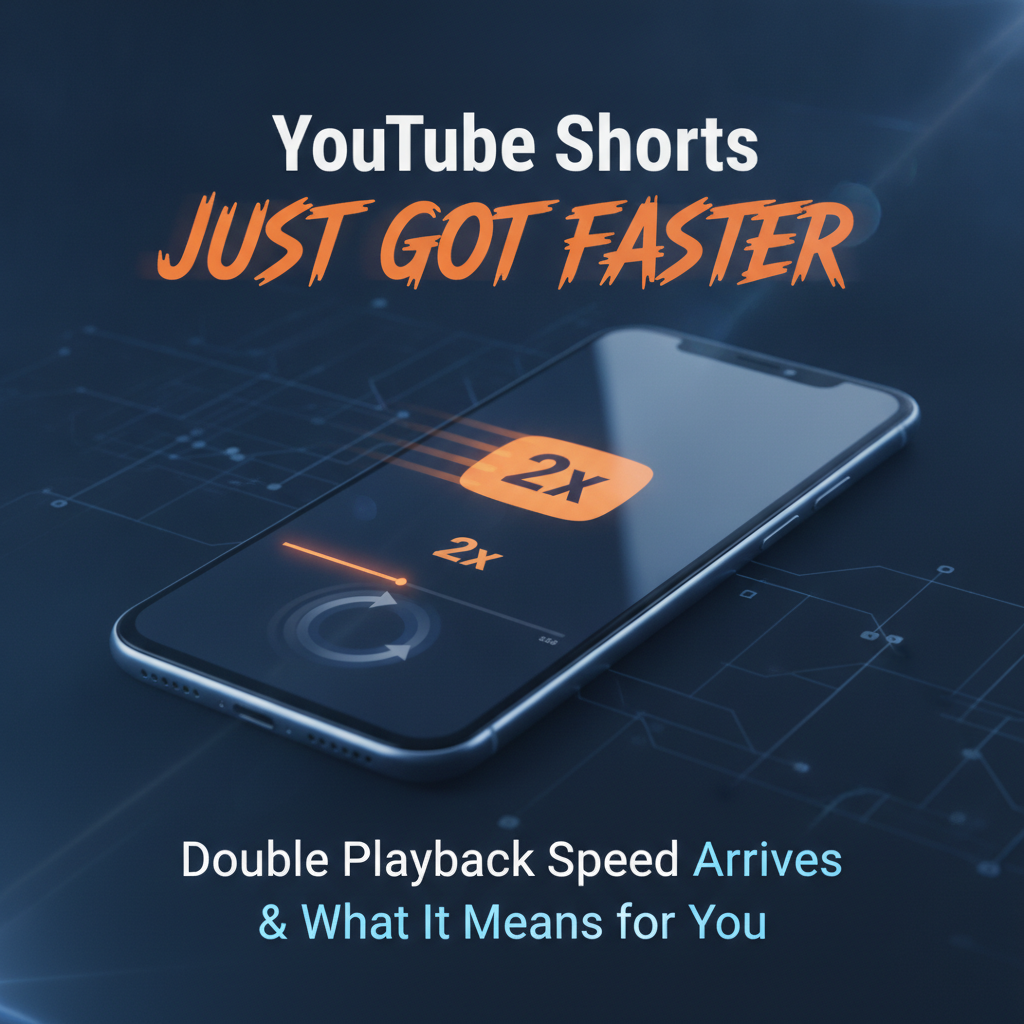
In the relentless race for attention in the short-form video landscape, platforms are constantly innovating to enhance the user experience and give creators new tools. The latest significant update from YouTube is set to shake things up even further: YouTube Shorts now supports double playback speed. This seemingly simple feature has profound implications for how content is consumed and created, making the already rapid-fire format even more dynamic.
The Need for Speed: What the 2x Playback Feature Does
For years, viewers have enjoyed the ability to adjust playback speed on longer YouTube videos, speeding through tutorials or slowing down complex explanations. Now, that power extends to Shorts. This update means users can watch their favorite vertical videos at twice the original speed, allowing for even quicker consumption of content.
Imagine scrolling through your Shorts feed, encountering a video that’s a bit slow-paced, or perhaps you just want to get to the punchline faster. With 2x playback, you can zip through more videos in less time, making your viewing sessions hyper-efficient. It’s a direct response to the ever-decreasing attention spans and the demand for instant gratification that defines the short-form video genre.
For the Viewer: More Content in Less Time
The benefits for viewers are clear: efficiency and control. This feature empowers users to:
- Consume More: Watch a greater volume of content during a limited browsing session.
- Skip to the Good Parts: Easily fast-forward through slower introductions or less engaging segments without fully skipping the Short.
- Re-watch Key Moments: Quickly re-run a visual gag or an important piece of information without having to wait for the original speed.
- Cater to Different Paces: Some creators speak faster or slower, and 2x speed allows viewers to normalize the pace to their preference.
However, there’s a subtle shift in the viewing dynamic. With the option to speed up, viewers might become even less tolerant of content that doesn’t immediately grab and hold their attention at a brisk pace.
For the Creator: Adapting to Hyperspeed Consumption
This update presents both opportunities and challenges for YouTube Shorts creators. Adapting to a world where your content can be consumed at double speed requires a strategic shift:
Opportunities:
- Increased Engagement Potential: If your content is highly engaging and re-watchable, viewers might consume it multiple times, even at 2x speed, leading to higher watch time.
- Efficient Information Delivery: Creators who deliver quick tips, tutorials, or news can pack more into their Shorts, knowing viewers can digest it faster.
- Visual Focus: As audio might become garbled at 2x speed, strong visual storytelling becomes even more paramount.
Challenges and Adaptation Strategies:
- Be Concise, Sharper, Faster: Every second counts more. Get to the point immediately. The hook needs to be instant and visually compelling.
- Visual Over Audio (Sometimes): While audio is crucial, ensure your visual narrative can convey the message even if the audio is sped up or difficult to parse. Use text overlays effectively.
- Clarity is King: If your content relies on spoken word, ensure your speech is clear and well-articulated, even if it’s eventually played at 2x.
- Pacing Matters: Consider your natural speaking pace. If you tend to speak slowly, viewers might be more inclined to use 2x speed. Embrace quick cuts and dynamic editing.
- Embrace the Loop: Design content that feels satisfying or makes sense even when watched rapidly or on a loop.
The Bigger Picture: YouTube’s Battle in the Short-Form Arena
This move isn’t just about a new feature; it’s YouTube’s strategic play in the ongoing battle against TikTok and Instagram Reels. Short-form video is a hyper-competitive space, and platforms are constantly looking for ways to differentiate and enhance their offerings. By adding 2x playback speed, YouTube is leaning into the core tenet of short-form content: speed and efficiency of information delivery.
It reflects an understanding that viewers want control and expect a tailored experience. As the platform evolves, expect more features that prioritize viewer choice and creator adaptability, further solidifying YouTube Shorts as a formidable player in the vertical video market.
How to Use the New 2x Playback Speed on YouTube Shorts
While the exact user interface might vary slightly upon rollout, expect to find the 2x playback speed option easily accessible within the Shorts player. Typically, you might:
- Open the YouTube app and navigate to the Shorts feed.
- Tap on a Short to bring up the playback controls or options menu.
- Look for a speed icon (often a gear or ‘1x’) and select ‘2x’ or ‘Fastest’ to double the playback rate.
This setting is usually sticky, meaning once you set it for one Short, it might apply to subsequent Shorts until you change it again.
Conclusion: The Future is Fast
The introduction of 2x playback speed for YouTube Shorts is more than just a novelty; it’s a testament to the ever-accelerating pace of digital content consumption. For viewers, it’s about unparalleled efficiency and control. For creators, it’s a call to refine their craft, making content that is not just engaging but also resilient to hyperspeed viewing.
As YouTube continues to innovate, creators who embrace these changes and adapt their strategies will be best positioned to thrive in the fast-paced, dynamic world of short-form video. Get ready to create, and watch, at lightning speed!
Frequently Asked Questions About YouTube Shorts 2x Playback Speed
Q: Is 2x playback speed available for all YouTube Shorts?
A: Yes, once fully rolled out, this feature is expected to be available for all YouTube Shorts videos across the platform.
Q: How do I change the playback speed on YouTube Shorts?
A: Typically, you’ll tap on the Short itself or look for a settings/options icon within the Shorts player, where you can then select the desired playback speed, including 2x.
Q: Why did YouTube add 2x speed for Shorts?
A: YouTube likely added 2x speed to enhance the viewer experience, allowing users to consume more content in less time, skip through slower parts, and remain competitive with other short-form video platforms by offering greater playback control.
Q: Should creators make their Shorts faster now?
A: While you don’t necessarily need to create your content at a frantic pace, it’s crucial to be mindful that viewers can speed it up. Focus on clear, concise, visually engaging content with immediate hooks and strong storytelling that can still be understood and enjoyed even at double speed.
Leave a Reply