Google Gemini continues to evolve as Google adds smarter AI models, improved voice conversations, creative tools, and new ways to use AI across everyday devices. In September 2026, Google announced Gemini 3.8 Live and Gemini 3.8 Live Extended Thinking, alongside updates to the Gemini app and Google’s AI ecosystem.
Whether you are a student, content creator, developer, or someone interested in the latest technology, these Gemini updates are worth knowing.+
What Is Google Gemini?
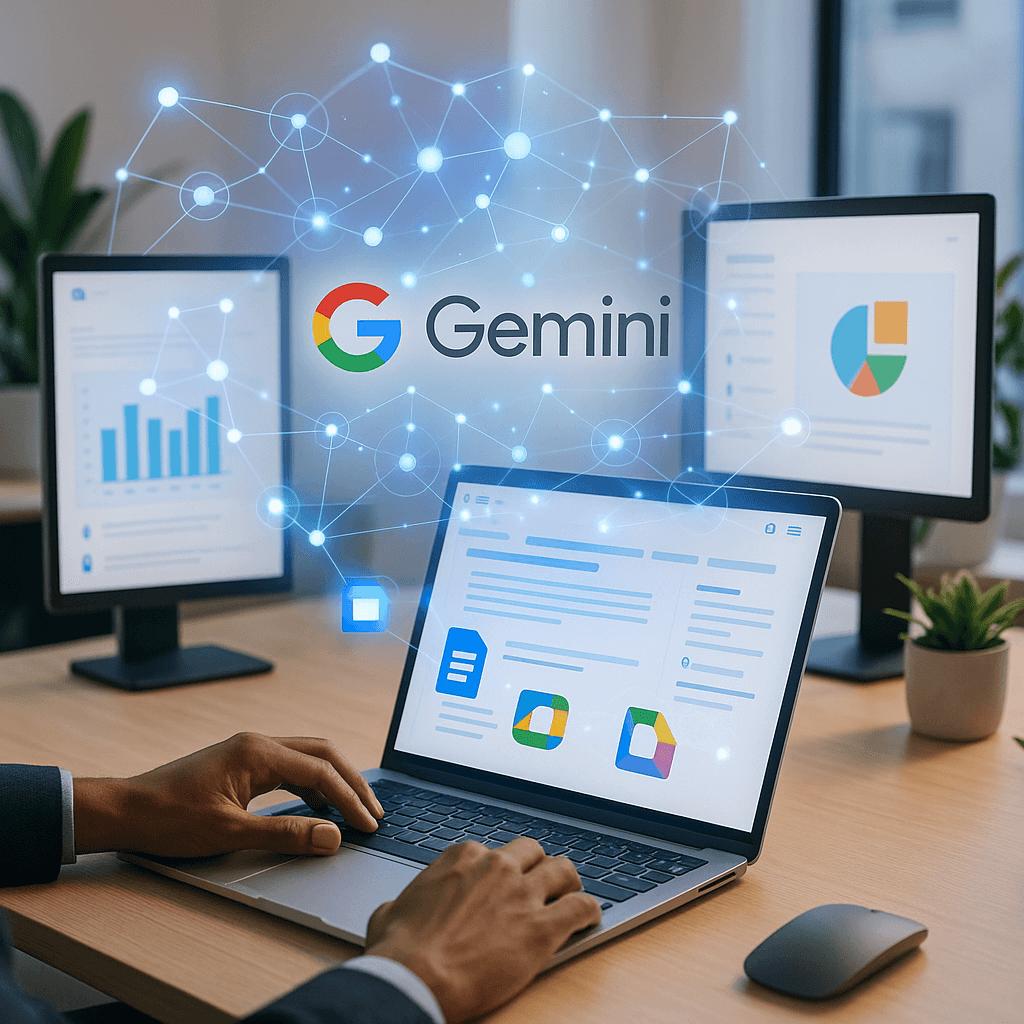
Google Gemini is Google’s artificial intelligence assistant and family of AI models. It can help users answer questions, write content, summarize information, brainstorm ideas, understand images, and perform various productivity tasks.
Unlike a traditional search engine, Gemini is designed to interact with users through natural language. You can ask questions, request explanations, and work through ideas with AI.
Google is now expanding Gemini into voice conversations, desktop applications, and more advanced AI workflows.
1. Gemini 3.8 Live: More Natural AI Conversations
One of the biggest recent updates is Gemini 3.8 Live, announced by Google on September 15, 2026.
Google describes Gemini 3.8 Live as one of its most advanced live dialogue models. It is designed to make conversations with AI more natural, fluid, and intelligent.
Key features
- More natural voice conversations.
- Better handling of real-time visual context.
- Improved language understanding.
- Support for complex conversations.
- Background task execution while you continue talking.
This means Gemini is becoming more useful for people who prefer speaking to an AI assistant rather than typing every question.
For example, you could use a voice assistant to discuss an idea, ask follow-up questions, or get help understanding something you are looking at.
2. Gemini 3.8 Live Extended Thinking
Google has also introduced Gemini 3.8 Live Extended Thinking.
This version is designed for more complex reasoning while maintaining a natural conversation. Instead of focusing only on quick answers, it is intended to help with tasks that require additional thought.
What can it help with?
- Breaking down difficult questions.
- Working through complicated ideas.
- Discussing multi-step tasks.
- Providing more thoughtful responses.
- Continuing a conversation while handling tasks in the background.
For students, this could be useful when asking for explanations of difficult subjects. For developers, it may help with discussing coding problems and technical concepts.
Availability depends on the Gemini product and account.
3. Gemini App Comes to Windows
Google has launched a dedicated Gemini app for Windows, making it easier to access AI directly from a desktop computer.
Previously, many users accessed Gemini through a web browser. A dedicated desktop app offers another way to use the assistant alongside everyday computer applications.
Why this matters
The Windows app can make AI more convenient for:
- Writing blog posts and articles.
- Brainstorming content ideas.
- Asking questions while working.
- Creating images and other content.
- Getting help with everyday tasks.
Google announced that the Windows app is available for Windows 10 and Windows 11.
For bloggers and tech enthusiasts, desktop access can make it easier to use Gemini while working on a website.
4. More AI Tools for Creativity
Google has been expanding its AI capabilities beyond text conversations.
Its recent AI announcements include tools for image creation, editing, video generation, and other creative workflows.
Google I/O 2026 introduced Gemini Omni, a model designed to work with text, audio, images, and video inputs. Google also announced Google Pics, an image generation and editing tool for Workspace and AI users.
How creators can use AI
Content creators may use AI tools to:
- Generate ideas for YouTube thumbnails.
- Create illustrations for blog posts.
- Edit images using natural language.
- Develop video concepts.
- Write scripts and captions.
These tools can be helpful for creators who want to experiment with different types of content.
However, access and available features may vary by product, subscription, and region.
5. Gemini and Google Workspace
Google is also bringing AI deeper into productivity tools.
Google’s AI announcements include new features for Gmail, Docs, Keep, and Sheets.
Some of the announced capabilities include voice features and Google Pics for image generation and editing. Google has also introduced Gemini Spark, an AI agent designed to help with tasks under a user’s direction.
Benefits for everyday users
Imagine using AI to help with:
- Drafting an email.
- Summarizing a document.
- Organizing notes.
- Creating content ideas.
- Working with spreadsheet information.
These features aim to reduce repetitive work and make Google’s productivity tools more useful.
Some advanced features require eligible Google AI or Workspace plans.
6. Better AI for Developers
Gemini is not only designed for everyday users. Google is also developing AI models and tools for software developers.
At Google I/O 2026, Google announced Gemini 3.5 Flash for agentic tasks and coding. The model is designed to support complex workflows and development tasks.
Developers can use Gemini-related tools for:
- Understanding code.
- Debugging programming problems.
- Creating application ideas.
- Working with AI agents.
- Exploring software development workflows.
AI coding tools can save time, but developers should still review generated code carefully for errors, security issues, and compatibility.
7. Gemini’s Role in Android and Google Services
Google is also expanding AI features across its ecosystem, including Android and other Google services.
Gemini-powered features are being integrated into different experiences, helping users access AI assistance more naturally.
The goal is to make AI useful not just inside a chatbot, but also while using phones, computers, and productivity applications.
This broader integration is one of the important directions in Google’s AI development.
8. What These Updates Mean for Users
The latest Gemini updates show that AI assistants are moving toward more interactive and useful experiences.
Instead of only answering typed questions, modern AI tools are increasingly designed to:
- Understand voice conversations.
- Work with different types of media.
- Help with complex tasks.
- Support productivity apps.
- Assist with coding and creative work.
For users, this means there are more ways to interact with AI and use it in everyday activities.
Should You Try Google Gemini?
If you are interested in AI, content creation, coding, or productivity, Gemini is worth exploring.
The most useful features will depend on your needs. Someone who enjoys voice conversations may prefer Gemini Live, while a blogger may be more interested in writing and image tools.
You should also check which features are available on your device and account before expecting access to every announced capability.
Final Thoughts
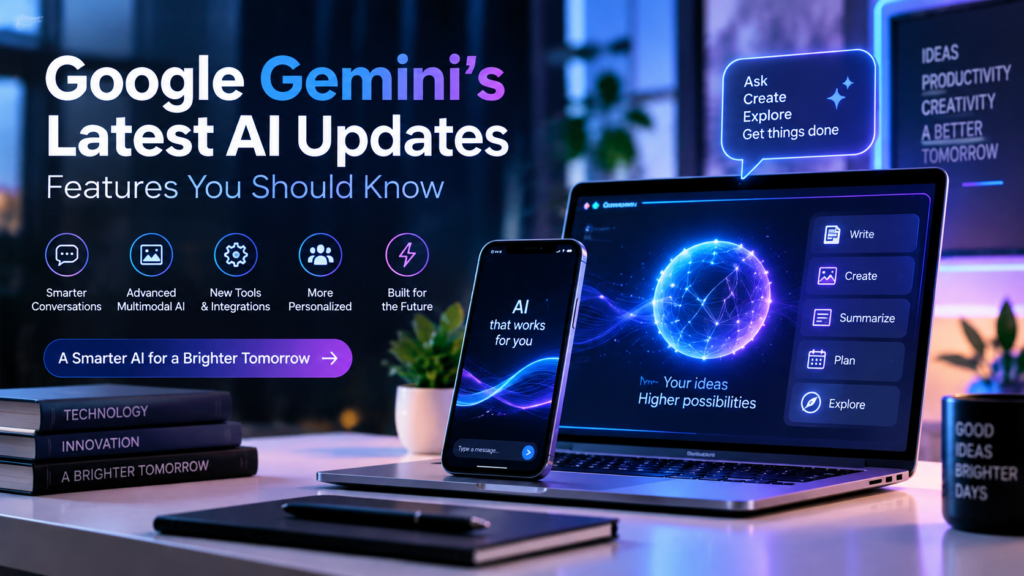
Google Gemini’s latest AI updates show how quickly artificial intelligence is developing in 2026.
From Gemini 3.8 Live and Extended Thinking to the Windows app and new creative tools, Google is expanding the ways people can use AI.
For students, creators, developers, and everyday users, these features offer new opportunities to learn, create, and work more efficiently.
As AI technology continues to improve, Gemini will remain an important part of Google’s strategy for bringing artificial intelligence into everyday life.
Stay tuned to Tech Nexa for more technology news, AI updates, and useful guides.